

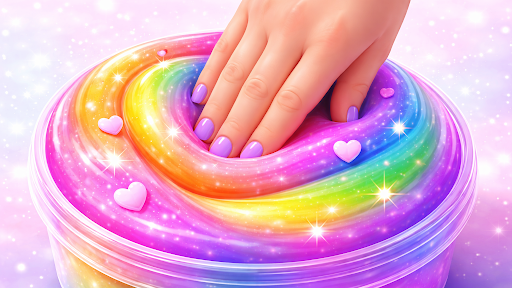
Discover a new texture to play with
Open the Uncommon collection and pick a fresh slime to explore. Try the blue Cracked surface for a different look beneath your fingertips.
Pick your next slime
Use Uncommon slimes, then choose a texture from the collection as usual.
Available unlocks
Uncommon slimesPremium
Open the Uncommon collection and choose a new slime texture.
Use the control, then pick an Uncommon slime from your collection.
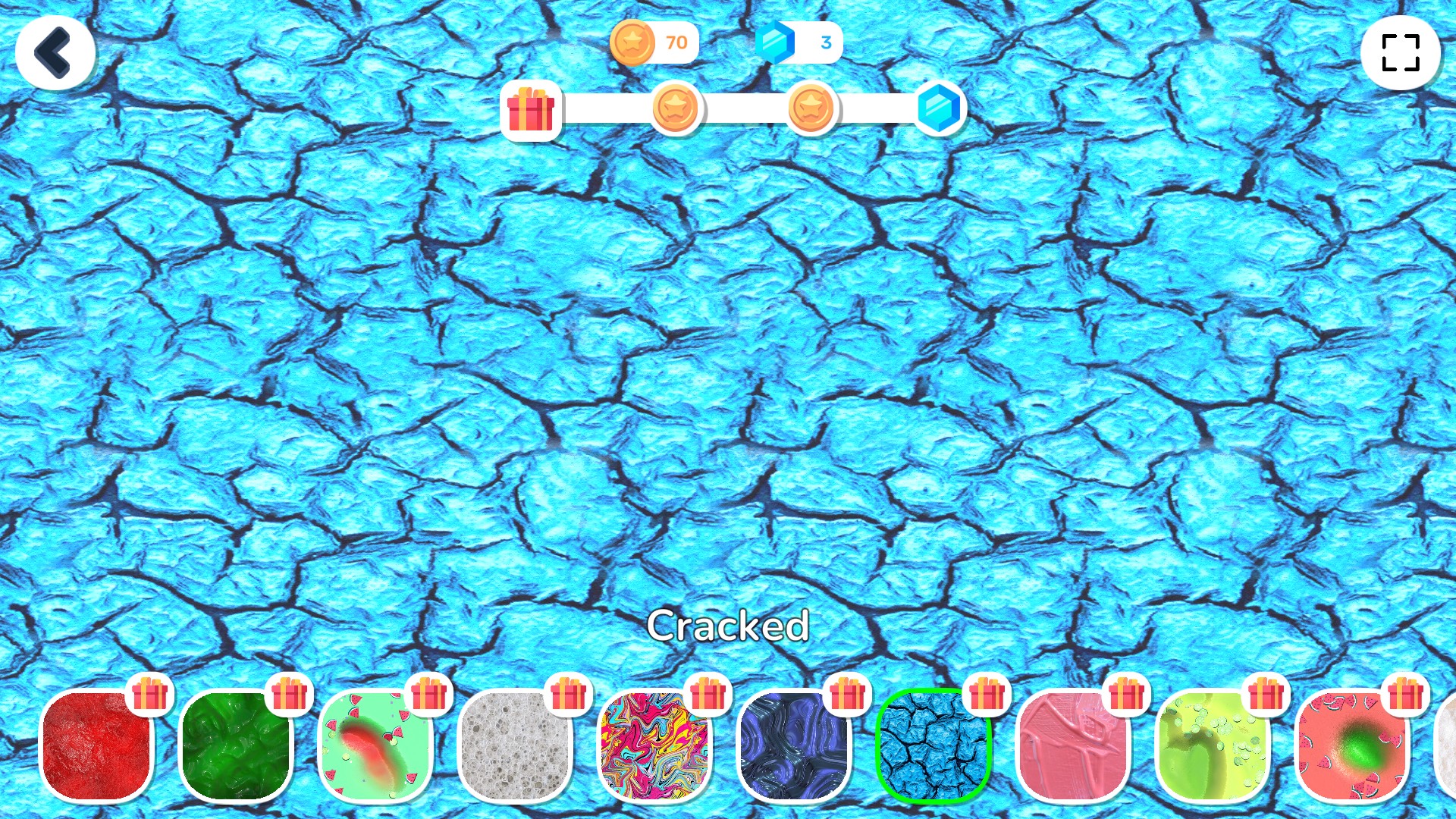
Explore Uncommon slimes
Open the Uncommon collection and try a new texture, like Cracked slime.
More ways to customise Slime Simulator
- Slime Simulator stat modifiers
Personalize how your current slime presses, stretches and settles.
- Slime Simulator customise
Set your preferred coin and gem amounts.
Using these features
Choose the feature in the Windows app after connecting your game. Check its requirements before making a change.
Setup for Slime Simulator →