


Unlocks
1 optionOpen the Uncommon collection and choose a new texture.
View unlocks →Pick a colorful slime, press into its surface and drag it around at your own pace. From red Jelly to the blue Cracked texture, Slime Simulator is all about finding a satisfying way to play.
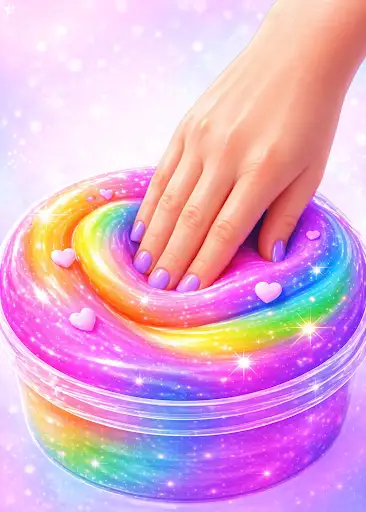
Try the free Slime feel control to personalize touch response. Premium controls let you choose coin and gem balances or open the Uncommon collection.
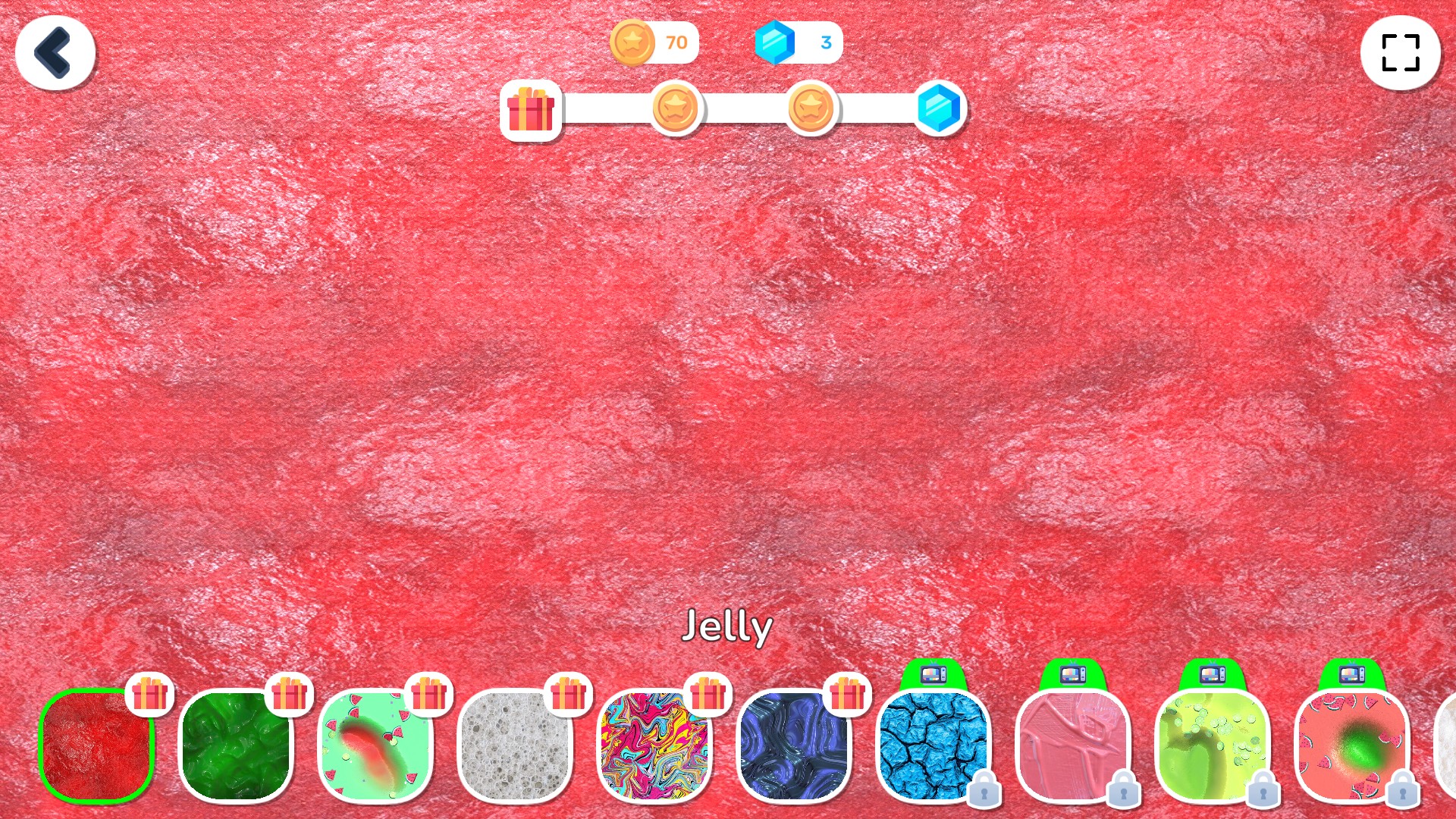
Make time for a little slime
Explore colorful textures and settle into Slime Simulator's hands-on slime play.
Open the Uncommon collection and choose a new texture.
View unlocks →Personalize how your current slime presses, stretches and settles.
View stat modifiers →Set your preferred coin and gem amounts.
View customise →Download the Windows app and follow the setup prompts.
Set up the browser extension in Chrome or Edge, then open the supported YouTube Playable. Follow the connection guide if the game is already running.
Review the available options in the app and choose the ones that suit how you play.