


Find a slime feel you enjoy
Adjust press depth, stretch and recovery to personalize the slime you're playing with. Explore the controls while pressing and dragging across the surface.

Make it feel right
Open a slime, choose your feel settings and switch the control on. Switch it off to return to the original feel. After choosing another slime, switch it off and on again to apply your settings.
Available stat modifiers
Slime feelFree
Personalize how deeply your current slime presses, how much it stretches and how quickly it settles.
Open a slime before switching on. Switch off to restore its original feel; after choosing another slime, switch off and on again.
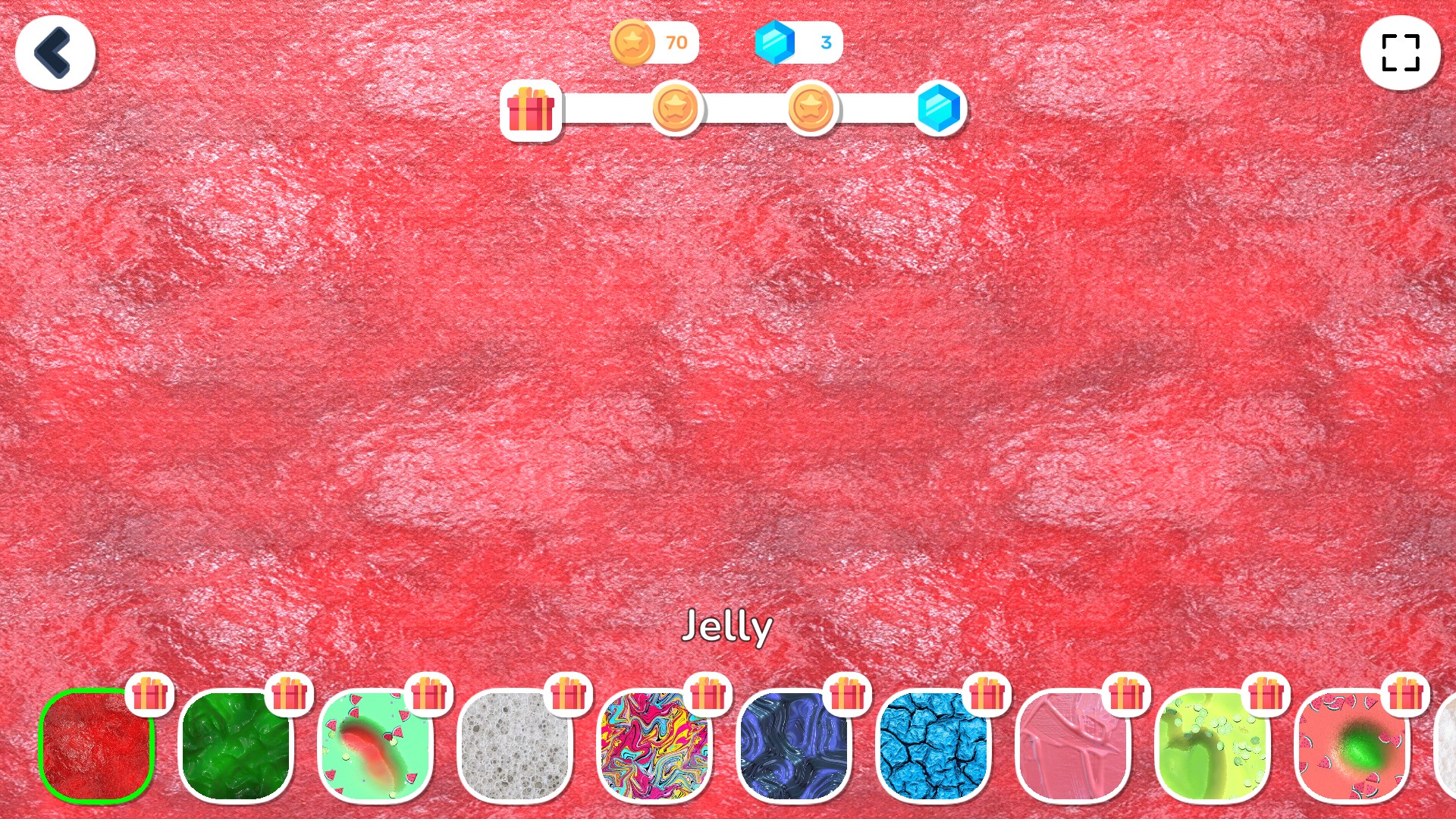
Find your favorite slime feel
Adjust press depth, stretch and recovery while playing with your current slime.
More ways to customise Slime Simulator
- Slime Simulator unlocks
Open the Uncommon collection and choose a new texture.
- Slime Simulator customise
Set your preferred coin and gem amounts.
Using these features
Choose the feature in the Windows app after connecting your game. Check its requirements before making a change.
Setup for Slime Simulator →