


Choose your coin and gem balances
Set the coin and gem amounts you want before settling in with your slime collection. Both balances have their own controls, so you can choose them together.

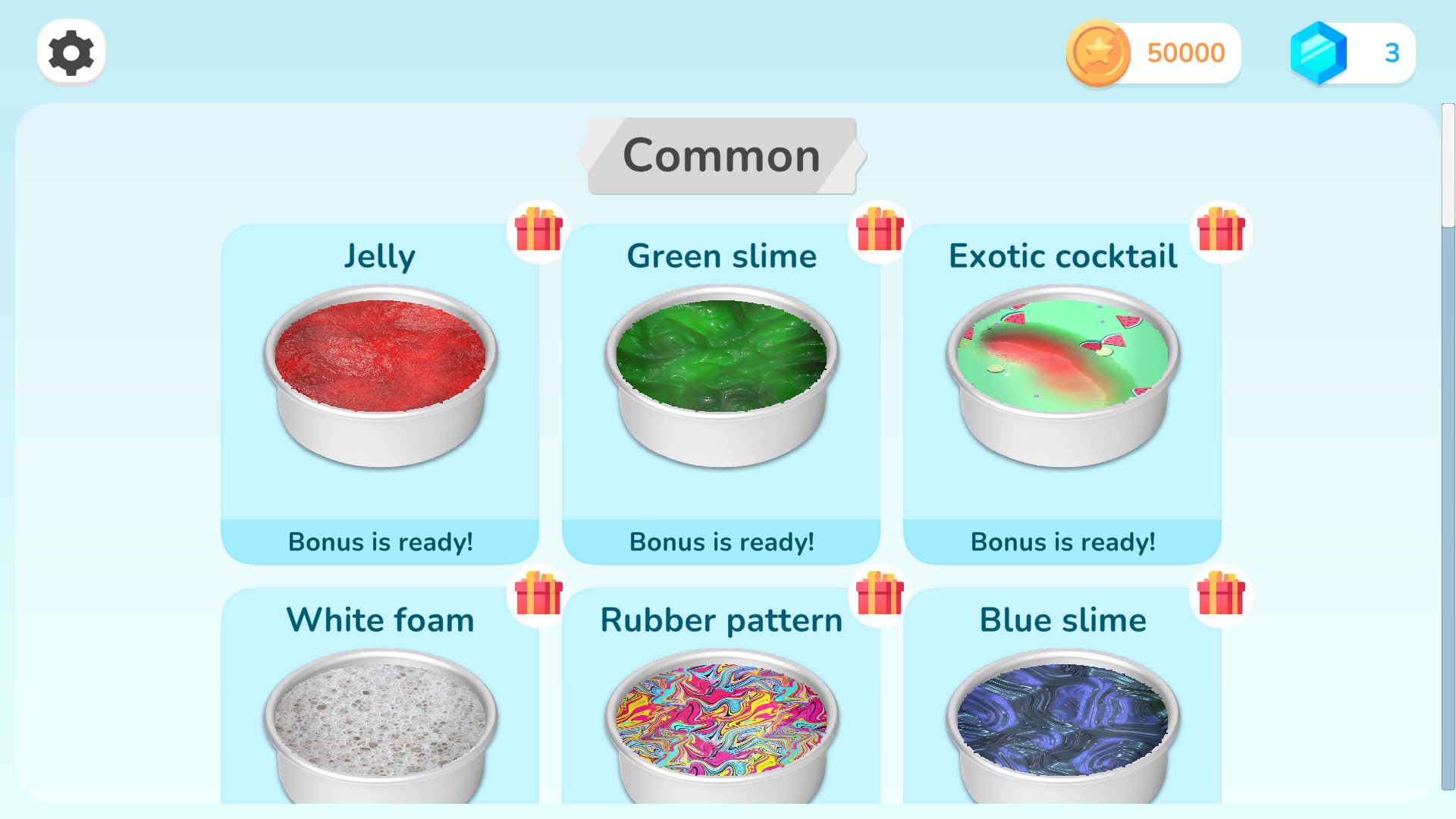
Choose your coin balance
Set your coin balance in Slime Simulator.
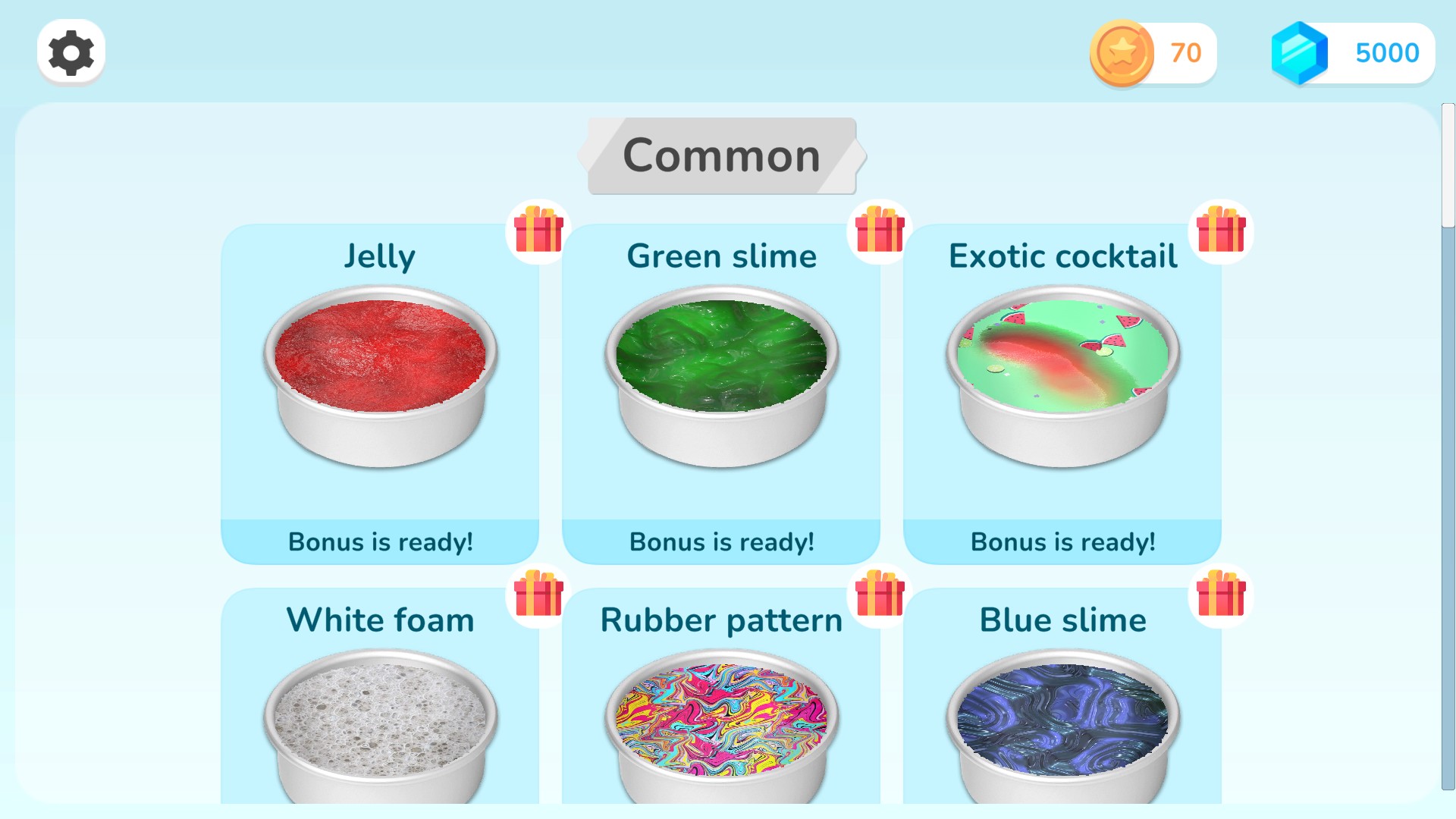
Set your gem balance
Choose your gem balance before settling in with your favorite slime.
Start with your chosen balances
Apply both balances together each time you start playing.
Available customise
CoinsPremium
Choose your coin balance.
Set your desired coins and gems together when you start playing.
GemsPremium
Choose your gem balance.
Set your desired gems and coins together when you start playing.
More ways to customise Slime Simulator
- Slime Simulator unlocks
Open the Uncommon collection and choose a new texture.
- Slime Simulator stat modifiers
Personalize how your current slime presses, stretches and settles.
Using these features
Choose the feature in the Windows app after connecting your game. Check its requirements before making a change.
Setup for Slime Simulator →