

Change reward costs and survival rules
Keep using the game's reward reroll button at zero cost, or change how your character handles incoming attacks. The free-reroll rule is free; health refill and damage prevention are separate Premium controls.
Choose damage protection or health refill
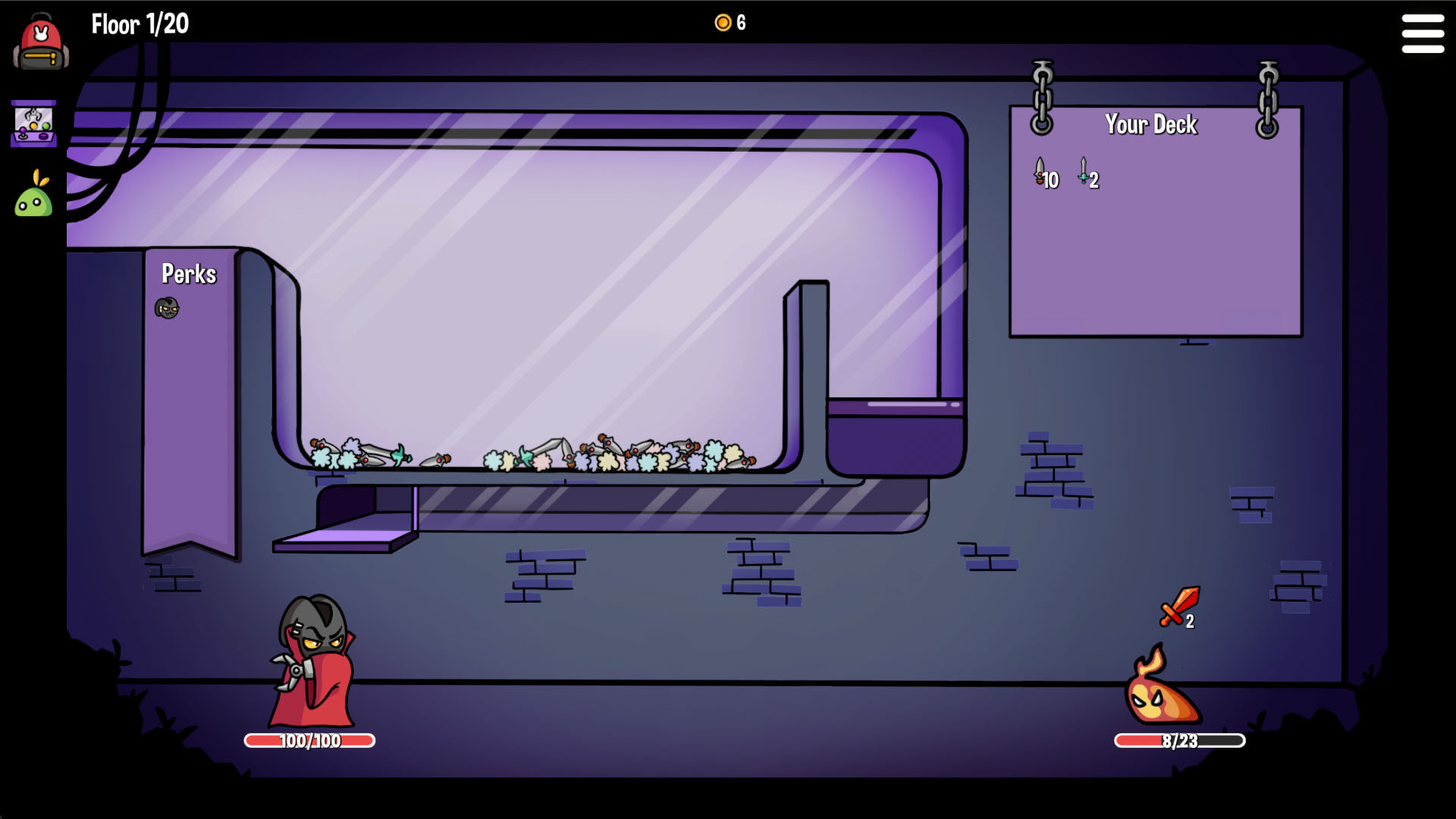
Use No Damage to prevent incoming damage, or Full Health to refill lost health. Health refill can still leave you vulnerable to a lethal single hit.
Free Rerolls
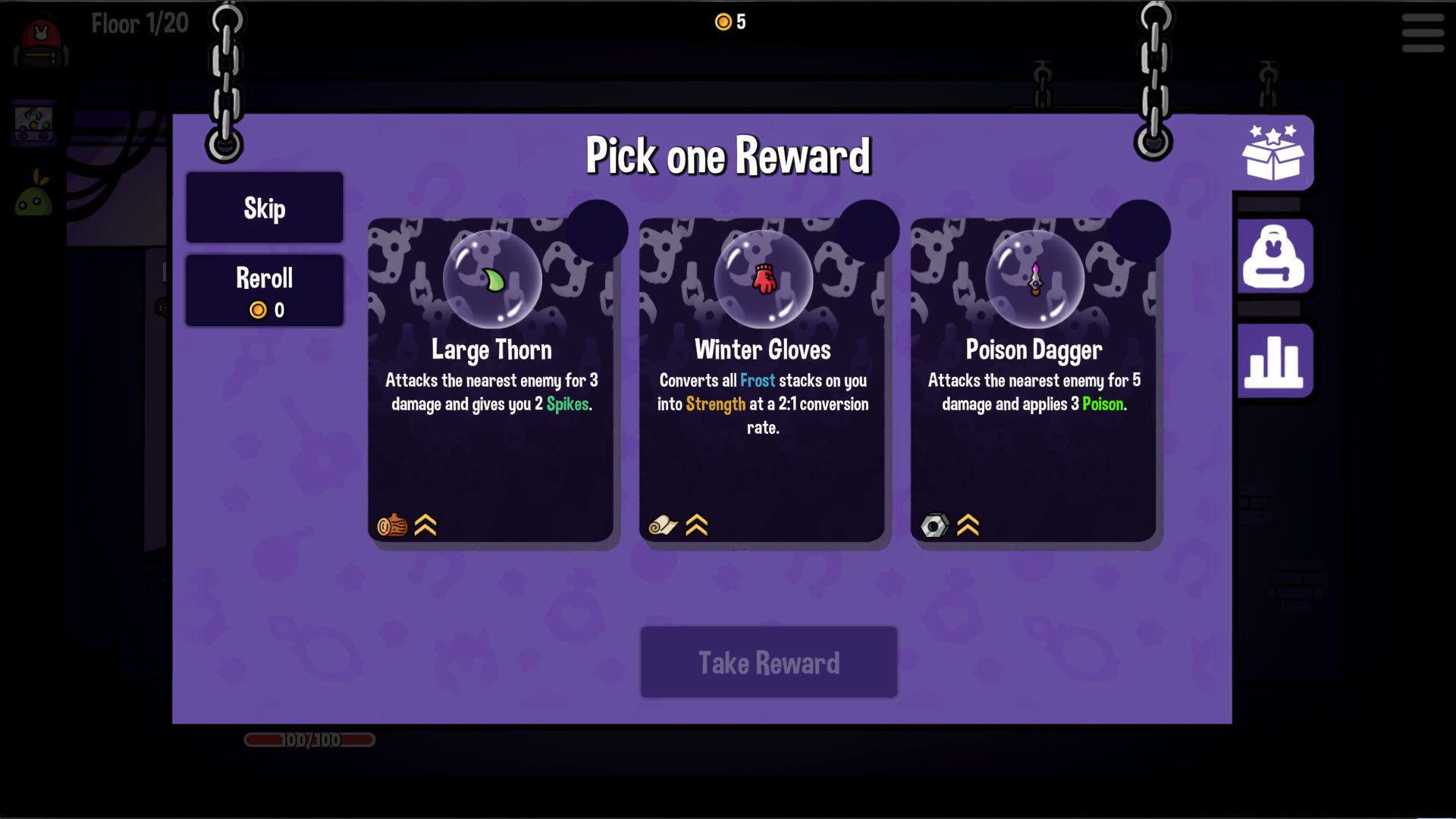
Keep gold for other items by making reward rerolls free.
Use the game's reroll button
Open a reward selection, enable All reward rerolls are now free and check that the reroll button shows zero cost. Use that button to refresh choices while keeping coins for other purchases.
Choose healing or damage prevention
Full health restores missing health after damage and keeps refilling it. A lethal single hit can still kill you before healing helps. No damage instead prevents incoming attacks from damaging your character; it is a separate toggle rather than another healing control.
Available rule modifiers
All reward rerolls are now freeFree
Set reward rerolls to zero cost so you can use the game's reroll button without spending coins.
Open the reward screen, enable the rule and check the displayed reroll cost before using the button.
Before you use it: Applies to reward rerolls, not every purchase or other cost in the game.
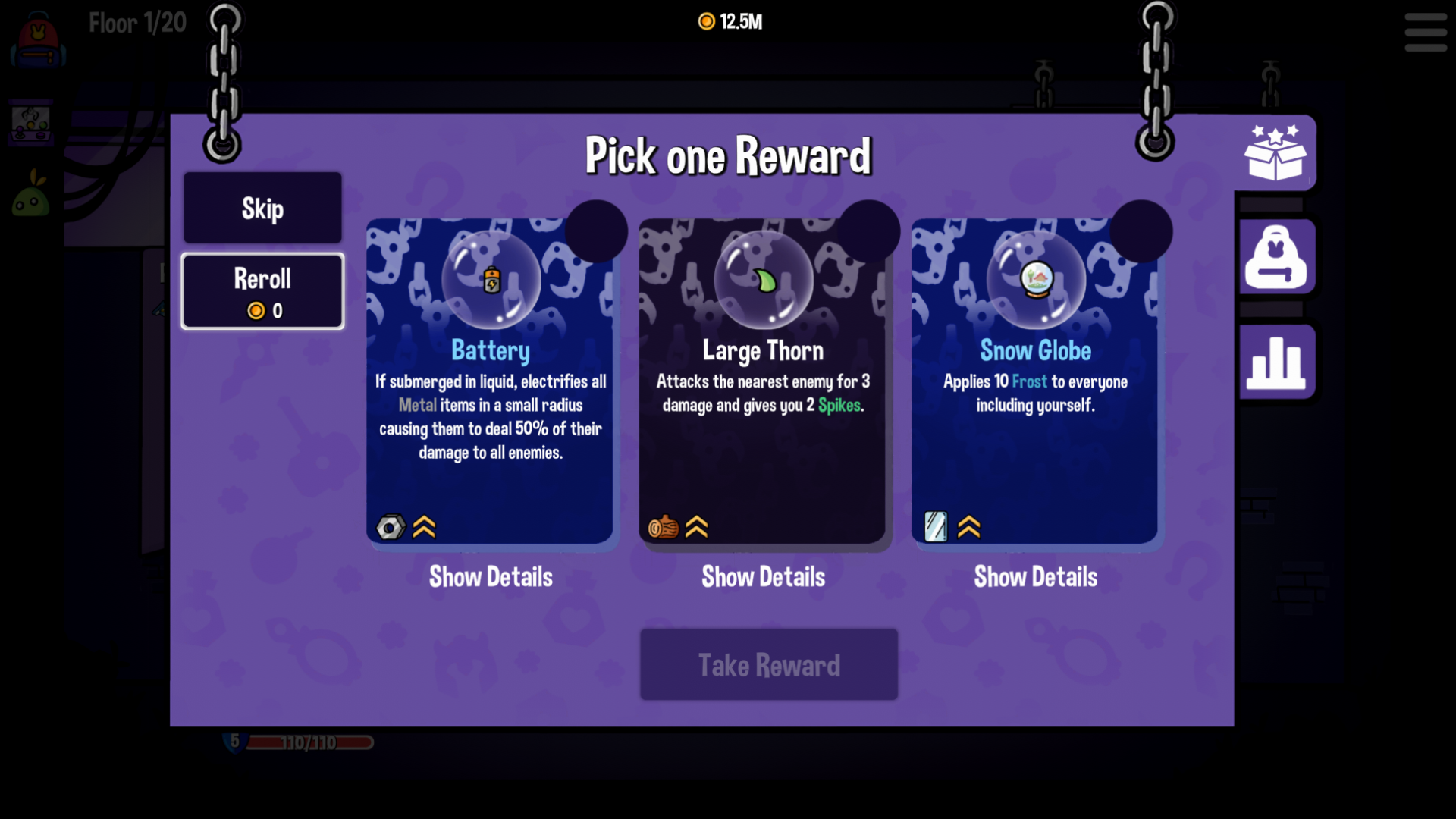
Reroll rewards for zero coins
Enable Free Rerolls to use the game's reward reroll button without spending coins.
You always have full healthPremium
Restore missing health after damage and keep health refilling while the toggle is enabled.
Enable full health during your run when you want repeated healing.
Before you use it: A lethal single hit can still kill you. Healing after damage is different from preventing the attack.
You no longer take damagePremium
Prevent incoming attacks from damaging your character while this toggle is enabled.
Enable no damage when you want protection from attacks, then disable it to restore ordinary combat.
Before you use it: Changes how attacks affect your character. It does not clear enemies or complete encounters for you.
More ways to customise Dungeon Clawler
- Dungeon Clawler resources
Adjust your current coin balance up or down.
- Dungeon Clawler game actions
A free reward refresh and a Premium current-enemy clear.
Using these features
Choose the feature in the Windows app after connecting your game. Check its requirements before making a change.
Setup for Dungeon Clawler →