


Resources
1 optionAdjust your current coin balance up or down.
View resources →Build a collection of weapons and items, then pull them from the claw machine to tackle Dungeon Clawler's battles. These Windows options give you more control over your coin balance, reward choices and survival as you try different builds.
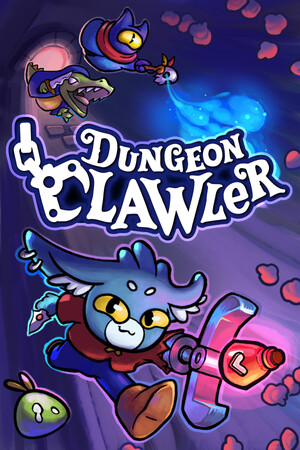
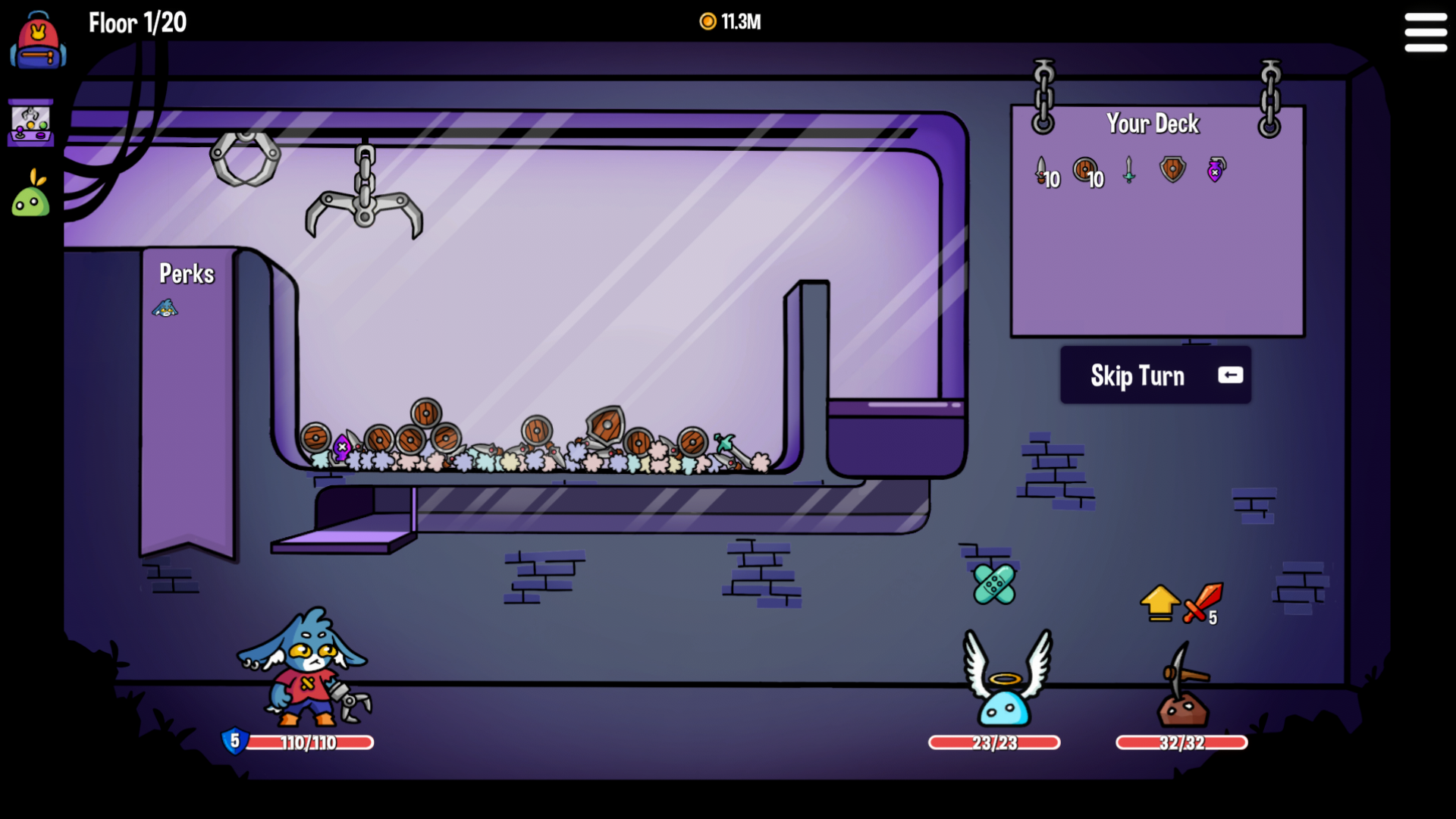
A dungeon battle at the claw machine
Build your deck and face enemies as you work through Dungeon Clawler.
Resources contains the Coins balance. Game Actions offers an immediate reward reroll or a way to clear current enemies. Rule Modifiers covers zero-cost reward rerolls, health refill and damage prevention. The two reroll options are free; the remaining four options are Premium.
Install Bytonian Mods, open Dungeon Clawler and select it in the Windows app. Follow the connection prompts, then enter your run. Open the reward screen before using a reward reroll control.
Adjust your current coin balance up or down.
View resources →Toggle free reward rerolls, repeated healing or damage prevention.
View rule modifiers →A free reward refresh and a Premium current-enemy clear.
View game actions →Browse the Steam achievement names and descriptions for Dungeon Clawler. Choose and unlock achievements for free with Bytonian Mods in the Windows app.
View all achievements →Download the Windows app and follow the setup prompts.
Open Dungeon Clawler and select it in Bytonian Mods. Follow the app’s connection prompts.
Review the available options in the app and choose the ones that suit how you play.