


Choose your Dungeon Clawler coin balance
Coins support purchases and reward rerolls as you put a build together. The Premium Coins option lets you raise or lower your balance, giving you room to try purchases or keep a stricter budget for the run.
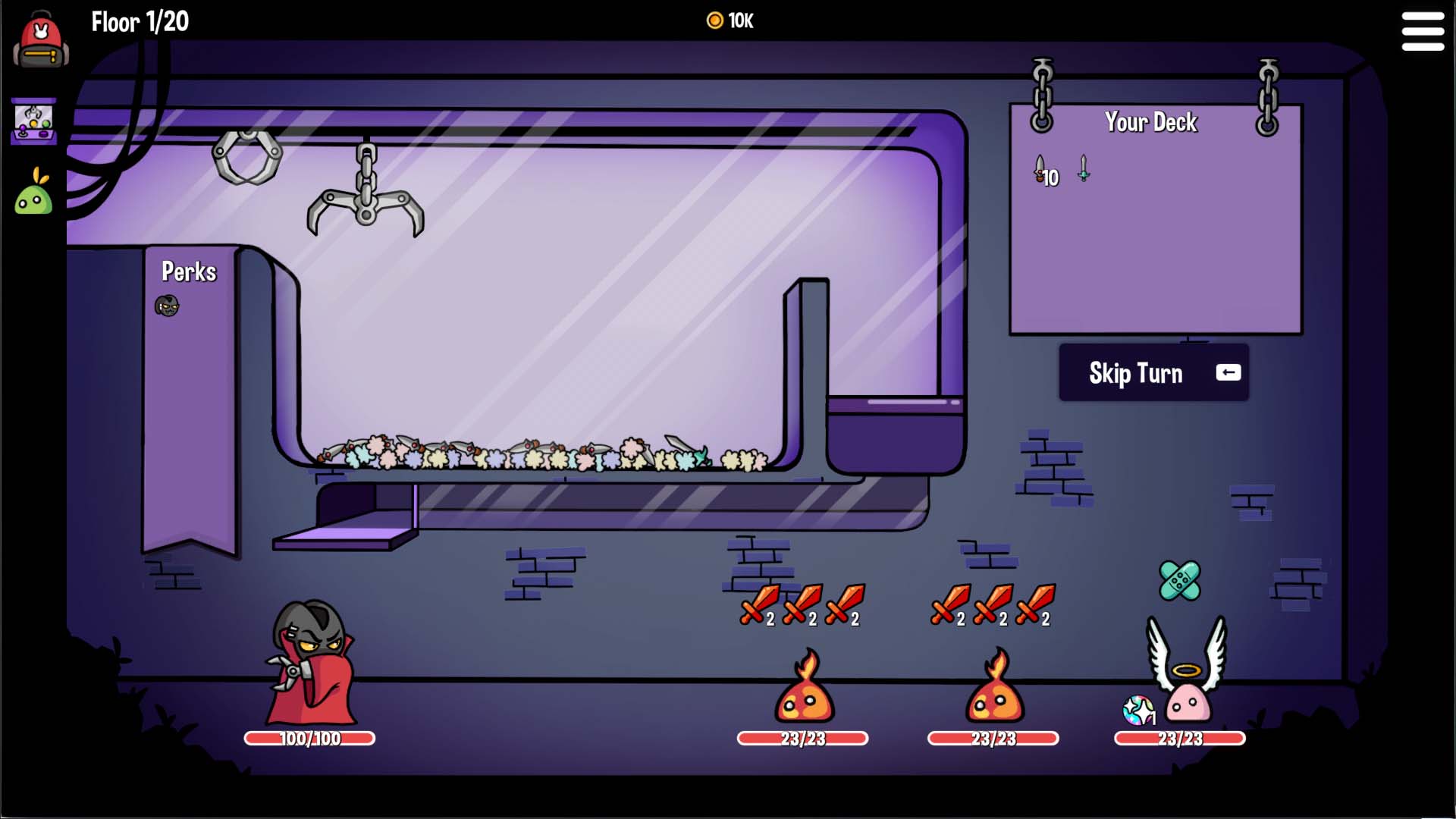
10,000 gold for your run
Choose a larger gold balance for upgrades and reward rerolls. This run shows 10,000 gold.
Set a budget for your build
Choose the amount you want available before spending coins. This changes your funds; it does not choose items for you or change their prices. If reroll costs are your only concern, the separate free reward-reroll controls may cover what you need.
Available resources

CoinsPremium
Set your coin balance for purchases and paid reward rerolls, or lower it for a tighter budget.
During your run, choose the coin amount you want available.
Before you use it: Changes your balance rather than item prices or the rewards on offer.
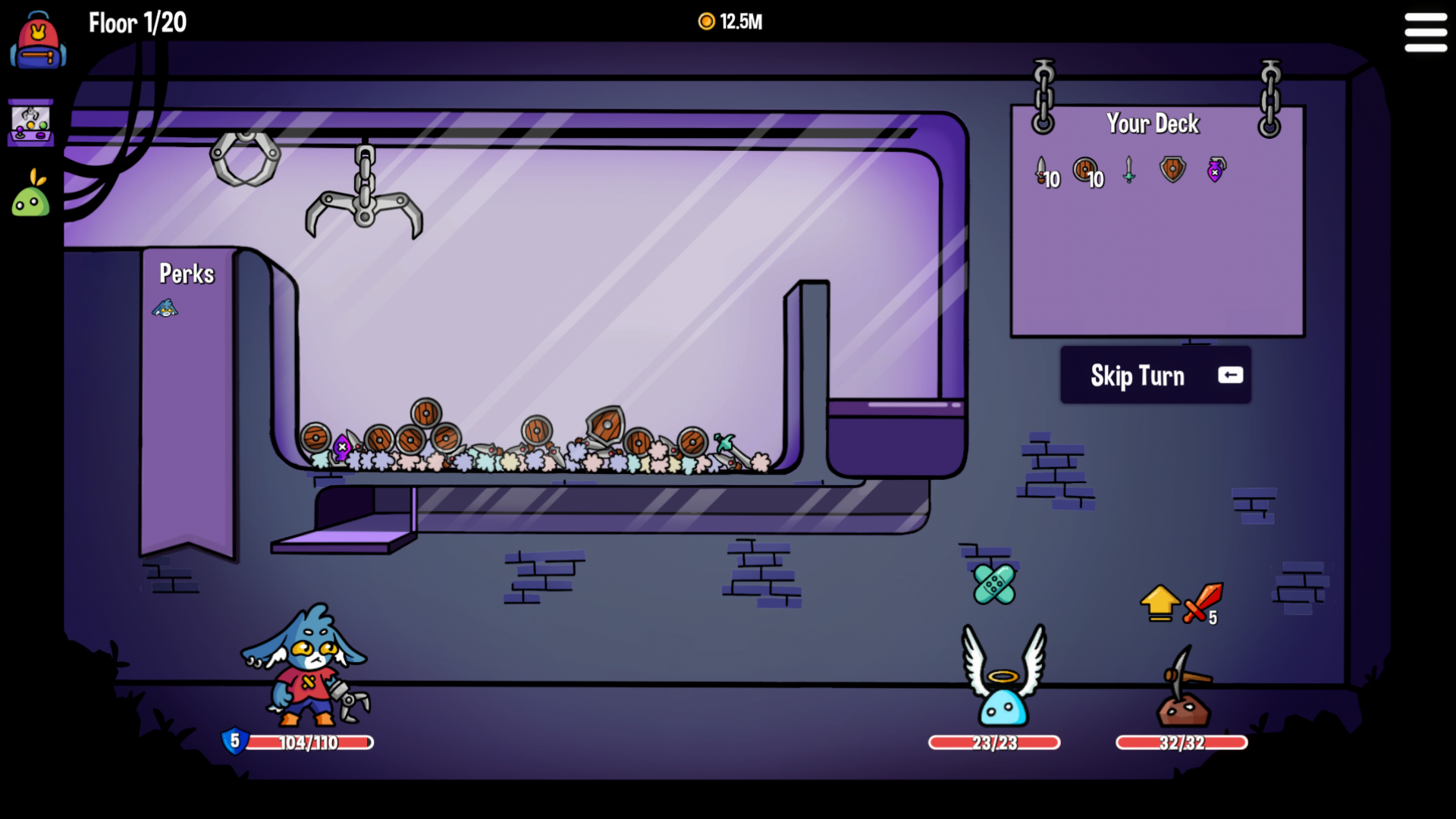
Set your coin budget
Choose a coin total for your run. This example shows 12.5M coins.
More ways to customise Dungeon Clawler
- Dungeon Clawler rule modifiers
Toggle free reward rerolls, repeated healing or damage prevention.
- Dungeon Clawler game actions
A free reward refresh and a Premium current-enemy clear.
Using these features
Choose the feature in the Windows app after connecting your game. Check its requirements before making a change.
Setup for Dungeon Clawler →