
Choose how you move around the truck
Step away from your seat with eleven movement styles, from first-person walking to a transparent rolling ball and an arcade kart. Interaction Reach and Throwing keep their own controls.
Choose your movement
Movement offers Fly, Free Walk, Board, Ball, Grapple, Glider, Parkour, Jetpack, Pogo, Ice Skates and Kart. Fly passes through the truck's walls and roof. Free Walk keeps jumping and collision, while Board builds momentum for carving, coasting and braking.
Ball wraps the rider in a transparent shell. Build speed, countersteer and brake, with an optional hop when you want it.
Grapple attaches a rope to scenery, with controls to reel in and let rope out. Parkour adds short wall runs and wall jumps around the cabin.
Glider trades height for forward travel, with flare and dive controls. Jetpack adds upward thrust and gravity, with a braking descent.
Bounce, skate or drive
Pogo bounces from solid surfaces, with Ctrl to rest. Ice Skates favour long coasts and deliberate braking.
Kart brings arcade steering, limited reverse and a small hop. Hold Ctrl while turning at speed to charge a drift, then release Ctrl for a boost. Shift brakes.
Choose your view and controls
Use the movement keys to travel. Space rises, jumps, charges a board jump or flares the glider, depending on the style. Ctrl descends, brakes or dives. Hold Shift to tether with Grapple; Space reels in and Ctrl lets rope out.
Automatic view follows the equipment styles and keeps Grapple and Parkour in first person. Choose First person or Third person when available.
Switch styles and return to your seat
Switch styles where you are. Turn Movement off to return to your original seat and look limits.
Use Movement during a mission you host. Ground styles need the truck's solid surfaces; the roof gives you more room to roll, skate or drive.
Bring more of the cabin within reach
Interaction Reach extends the distance for puzzle interactions, throwable pickup and object outlines. Enable it during a mission you host and choose a reach between 1 and 25 metres.
Choose speed and spin separately
Throwing lets you change launch speed and spin with separate multipliers. Try a stronger launch or reduce spin, then disable the control to return the objects to their original settings.
Available ability modifiers
Interaction ReachFree
Reach puzzle controls and pick up throwables from farther away.
Enable during a mission you host, then choose the reach in metres. Disable to restore the original distances.
MovementFree
Step away from your seat with Fly, Free Walk, Board, Ball, Grapple, Glider, Parkour, Jetpack, Pogo, Ice Skates or Kart. Tune speed and handling from one Movement card.
Choose a style and use the movement keys. Space and Ctrl change function with the style. Hold Shift to grapple, then use Space to reel in and Ctrl to let rope out. For Kart, Ctrl and turning charge a drift; release Ctrl for a boost. Switch styles in place or turn Movement off to return to your seat.
Use during a mission you host. Walking and ground styles need solid truck surfaces. Turn Movement off to return to your original seat.
Supported movement styles: Fly, Free Walk, Board, Ball, Grapple, Glider, Parkour, Jetpack, Pogo, Ice Skates, Kart
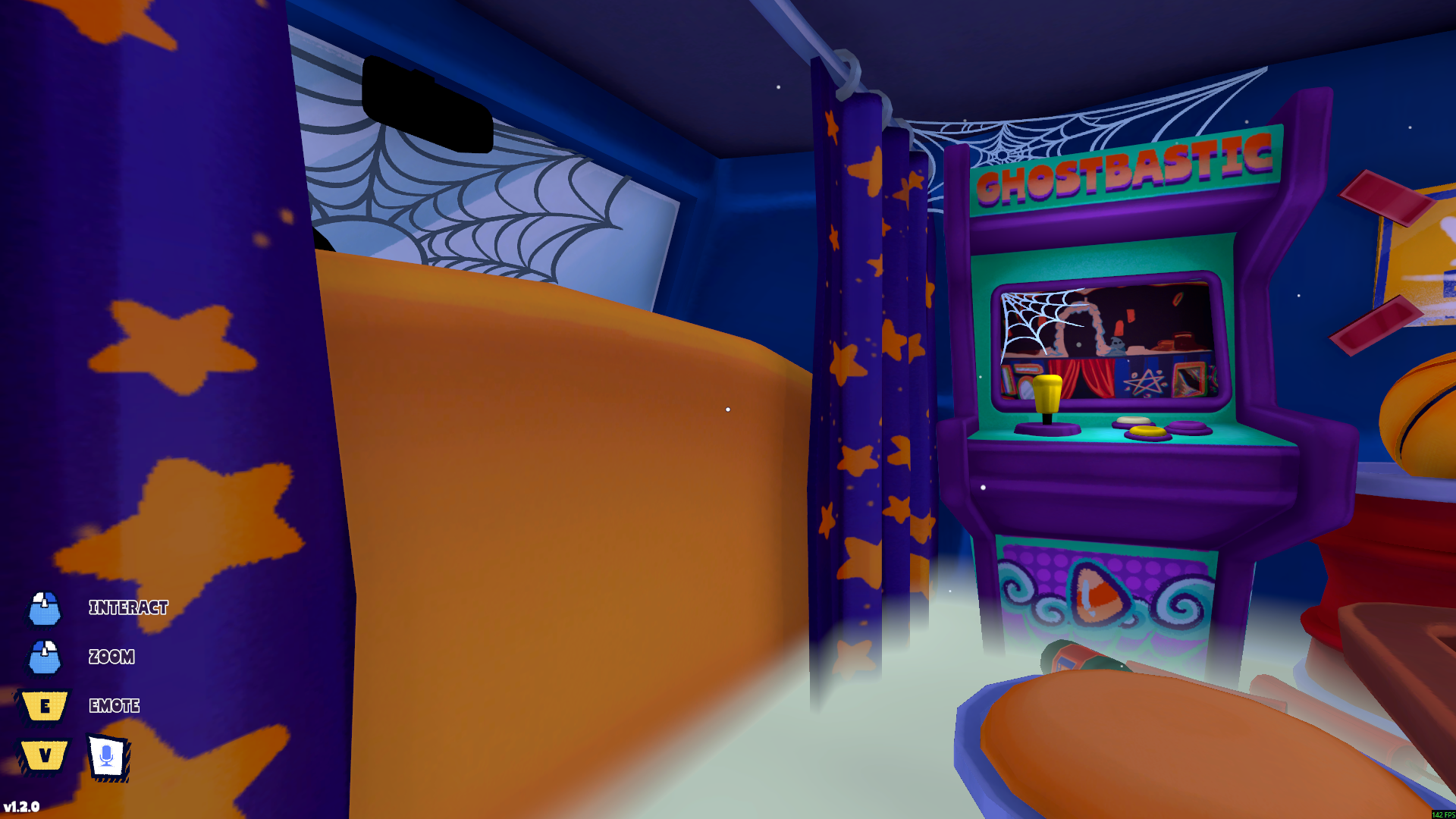
Step away from your seat
Free Walk lets you explore the truck from a first-person view, with floor and wall collision. Turn Movement off to return to your seat.
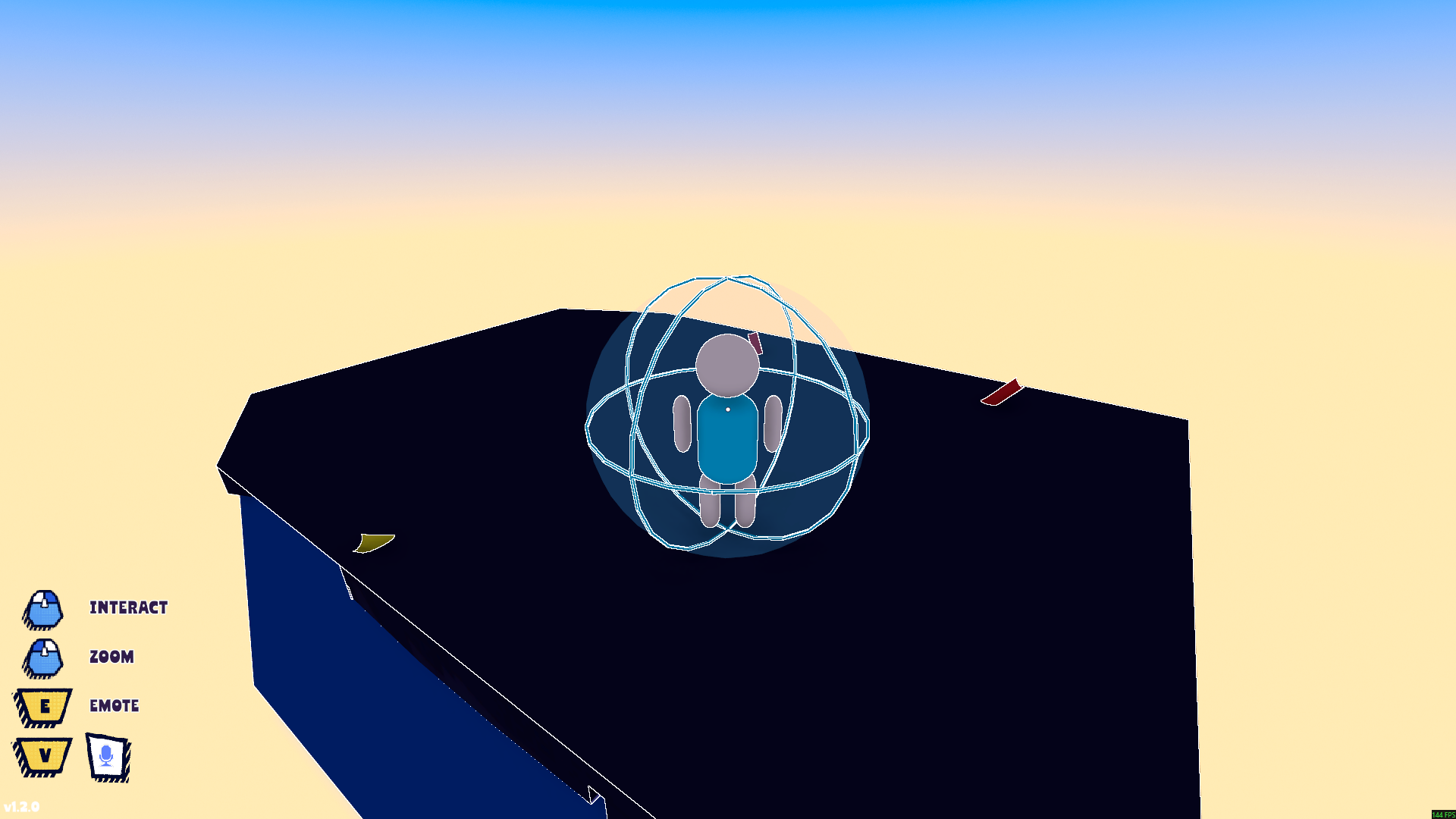
Roll in a transparent ball
Build momentum and countersteer inside a transparent rolling shell.
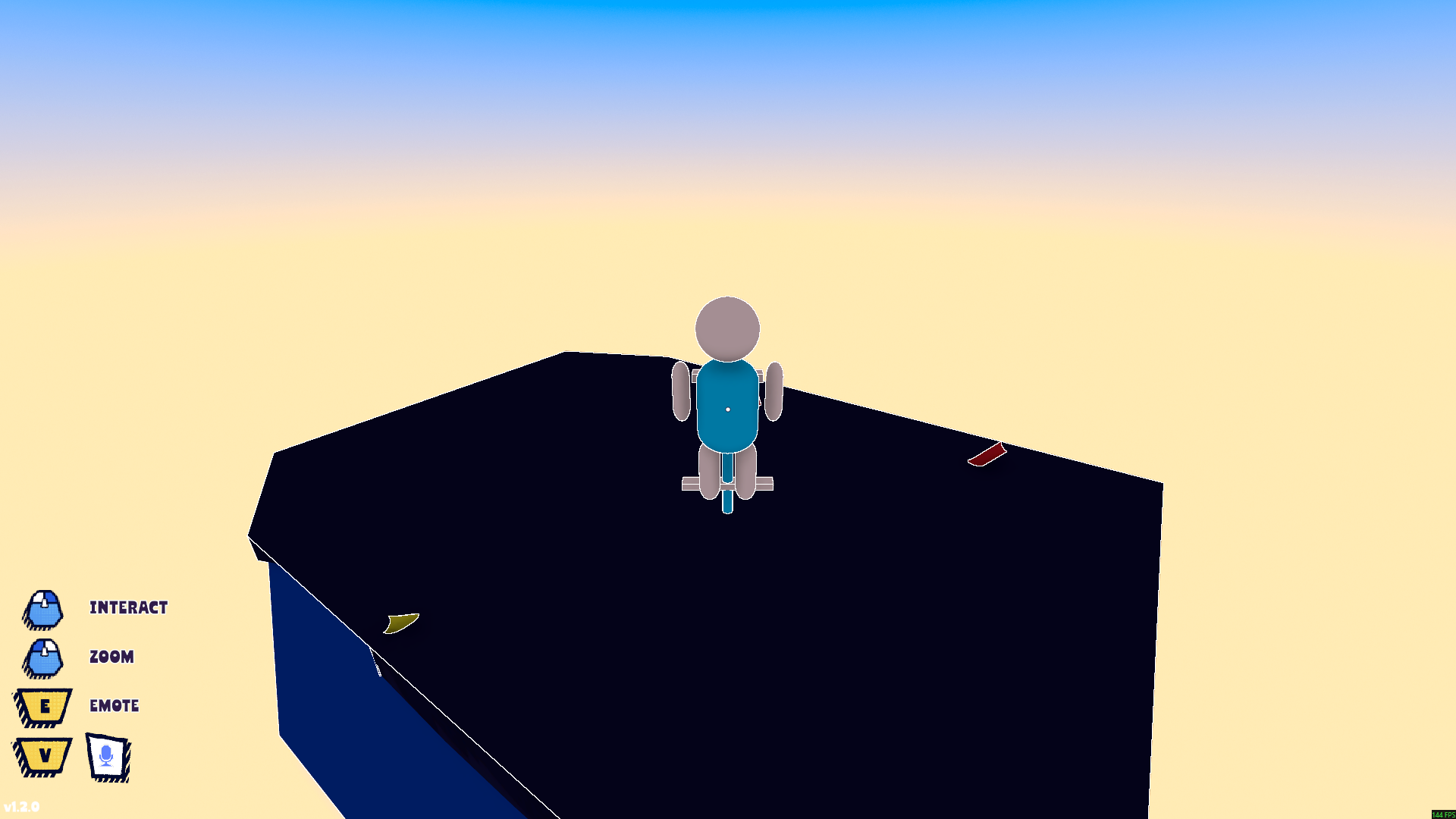
Bounce above the truck
Use repeated pogo bounces to move across solid surfaces.
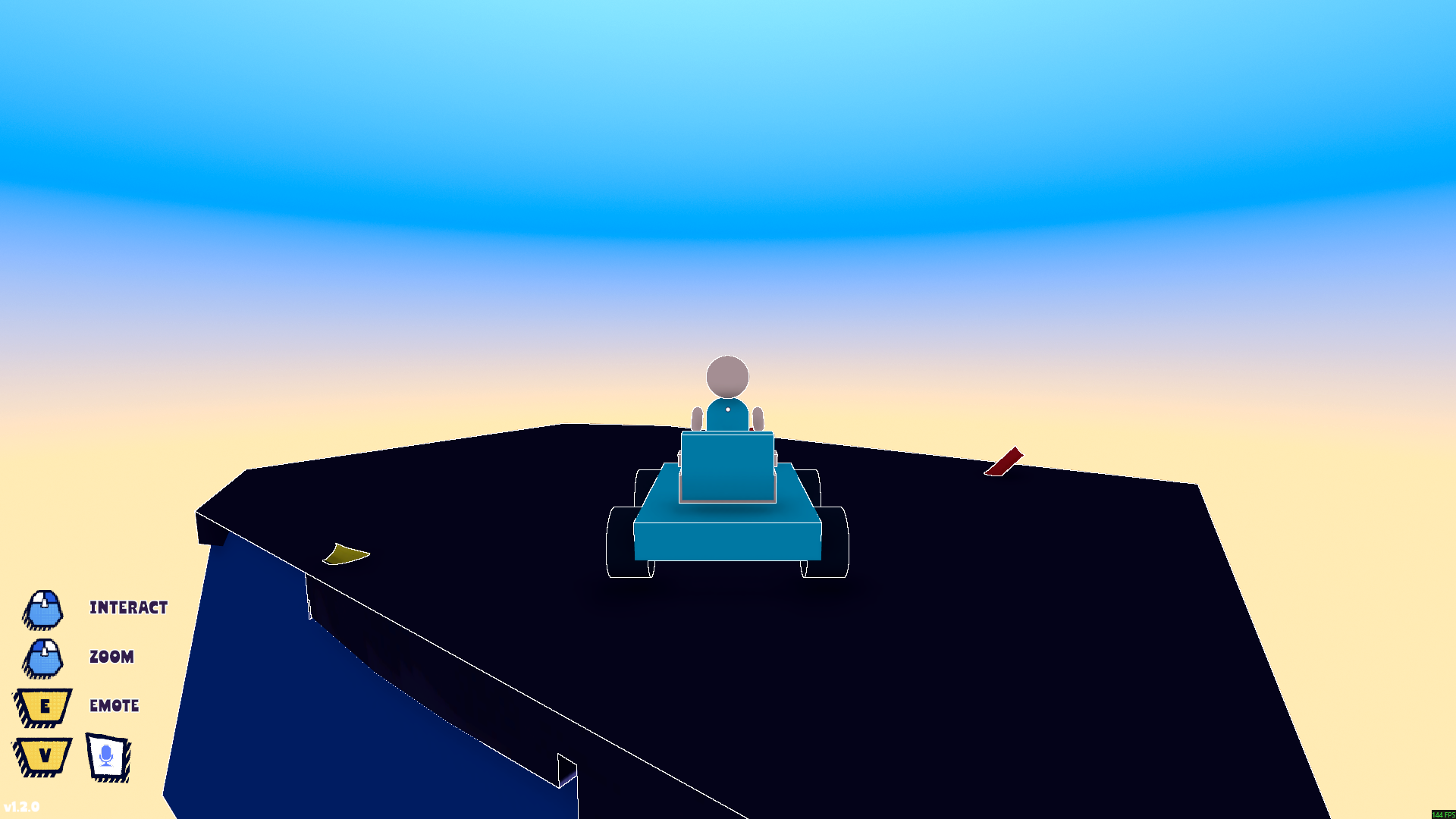
Drive an arcade kart
Steer a kart, charge a drift with Ctrl and turning, then release Ctrl for a boost.
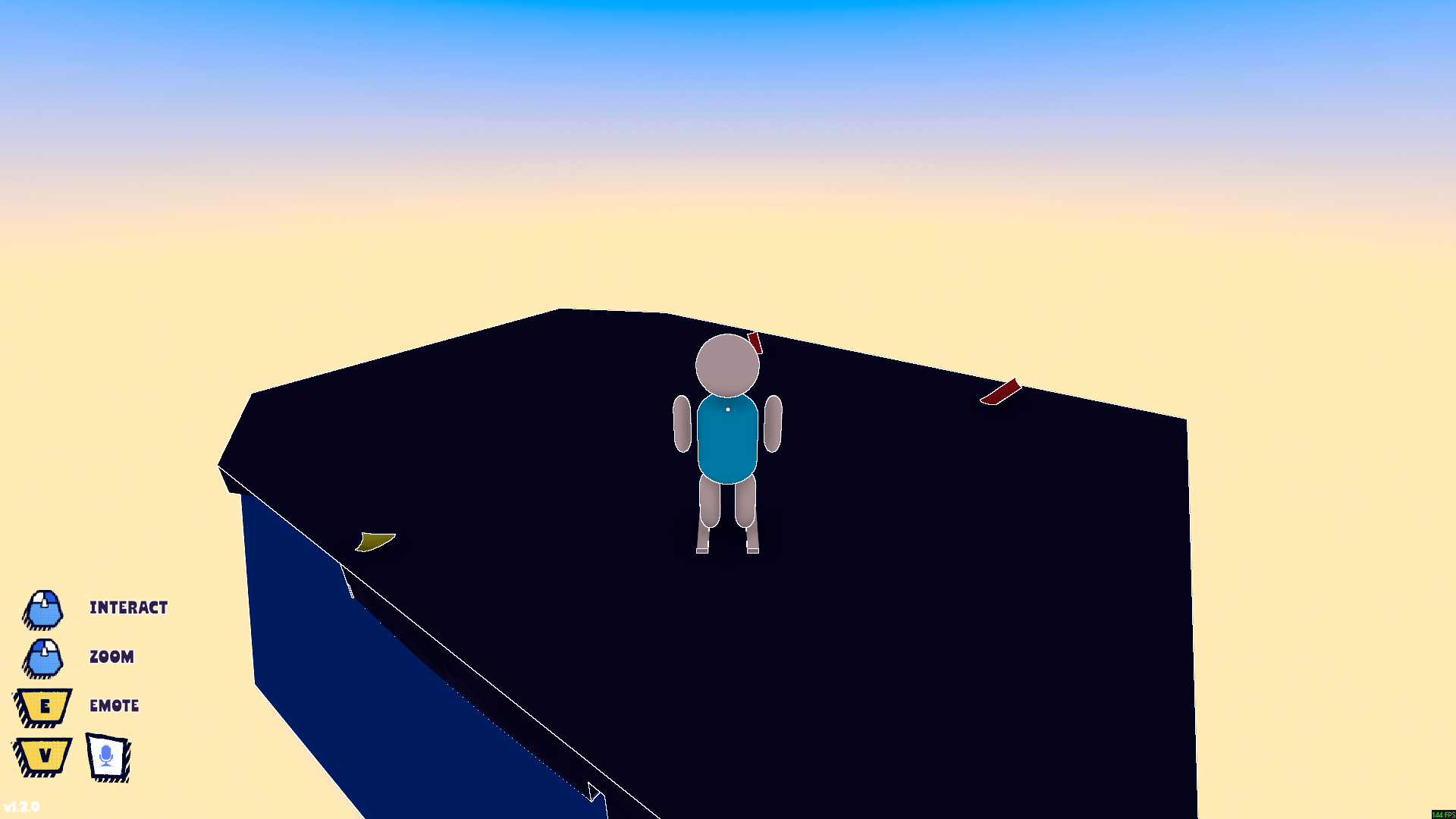
Coast on skates
Push into long coasts and use Ctrl for deliberate braking.
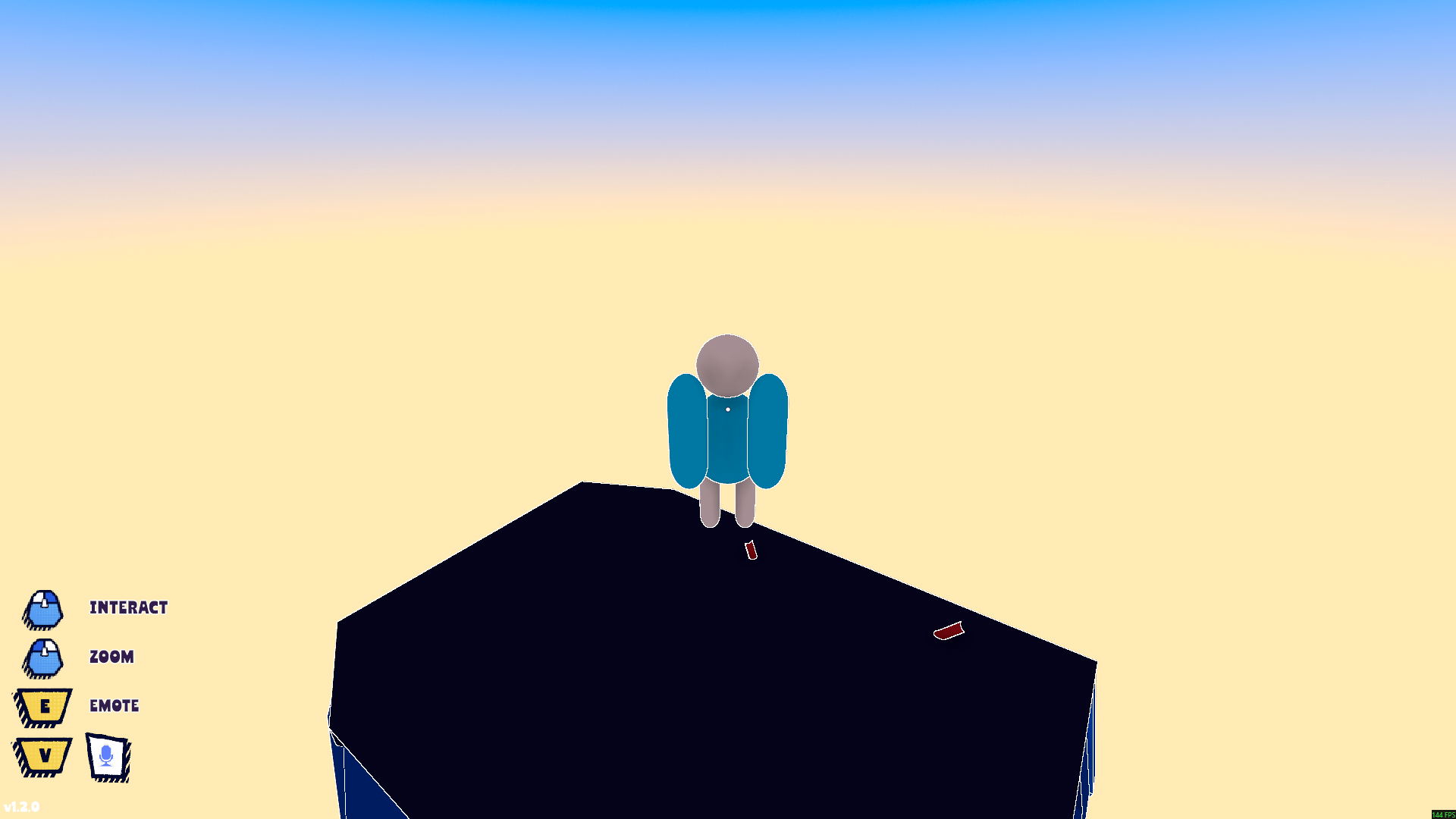
Lift off with a jetpack
Use upward thrust, release into gravity and brake your descent.
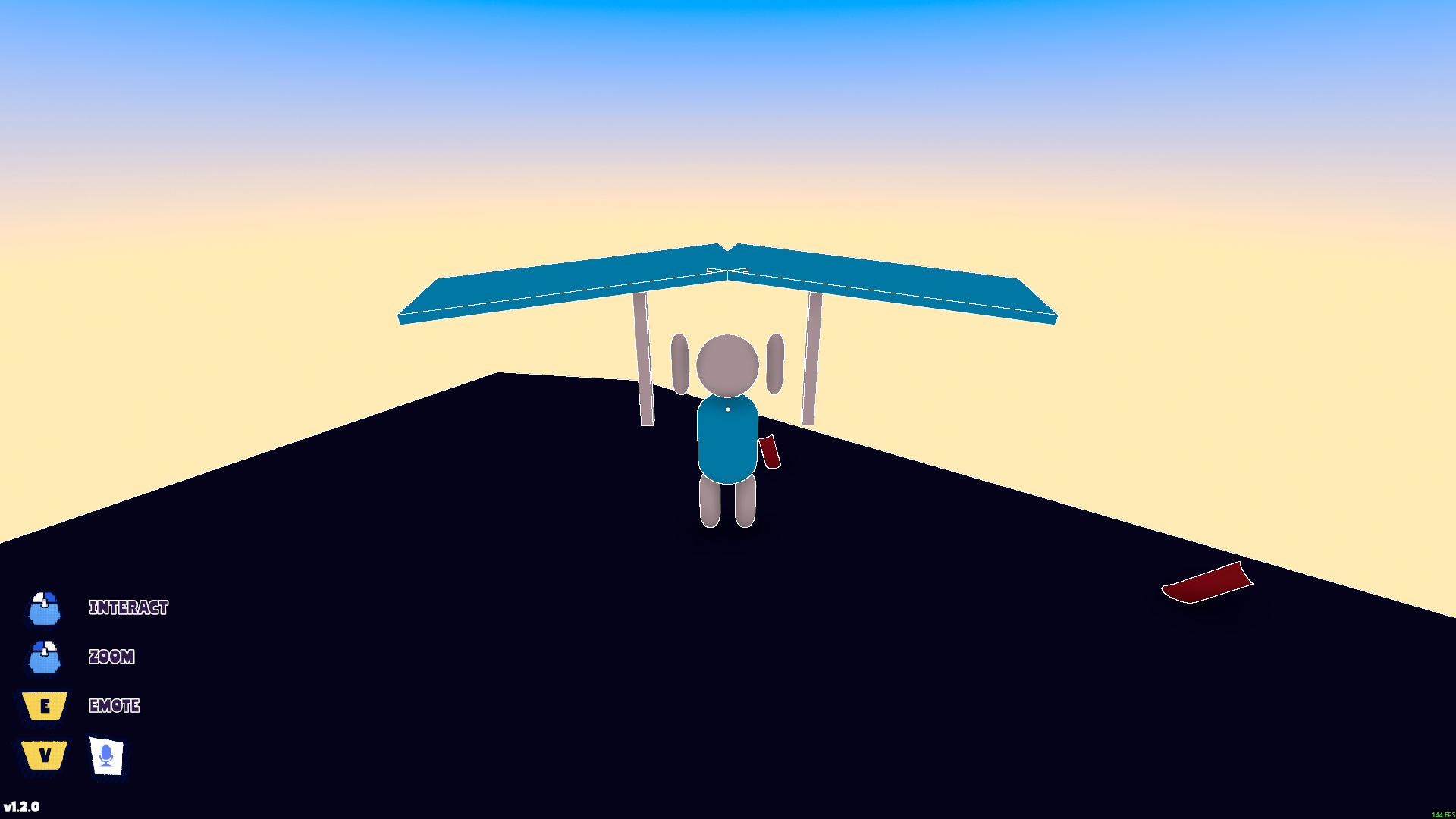
Glide back towards the truck
Trade height for forward travel, flare with Space or dive with Ctrl.
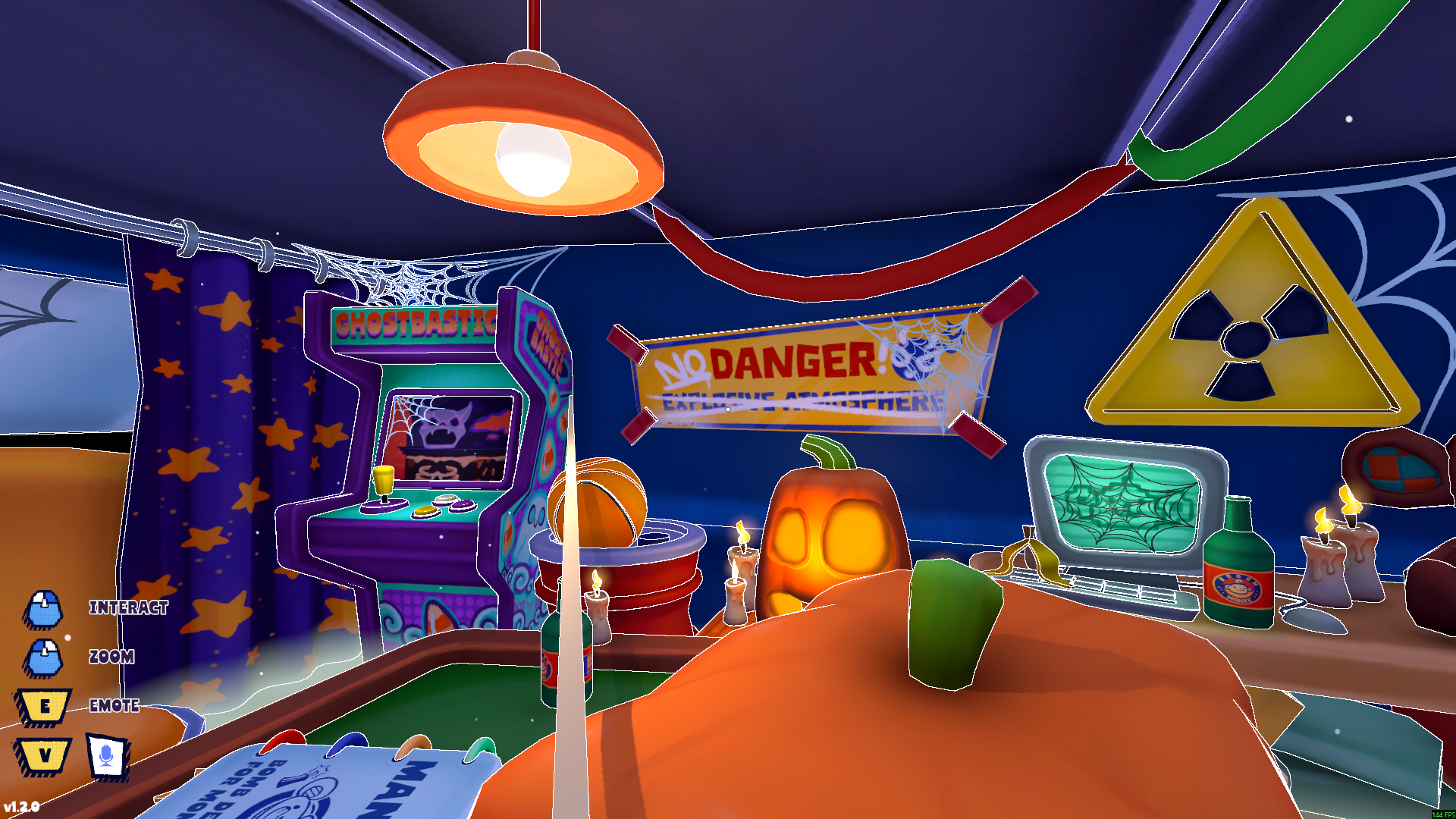
Tether to the cabin
Hold Shift to attach a rope, reel in with Space and let it out with Ctrl.
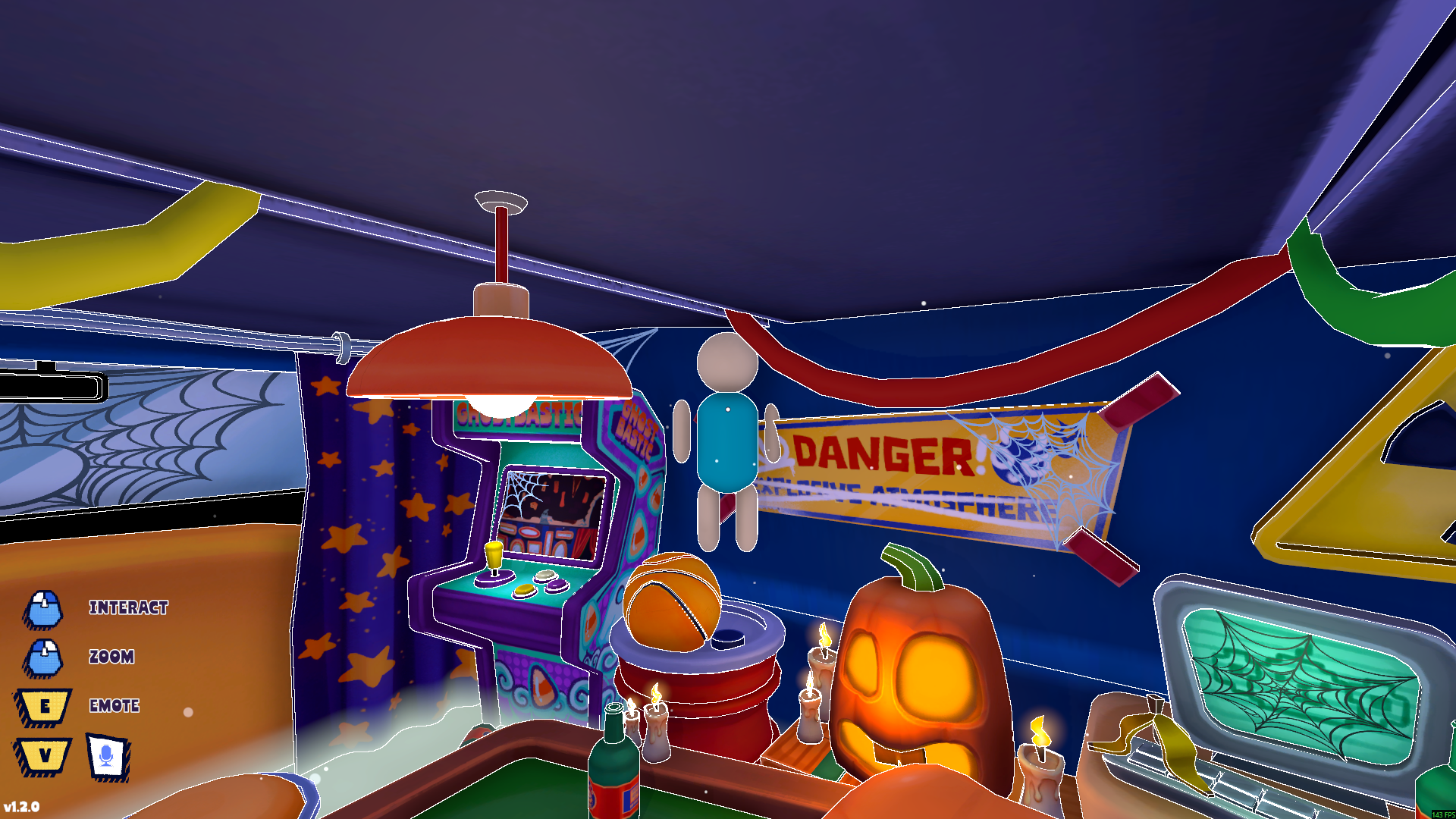
Wall jumps around the cabin
Combine short wall runs and wall jumps around the truck interior.
1 / 9ThrowingPremium
Set throw-speed and spin multipliers for the throwables in your mission.
Enable Throwing and choose speed and spin separately. Turn it off to restore each object's original settings.
More ways to customise BOMBANANA!
- BOMBANANA! resources
Adjust bomb time in seconds and the bananas used for customisations.
- BOMBANANA! unlocks
Open locked campaign choices and choose which mission to attempt.
- BOMBANANA! rule modifiers
Pause the countdown, replenish mistake allowance or remove the three-player lobby requirement.
- BOMBANANA! perspective modifiers
Choose how far you can turn left, right, up and down.
- BOMBANANA! game actions
Choose a role, inspect the active bombs, or select disarm and explosion actions separately.
Using these features
Choose the feature in the Windows app after connecting your game. Check its requirements before making a change.
Setup for BOMBANANA! →