

Timer, mistake and lobby rules
Give your team more time to read a module, change mistake pressure or start a mission with fewer players. Each rule has its own toggle.

Pause the bomb timer
Bytonian Mods keeps the bomb timer paused while the player works through the puzzles.
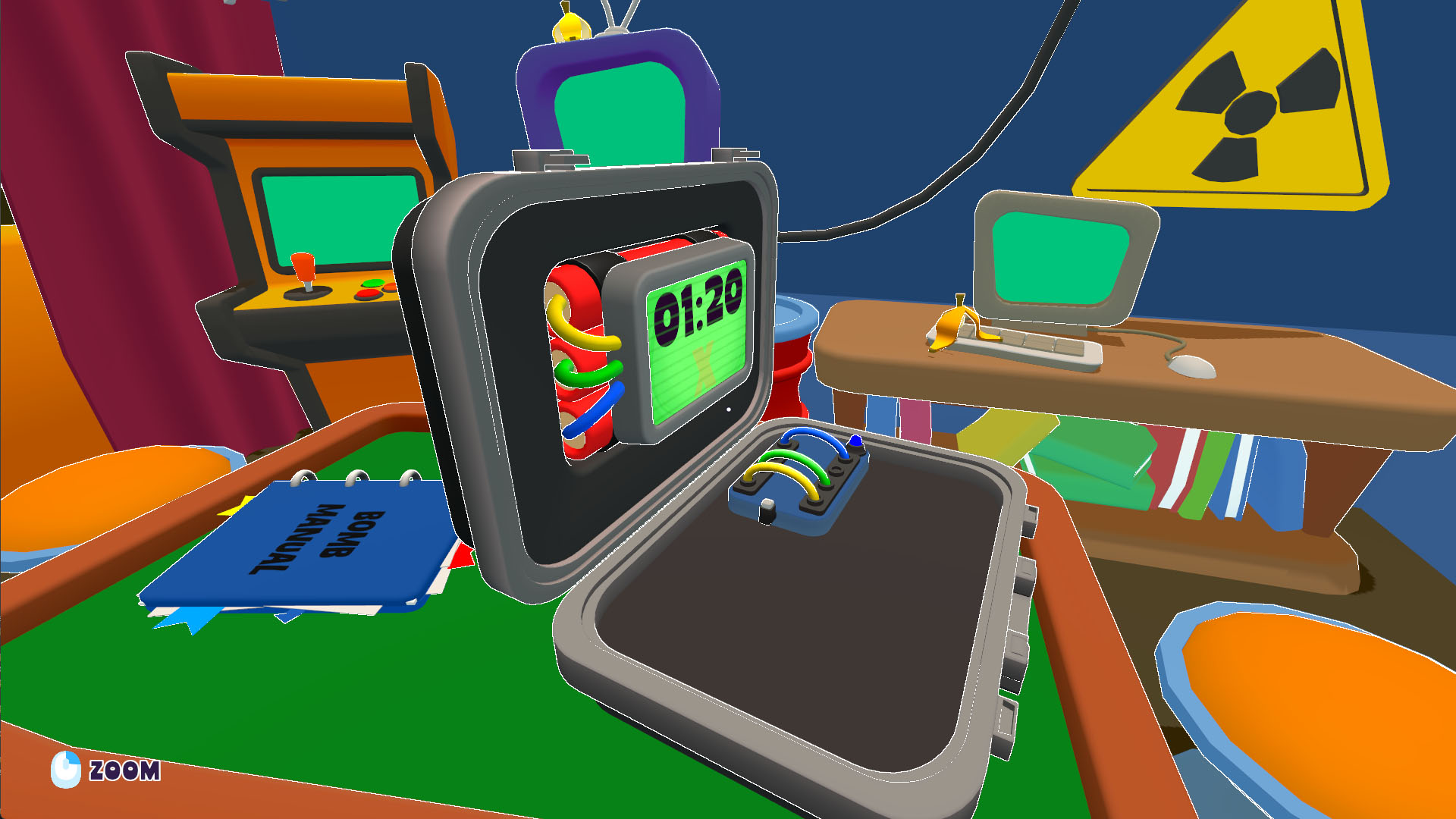
Solve the bomb solo
A solo session with no other players present.
Time and mistakes change different things
Freeze the bomb timer holds its current time while enabled. Turn it off to let the countdown continue. Infinite mistakes replenishes the bomb's mistake allowance; it does not pause the timer.
Start a smaller lobby
As host, enable Start with fewer than three players, then use the lobby's Start button. This removes the player-count requirement; some modules can still require a full team.
For the app connection steps, use the setup section on the game overview.
Available rule modifiers
Freeze the bomb timerFree
Hold the current bomb countdown while enabled.
Before you use it: Disabling lets the countdown continue. Mistake allowance has its own control.
Infinite mistakesPremium
Replenish the active bomb's mistake allowance while enabled.
Before you use it: The timer keeps running unless you enable the separate timer-freeze rule.
Start with fewer than three playersFree
Remove the three-player lobby requirement so the host can start a smaller team.
Enable as host, then click Start in the lobby.
Before you use it: Some modules still need multiple players.
Video demonstrations
More ways to customise BOMBANANA!
- BOMBANANA! unlocks
Open locked campaign choices and choose which mission to attempt.
- BOMBANANA! game actions
Choose a role, inspect the active bombs, or select disarm and explosion actions separately.
Using these features
Choose the feature in the Windows app after connecting your game. Check its requirements before making a change.
Setup for BOMBANANA! →