

Hints and timer boosters
Get a clue when a detail has you stumped, or keep a few extra-time boosters handy for a close round.
Hints
Choose your hint balance, then select Hint and Show hint in the puzzle when you want help finding the next detail.
Timer boosters
Choose your booster balance, then select +20s while the puzzle is running to spend a booster and add twenty seconds.
Available resources
HintsPremium
Choose how many hints you have for tricky puzzles.
Enter a puzzle and choose your hint balance. Select Hint, then Show hint when you want a clue.
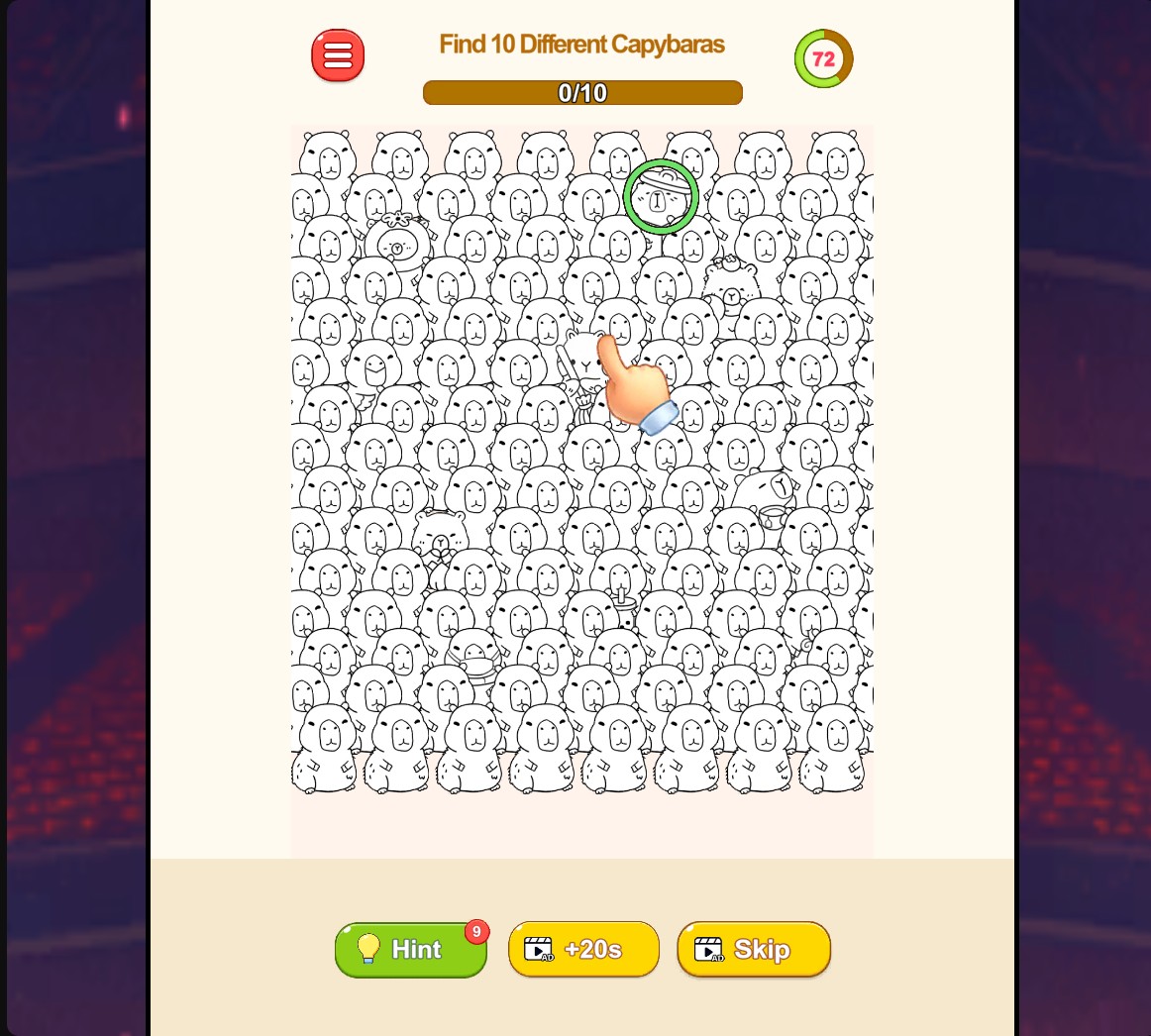
A little help spotting the difference
Top up your hints and get a clue when a hidden detail has you stuck.
Timer boostersPremium
Stock up on extra-time boosters for timed puzzles.
Enter a puzzle and choose your booster balance. Select +20s during play to use a booster.
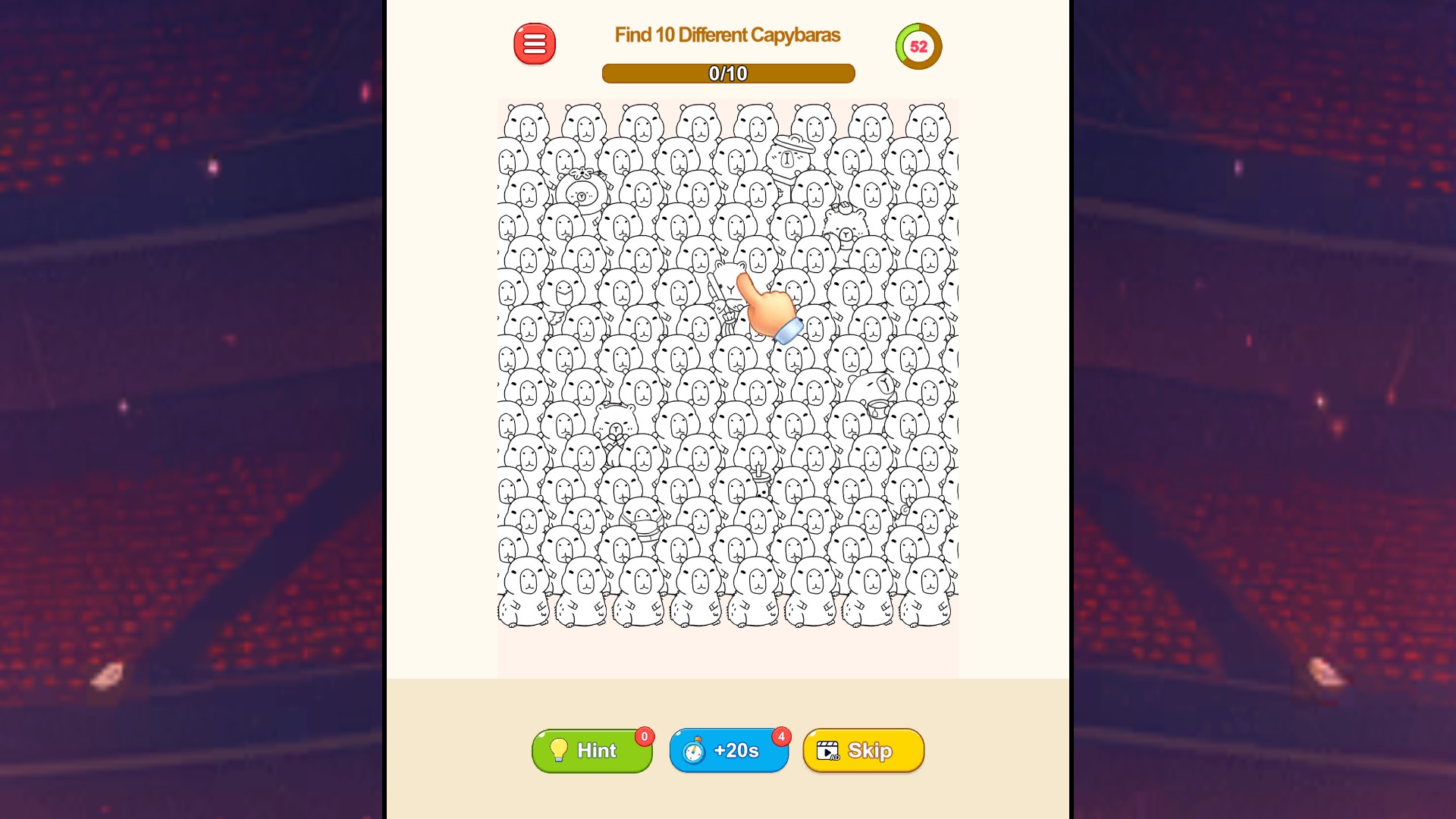
Give yourself more thinking time
Stock up on timer boosters and use +20s when you need a little longer to solve the puzzle.
More ways to customise Tricky Minds: Brainy Puzzle
- Tricky Minds: Brainy Puzzle unlocks
Unlock your next level for normal menu selection.
- Tricky Minds: Brainy Puzzle game actions
Read the available solution or take another run at your current puzzle.
Using these features
Choose the feature in the Windows app after connecting your game. Check its requirements before making a change.
Setup for Tricky Minds: Brainy Puzzle →