

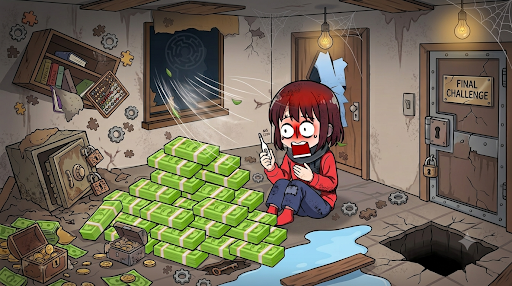
Resources
2 optionsChoose separate balances for clues and extra-time boosters.
View resources →Look closely, spot the hidden details and work through each picture puzzle before the timer runs out. Choose a little help with clues or time, explore another level, or start a puzzle again.
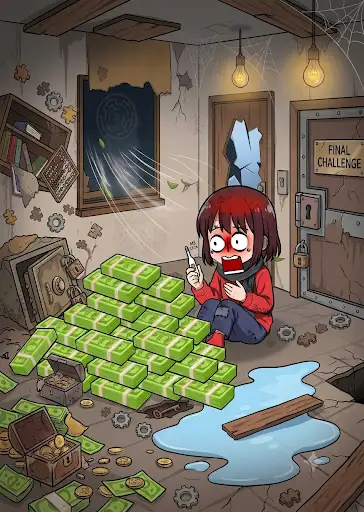
Spot the hidden differences
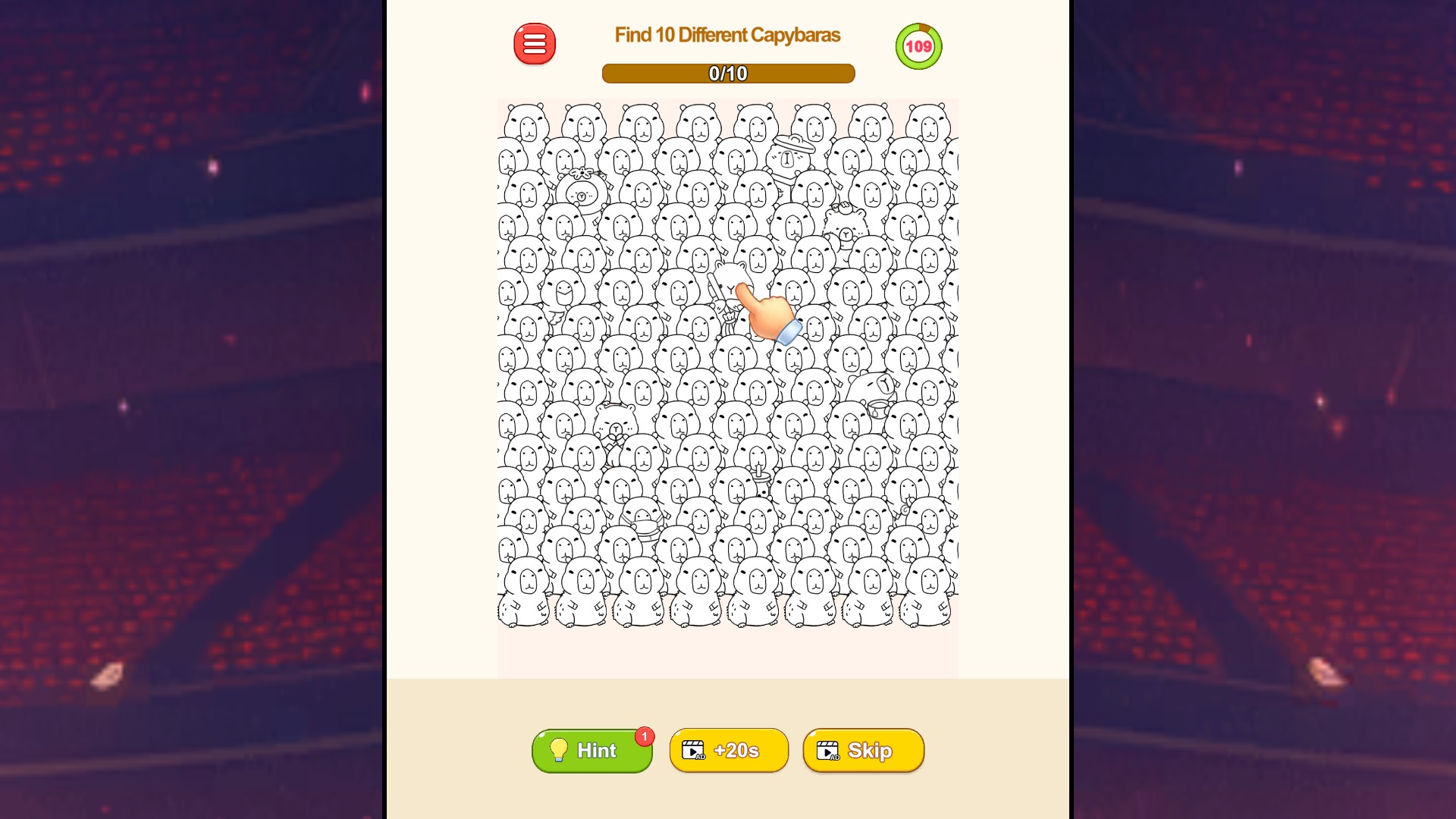
Look closely at a crowd of capybaras and find the ten that stand out.
Hints give you a clue when a detail has you stumped, and timer boosters add twenty seconds when you need more thinking time. Restart a puzzle for a fresh attempt, open the next level, or view the written solution on puzzles that offer one.
Open Tricky Minds: Brainy Puzzle through Bytonian Mods and enter a level. Choose the control you want, then use the game's normal buttons to keep playing.
Choose separate balances for clues and extra-time boosters.
View resources →Unlock your next level for normal menu selection.
View unlocks →Read the available solution or take another run at your current puzzle.
View game actions →Download the Windows app and follow the setup prompts.
Set up the browser extension in Chrome or Edge, then open the supported YouTube Playable. Follow the connection guide if the game is already running.
Review the available options in the app and choose the ones that suit how you play.