

Puzzle help and retries
Need a nudge with the steps, or ready for a fresh attempt? Open the written solution on puzzles that offer one, or restart your current challenge with the timer reset.
Available game actions
Replay puzzleFree
Start your current puzzle again with the timer reset for a fresh attempt.
Use Replay puzzle during a level to start it again.
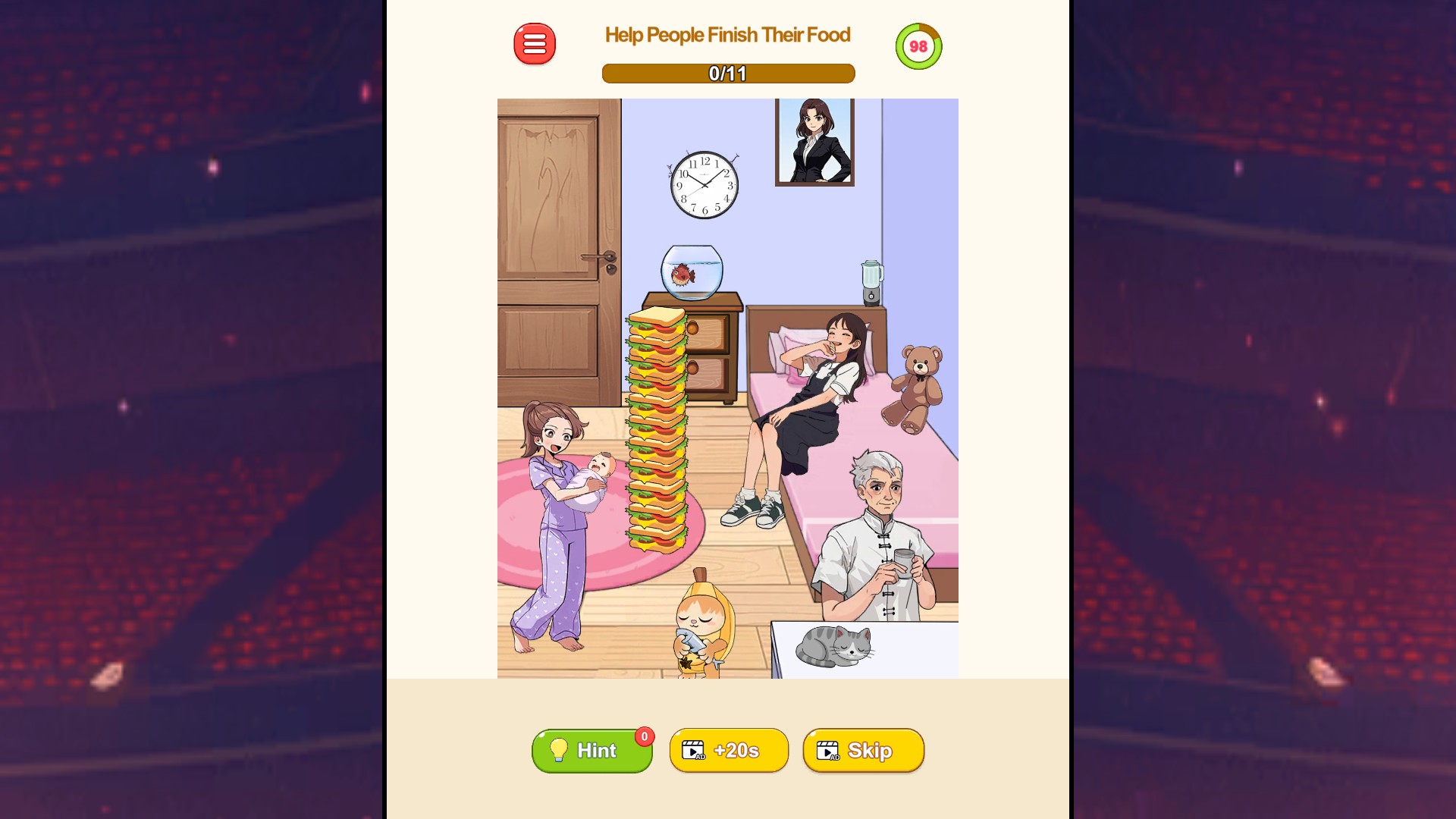
Take another run at the puzzle
Restart your current puzzle for a fresh attempt with the timer reset.
Reveal answerPremium
Open a puzzle's available written solution when you need help with the steps.
Enter a puzzle, then choose Reveal answer to view its solution panel.
Before you use it: Best for puzzles with a written solution, such as the food puzzle.
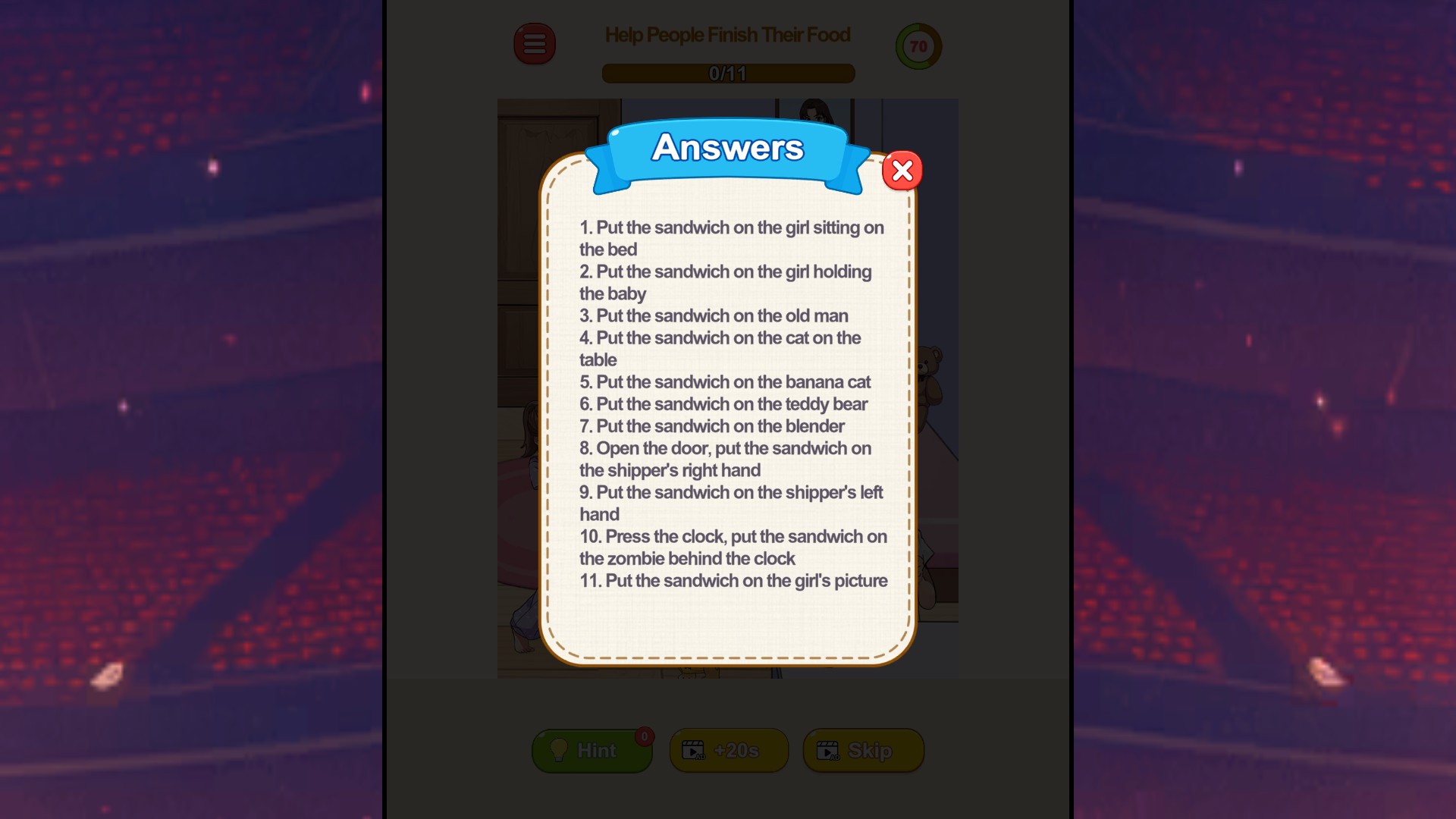
See the steps when you're stuck
Open the food puzzle's written solution and work through each step at your own pace.
More ways to customise Tricky Minds: Brainy Puzzle
- Tricky Minds: Brainy Puzzle resources
Choose separate balances for clues and extra-time boosters.
- Tricky Minds: Brainy Puzzle unlocks
Unlock your next level for normal menu selection.
Using these features
Choose the feature in the Windows app after connecting your game. Check its requirements before making a change.
Setup for Tricky Minds: Brainy Puzzle →