

Coins for your next shop visit
Have an outfit or home decoration in mind? Choose the coin balance you want, then visit the game's shop and buy it as usual.
Requires the Windows app and the Bytonian Mods browser extension for Chrome or Edge. Browser setup guide

Pick a balance that suits your plans
Use the coin card to choose the total you want or adjust the amount you already have. You can keep enough for a small purchase or give yourself more room to browse.
Shop as usual
After changing your balance, make your next purchase through the game. That purchase refreshes the coin total shown in the game.
Available resources
CoinsPremium
Choose the coin balance you want before shopping for outfits and home decorations.
Set the total or add or subtract coins, then buy through the game's shop as usual.
Your next normal purchase refreshes the in-game coin total.
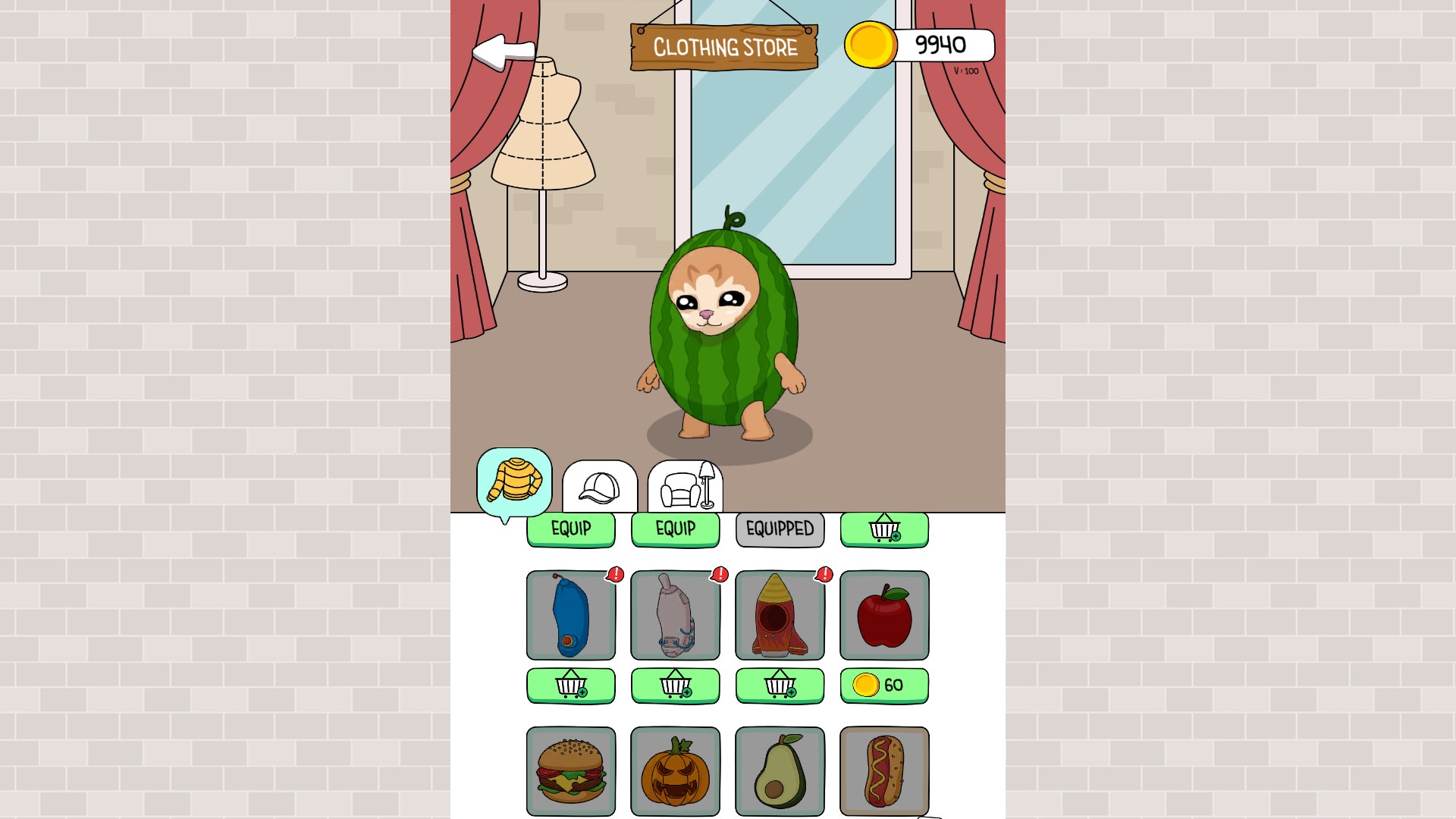
More coins for a new look
Pick up a new outfit with your chosen coin balance. Here, the watermelon costume is equipped with 9,940 coins left to spend.
More ways to customise Talking Cat
- Talking Cat game actions
Boost everyday needs, choose a new look and apply a theme to the room you're in.
Questions about resources
- Does changing coins automatically equip an outfit?
- No. Buy and equip the outfit through the game's clothing store as usual.
Using these features
Choose the feature in the Windows app after connecting your game. Check its requirements before making a change.
Setup for Talking Cat →