
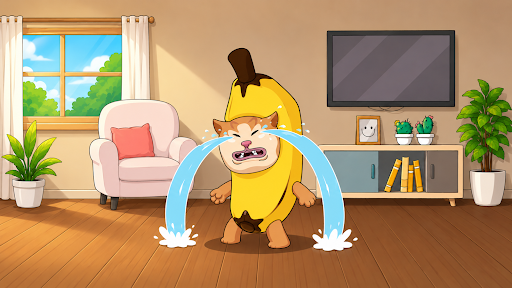
Resources
1 optionSet, add or subtract coins with the normal coin controls, then spend them on ordinary shop purchases.
View resources →Give your cat a care boost, pick a different outfit or change the look of its room. Set your coin balance if you want to buy something from the shop.
Requires the Windows app and the Bytonian Mods browser extension for Chrome or Edge. Browser setup guide

Start with free mods
Download Bytonian Mods for Windows and try these free features. Choose one to see how it works and any requirements.
Give your cat's everyday care needs a boost. Choose one need or look after all four together.
Choose a need, set Amount and apply the boost while your cat's home is open.
The free Pet care control helps with happiness, hunger, cleanliness and energy. Give one need a lift or boost all four together, then get back to spending time with your cat.
Coins help with ordinary shop purchases. Clothing styles let you choose a costume or hat, while Room themes bring matching furniture and backgrounds to the room you're in.
Open Talking Cat with Bytonian Mods connected, keep your cat's home open and choose a control. Pick the settings you want before applying the change.
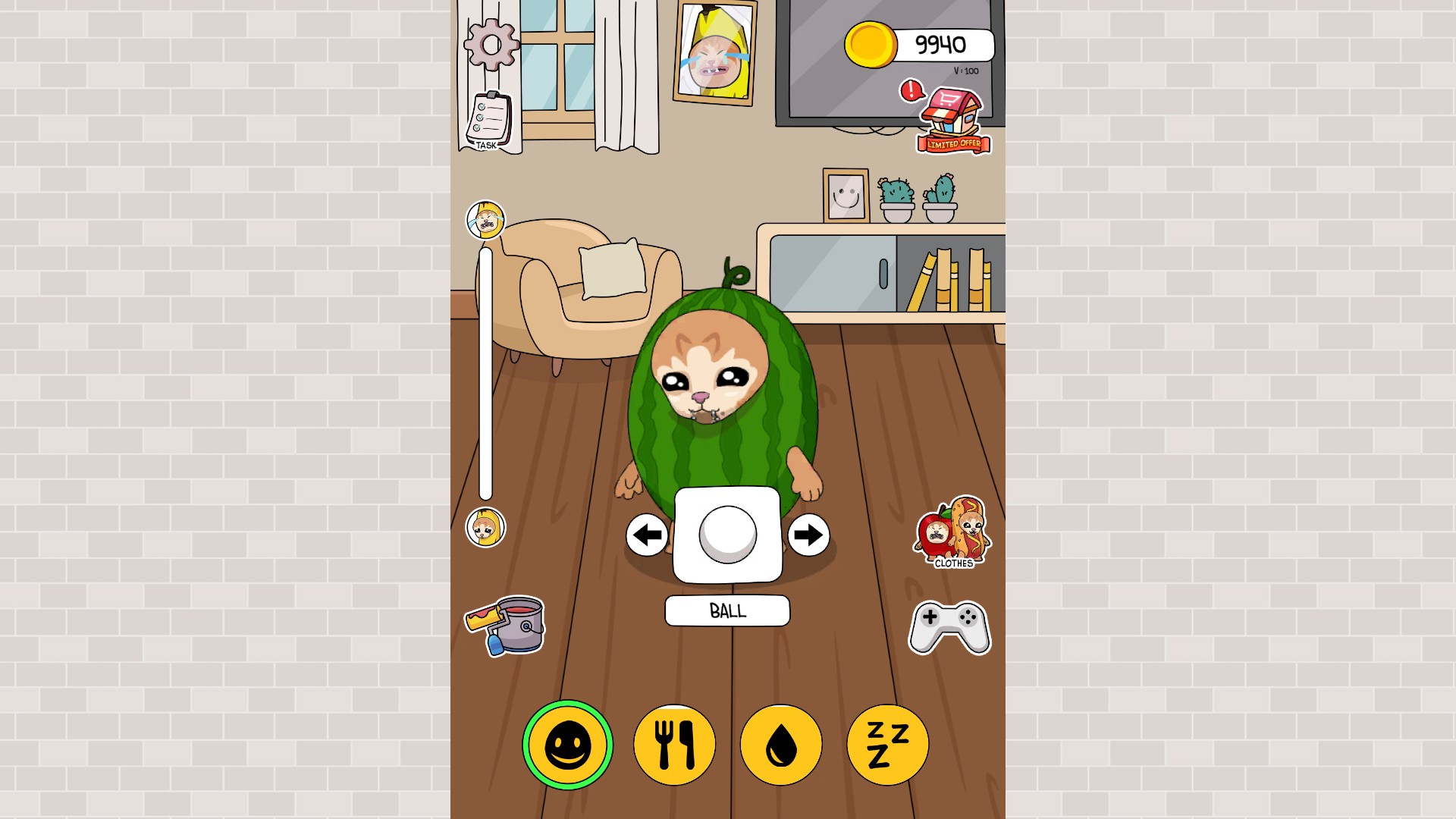
Your cat, your cozy home
Spend time with your cat, play with its everyday style and make its home your own.
Set, add or subtract coins with the normal coin controls, then spend them on ordinary shop purchases.
View resources →Boost everyday needs, choose a new look and apply a theme to the room you're in.
View game actions →Download the Windows app and follow the setup prompts.
Set up the browser extension in Chrome or Edge, then open the supported YouTube Playable. Follow the connection guide if the game is already running.
Review the available options in the app and choose the ones that suit how you play.