
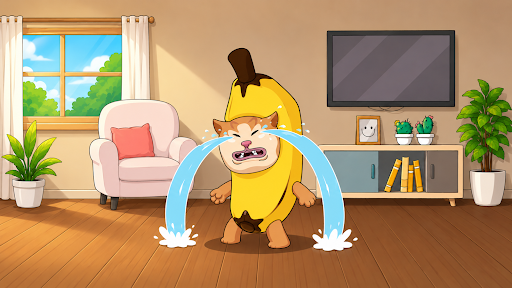
Care for your cat and change its surroundings
Give your cat a little attention, pick a playful new outfit or settle on a different room style. These controls keep care, clothing and decorating as separate choices.
Requires the Windows app and the Bytonian Mods browser extension for Chrome or Edge. Browser setup guide

A little care goes a long way
Choose happiness, hunger, cleanliness or energy, or use All needs to boost them together. Set the amount and apply the care boost while your home is open.
Try a different outfit
Pick Costume or Hat, choose a style and apply it. Open the clothing store to see your selected look, whether you're after a food-inspired costume or a space suit.
Bring the room together
Choose a theme for the room you're in to bring its furniture and backgrounds together. Change rooms and style each one separately when you want another part of the home to match your plans.
Available game actions
Clothing stylesPremium
Choose a playful costume or a different hat for your cat.
Use What to change to choose Costume or Hat, pick a style and apply it. Open the clothing store to see your selected look.
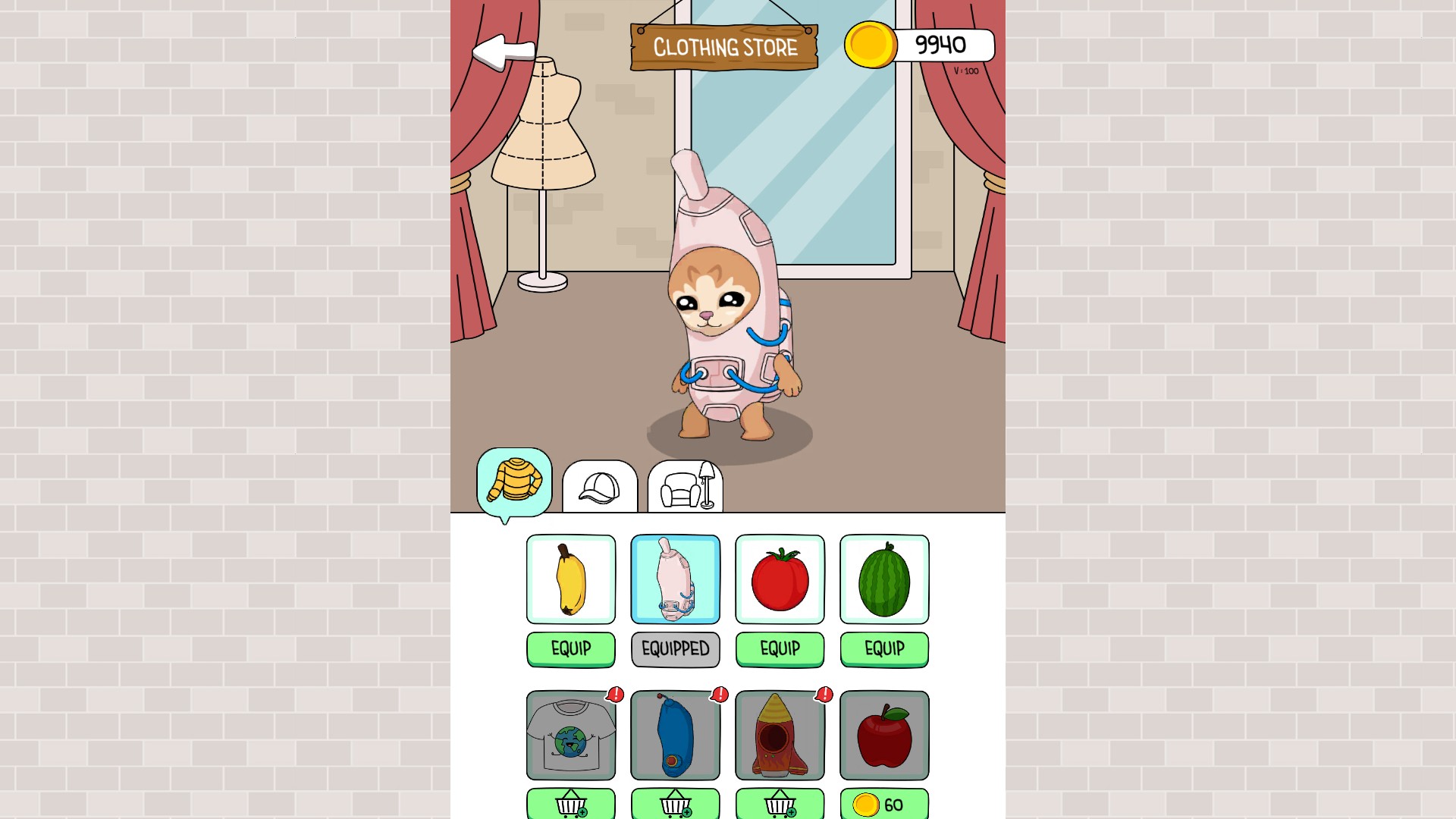
Dress for a space adventure
Give your cat a fresh look. The Space costume is equipped here in the clothing store, ready to take home.
Pet careFree
Give your cat's everyday care needs a boost. Choose one need or look after all four together.
Choose a need, set Amount and apply the boost while your cat's home is open.
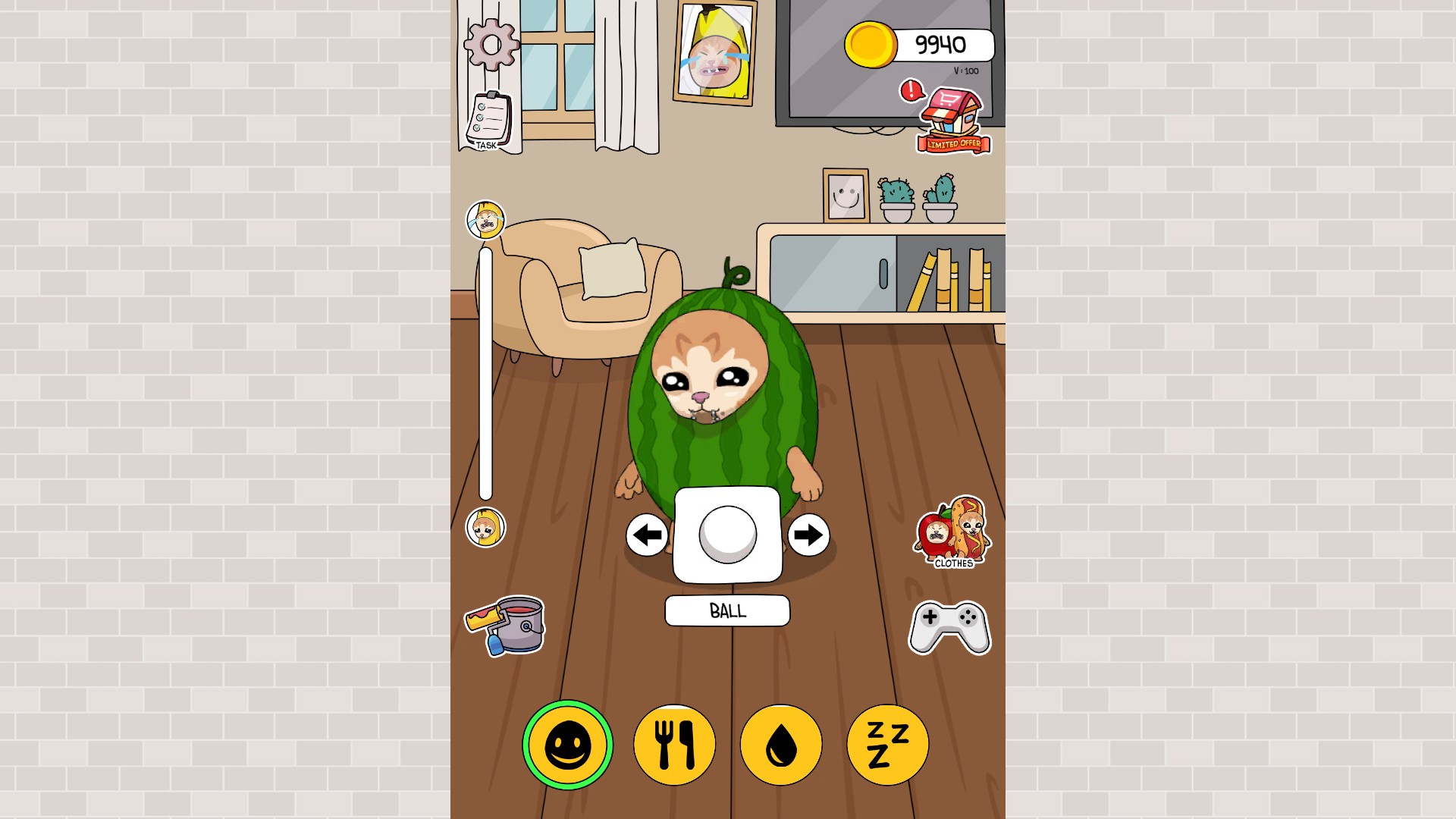
A little care goes a long way
Give your cat a boost to its everyday needs. The clean, cheerful pet and gold care icons show the result of boosting all four together.
Room themesPremium
Give the room you're in a matching furniture and background theme.
Choose the theme you want and apply it while that room is open.
Style each room separately.
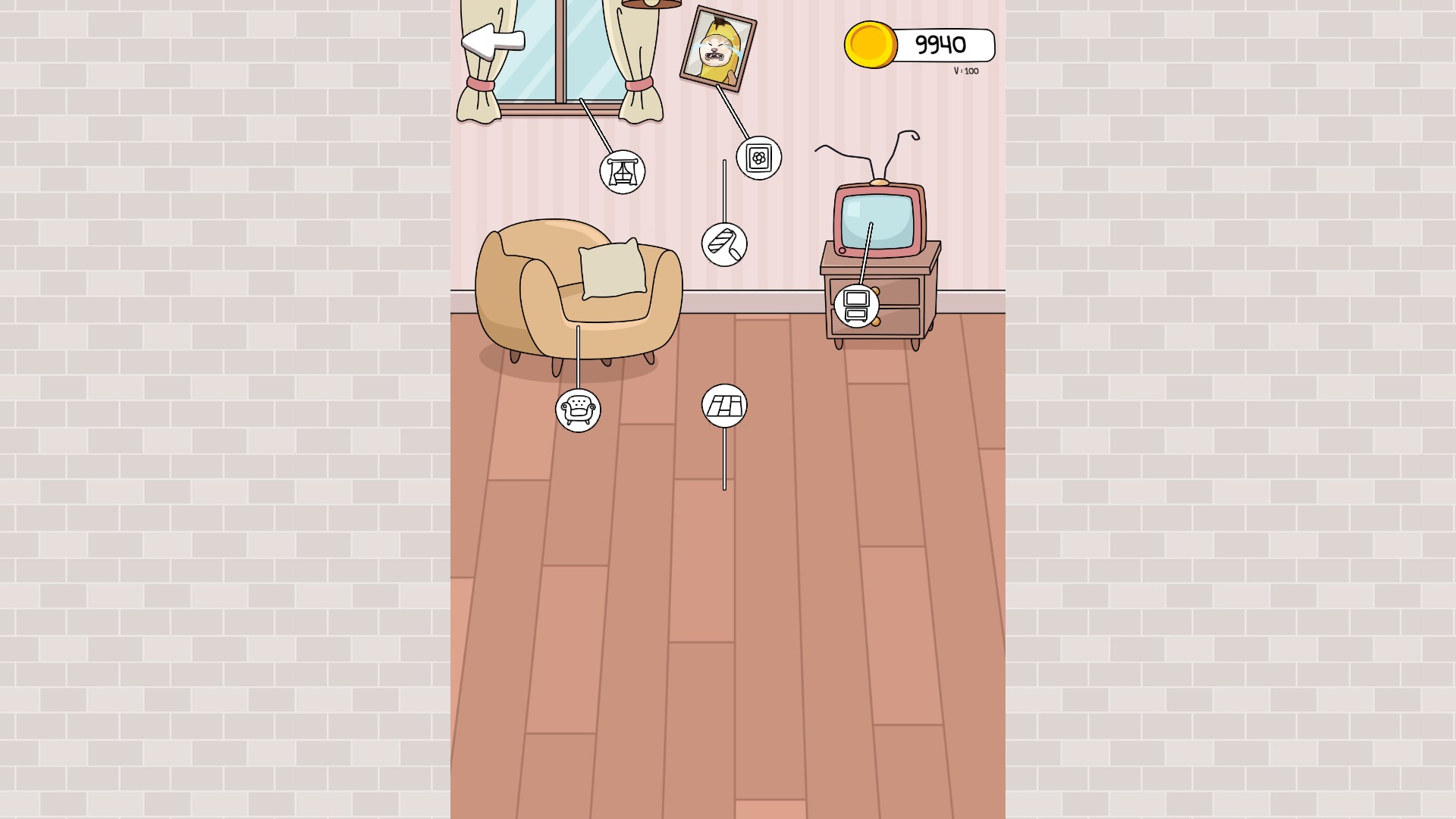
A cozy new look for your room
Give your current room a matching theme. This Cute living room brings together pink wallpaper, a warm floor and a retro television corner.
More ways to customise Talking Cat
- Talking Cat resources
Set, add or subtract coins with the normal coin controls, then spend them on ordinary shop purchases.
Questions about game actions
- Will Pet care keep every need topped up automatically?
- Pet care gives the selected needs a boost when you apply it. Your cat's normal care routine continues afterward.
- Does Room themes change the whole house at once?
- It changes the room you're in. Choose another room before applying a theme there.
Using these features
Choose the feature in the Windows app after connecting your game. Check its requirements before making a change.
Setup for Talking Cat →