

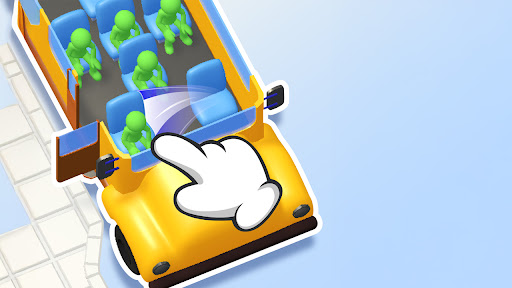
More time and a fresh start in Seat Away
Take longer to plan a seating arrangement or try a new sequence of moves. Puzzle time changes the countdown, and Restart puzzle brings back the current puzzle's starting layout.

Give yourself five minutes
Move a seat to start the countdown, then use Puzzle time. The timer is set to five minutes and keeps counting down as you play.
Try a different arrangement
Restart puzzle restores the starting seats and original clock for another attempt at the same puzzle. Use it while a puzzle is active, after finishing the tutorial.
Available game actions
Puzzle timePremium
Set the active puzzle clock to five minutes and give yourself longer to plan each move.
Move a seat to start the countdown, then use Puzzle time.
Before you use it: The countdown continues normally after you set it.
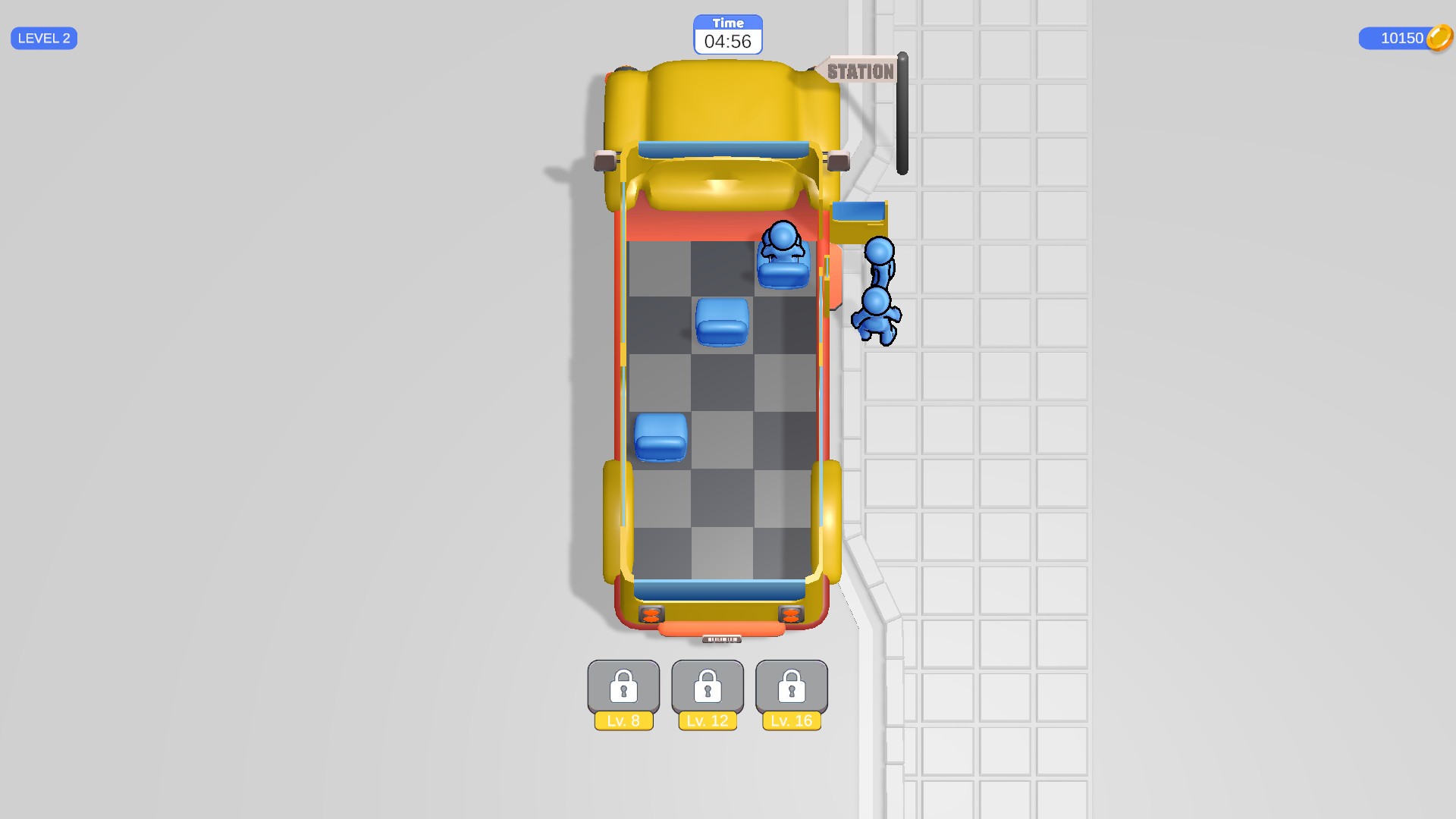
More time to plan your seats
Puzzle time sets the clock to five minutes, giving you longer to work out a seating arrangement. The countdown continues as you play.
Restart puzzleFree
Bring back the starting seats and clock for another attempt at the current puzzle.
Use Restart puzzle during an active seating puzzle after finishing the tutorial.
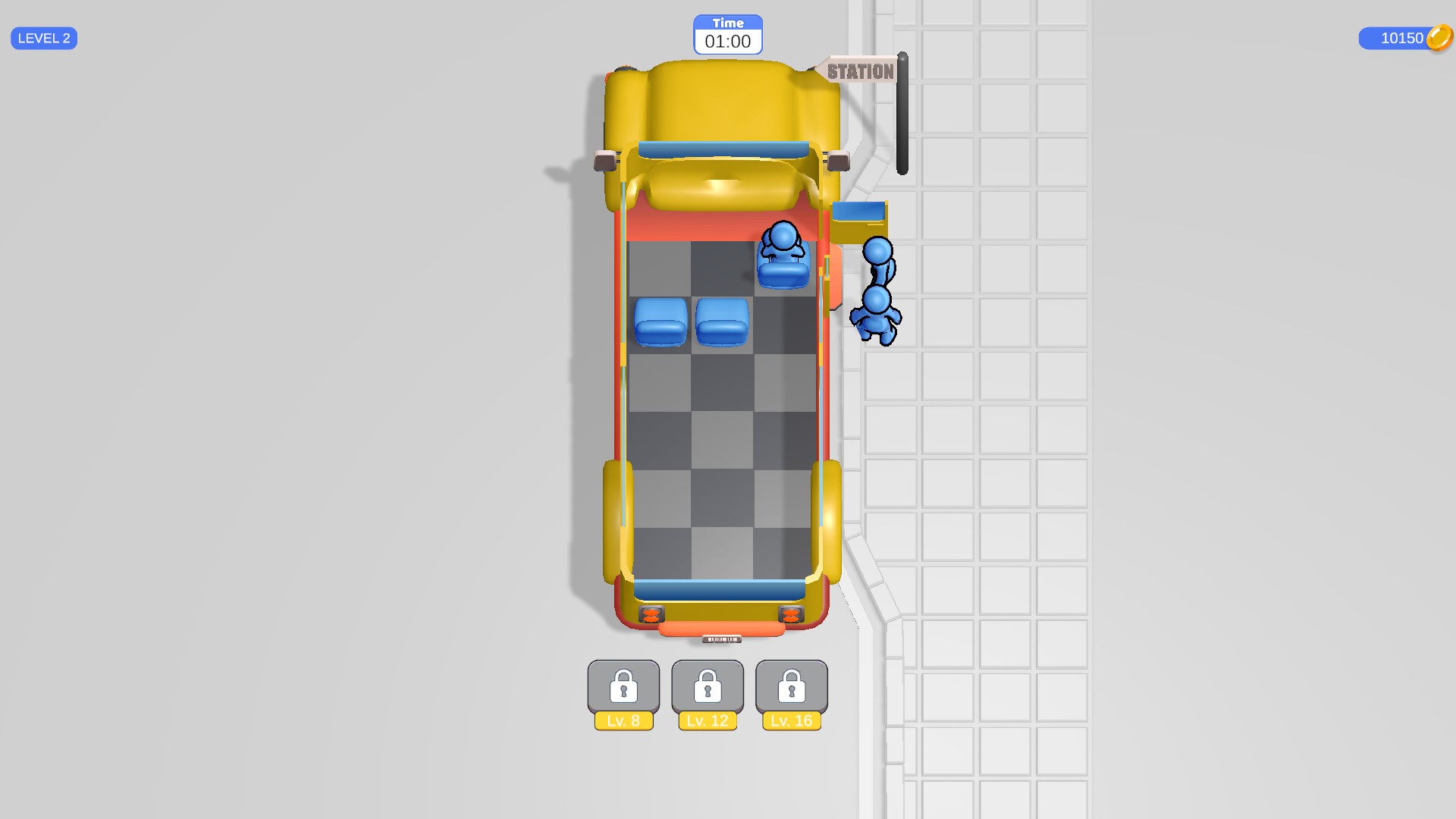
A fresh start for the same puzzle
Restart puzzle brings back the starting seat arrangement and clock, ready for another approach to the same puzzle.
More ways to customise Seat Away
- Seat Away customise
Choose a coin balance and apply it before starting your next seating puzzle.
Questions about game actions
- What happens to the clock after using Puzzle time?
- It continues counting down from five minutes while you make your seat moves.
- Which puzzle does Restart puzzle open?
- It restores your current puzzle so you can try a different approach. Your level stays the same.
Using these features
Choose the feature in the Windows app after connecting your game. Check its requirements before making a change.
Setup for Seat Away →