

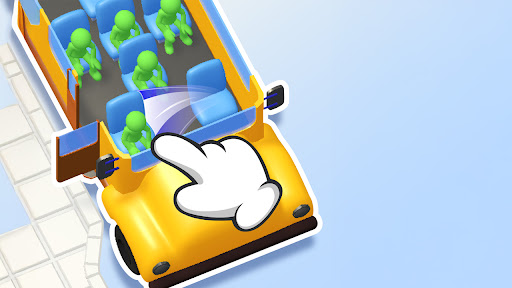
Choose your Seat Away coin balance
Set a coin total that suits your run, apply the change and return to helping passengers find a seat. Coins customization is free.

Set your total
Choose the balance you want in Coins, then press Apply. The game reloads with your new total, ready for you to continue playing.
Keep the normal level unlocks
Boosters still unlock at their usual levels. Changing your coin balance leaves those level requirements in place.
Available customise
CoinsFree
Choose the coin balance you want to use in Seat Away.
Choose your total and press Apply before starting to arrange seats. The game reloads with the new balance.
Before you use it: Boosters still unlock at their usual levels.
More ways to customise Seat Away
- Seat Away game actions
Set five minutes on the active puzzle clock or restart the current seating arrangement.
Questions about customise
- When should I apply a new balance?
- Apply it before you start arranging seats. Applying a balance reloads the game.
- Can I keep earning coins normally?
- Yes. Normal puzzle rewards add to the balance you chose.
Using these features
Choose the feature in the Windows app after connecting your game. Check its requirements before making a change.
Setup for Seat Away →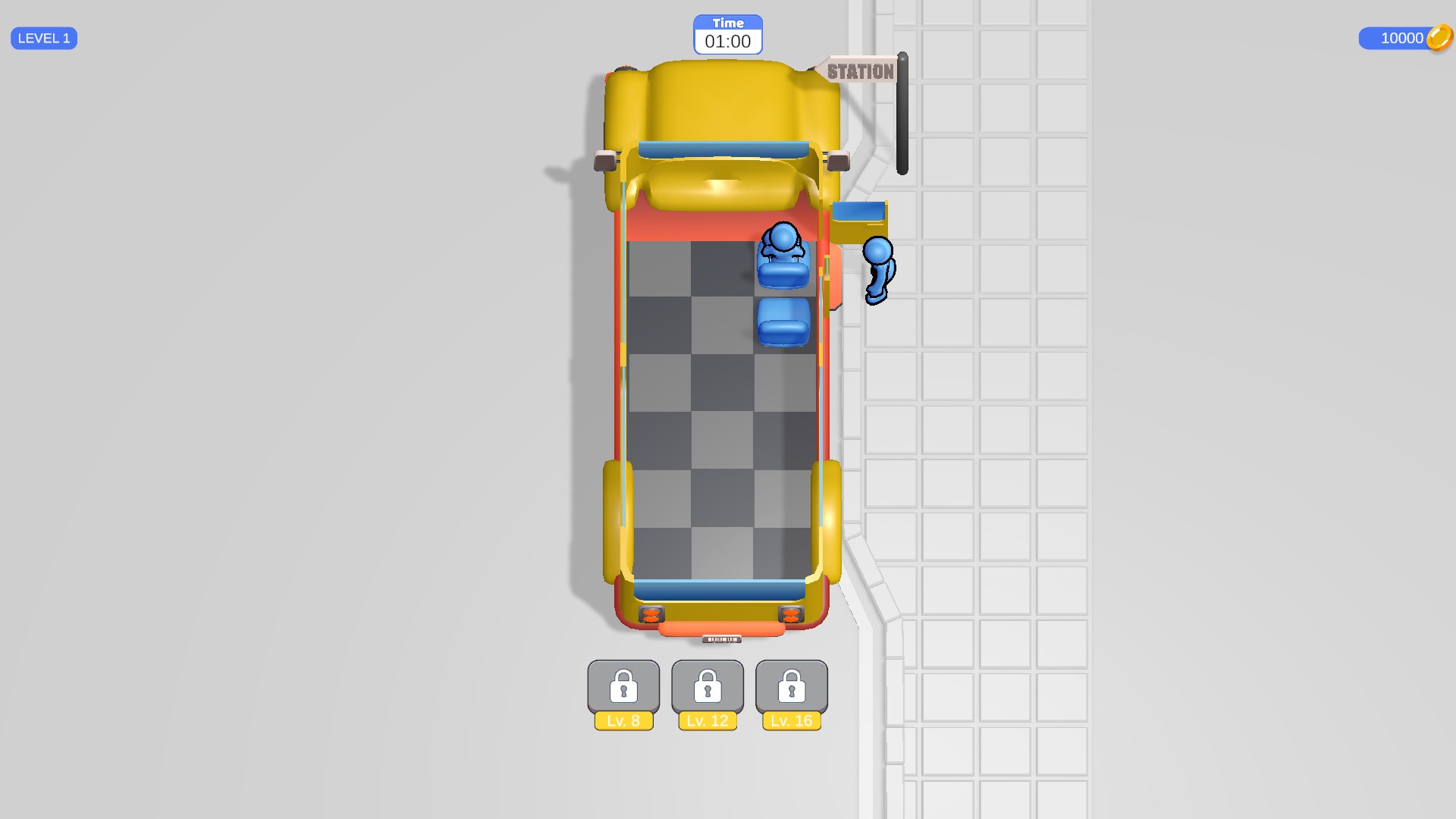
Choose your coin balance
The seating puzzle shows a balance of 10,000 coins after using Coins customization.