

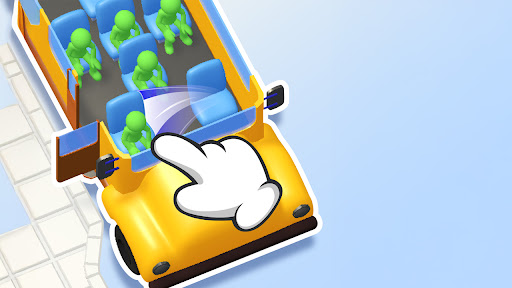
Customise
1 optionChoose a coin balance and apply it before starting your next seating puzzle.
View customise →Seat Away turns a bus aisle into a seating puzzle. Slide seats into a useful order so waiting passengers can get aboard before the clock runs out. Choose your coin balance, give yourself more time to plan or start the current puzzle again with Bytonian Mods.

A seat in the wrong place can keep a passenger waiting at the door. Think about the order of your moves and make room for passengers to reach an empty seat.
Coins customization lets you choose your balance. Puzzle time gives you a longer countdown, while Restart puzzle brings back the starting arrangement when you want another attempt.
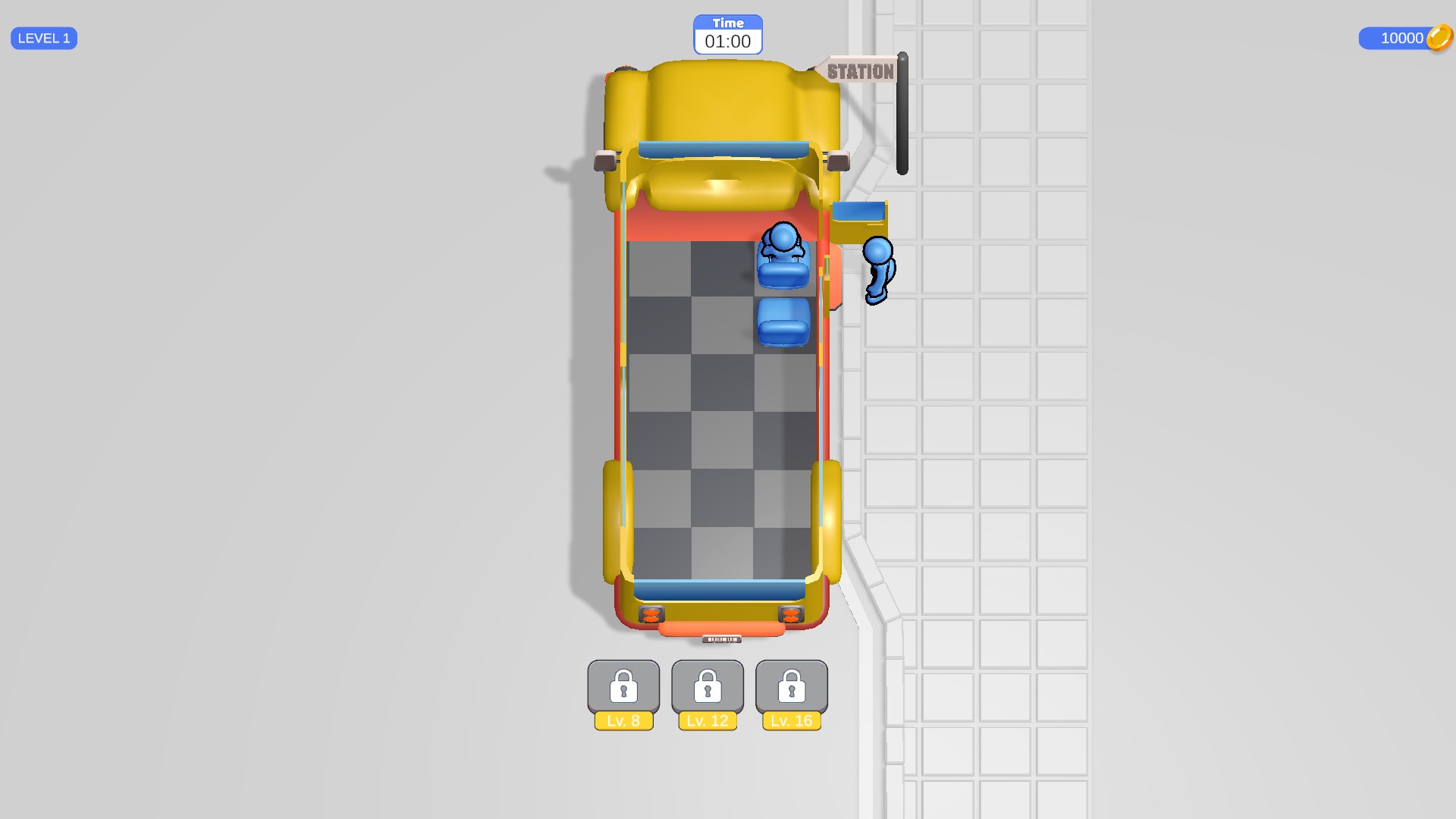
Make room for waiting passengers
Slide seats around the bus to clear a route for waiting passengers. This view shows a coin balance of 10,000 after using Coins customization.
Choose a coin balance and apply it before starting your next seating puzzle.
View customise →Set five minutes on the active puzzle clock or restart the current seating arrangement.
View game actions →Download the Windows app and follow the setup prompts.
Set up the browser extension in Chrome or Edge, then open the supported YouTube Playable. Follow the connection guide if the game is already running.
Review the available options in the app and choose the ones that suit how you play.