


Change scratching and purchase rules
Reduce repeated scratching with the free instant-scratch toggle, or use the Premium purchase rules to try upgrades without their usual currency cost. Cash affordability and prestige purchases have separate controls.
Looking for the full game? View Scritchy Scratchy mods.
Reveal surfaces faster
With instant scratching enabled, scratchable symbols are revealed without the usual repeated motion. This also covers plate cleaning in the day job. Revealing a ticket does not change its outcome or guarantee a win.
Choose the right purchase rule
You can always afford everything applies to cash purchases even when your balance is too small. All prestige upgrades are free applies when buying available upgrades on the prestige screen. Neither rule promises to remove prerequisites, purchase limits or the demo's content boundary.
Available rule modifiers

All prestige upgrades are freePremium
Buy available prestige upgrades without their usual currency cost.
Enable the rule and make your purchases on the prestige upgrade screen.
Before you use it: You still choose the upgrades. Existing prerequisites, purchase counts and demo content limits are not removed.
Everything will be instantly scratchedFree
Reveal scratchable surfaces instantly, including tickets and the plates you clean during your day job.
Enable instant scratching when you want to skip the usual repeated scratching or cleaning motion.
Before you use it: Reveals the surface rather than changing ticket results. A fully revealed ticket is not a guaranteed win.
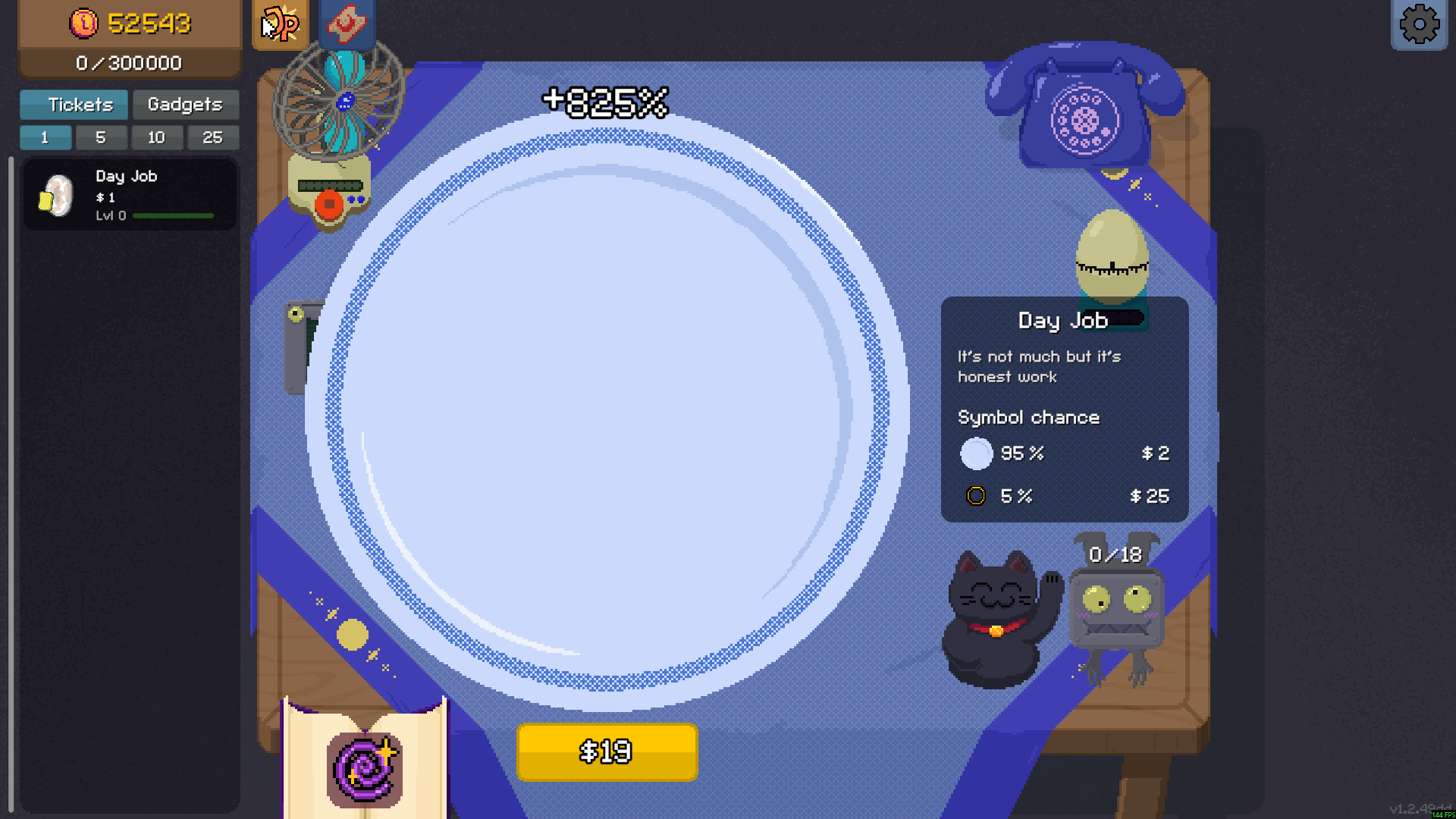
Clean the Day Job plate instantly
Skip the repeated cleaning motion with Instant Scratch. This Day Job plate is fully cleaned and ready to cash out for $19.
You can always afford everythingPremium
Let cash purchases proceed even when you do not have enough money for the price.
Enable the affordability rule, then choose the cash-priced purchase you want in the demo.
Before you use it: Applies to money costs. Prestige upgrades use a separate rule, and other purchase requirements still apply.
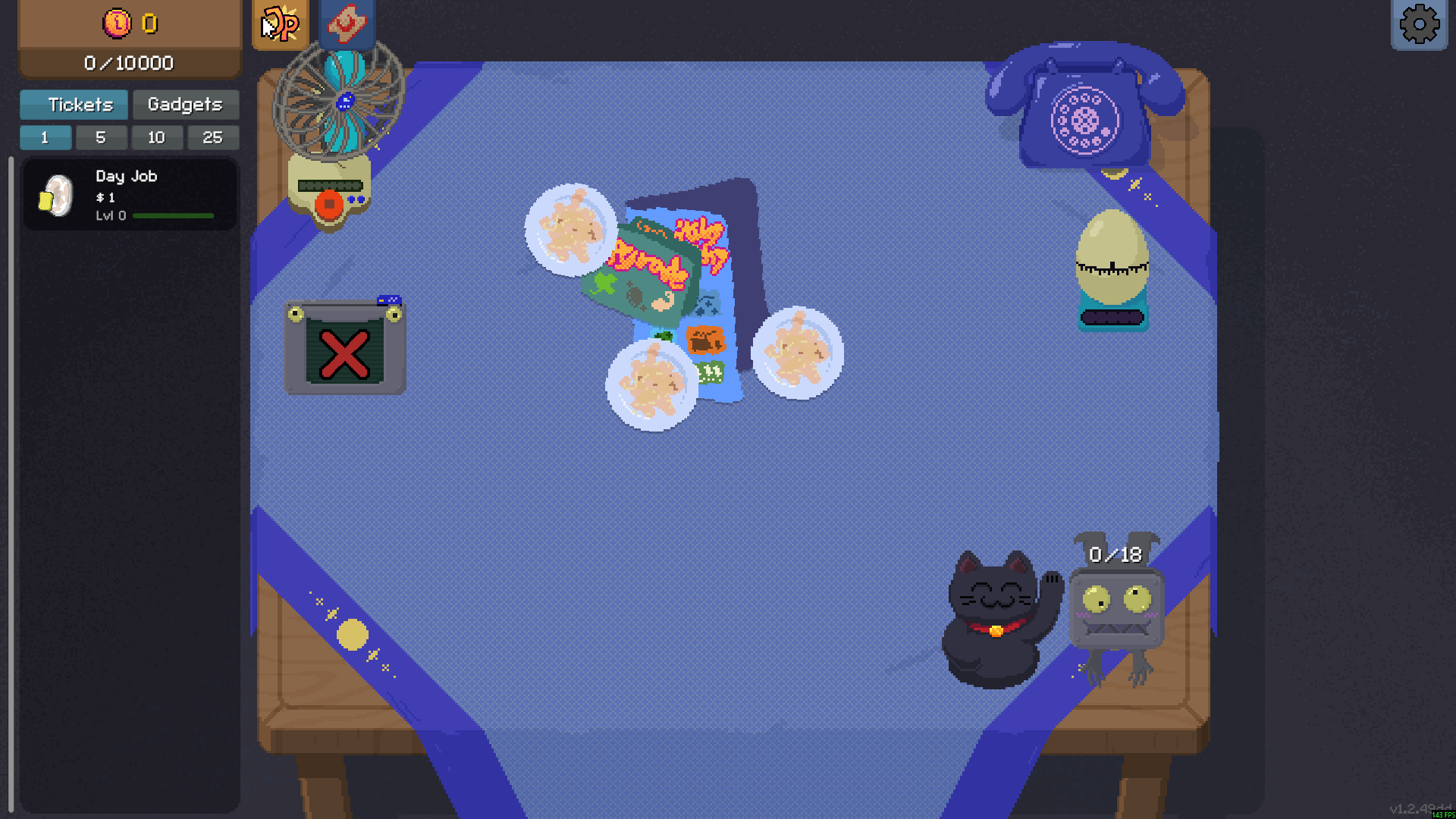
Buy a Day Job with zero money
Keep buying when your balance runs out. With always-affordable purchases enabled, this extra Day Job was bought with 0 money.
More ways to customise Scritchy Scratchy Demo
- Scritchy Scratchy Demo resources
Raise or lower your current money balance.
Using these features
Choose the feature in the Windows app after connecting your game. Check its requirements before making a change.
Setup for Scritchy Scratchy Demo →