


Resources
1 optionRaise or lower your current money balance.
View resources →Try a different pace in the Windows demo's loop of day jobs, scratch-off tickets and upgrades. These options let you adjust money, skip repeated scratching or change the cost rules for cash purchases and prestige upgrades.
Looking for the full game? View Scritchy Scratchy mods.
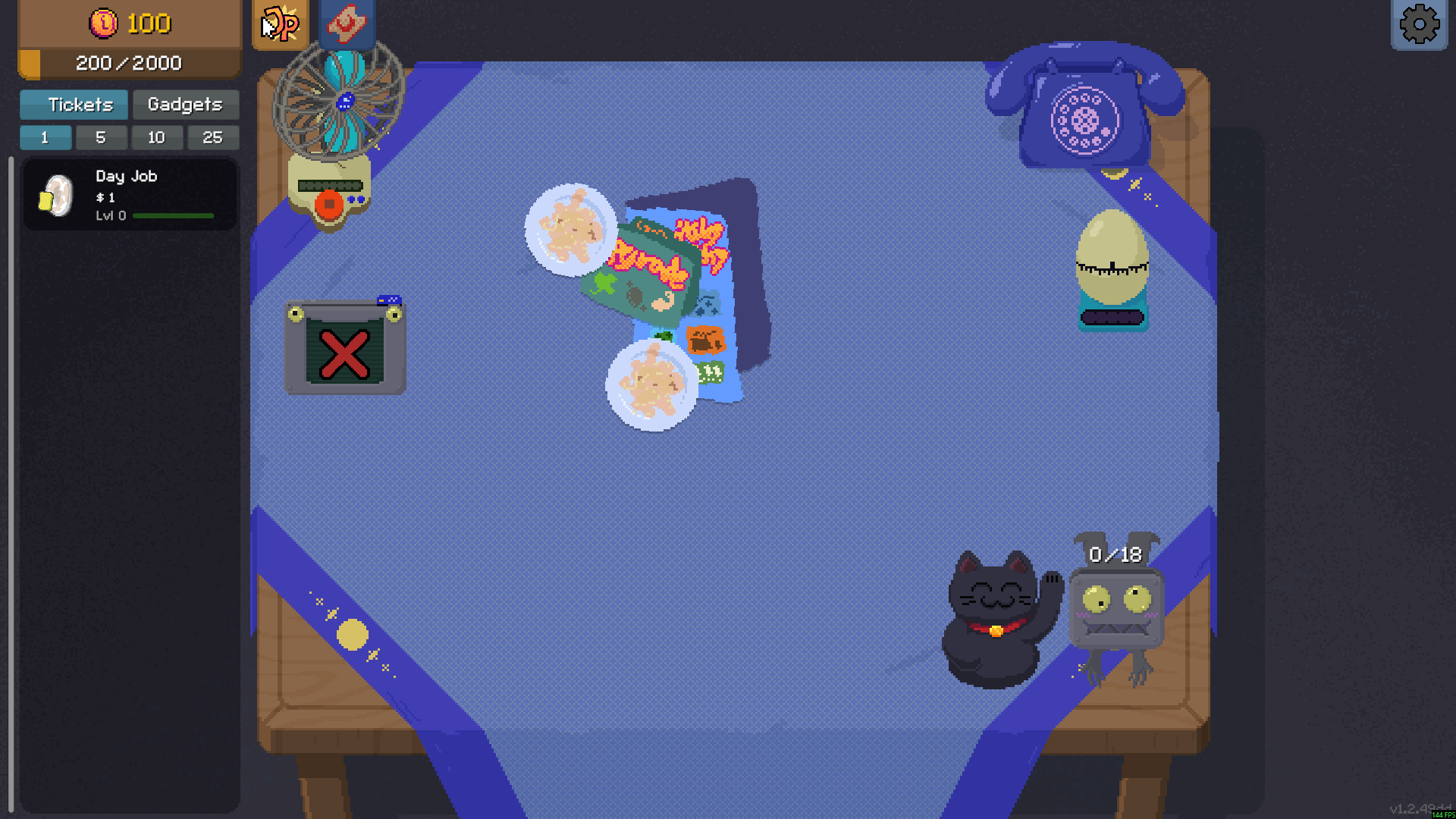
Your table in Scritchy Scratchy Demo
Take on Day Jobs and browse ticket catalogues in Scritchy Scratchy Demo.
Resources contains Money for setting a balance. Rule Modifiers contains instant scratching, cash affordability and free prestige upgrades. The purchase rules handle different currencies, so choose the one that matches the upgrade you want.
Install Bytonian Mods, open Scritchy Scratchy Demo and select the demo in the app. Follow the connection prompts, then choose your options. This page covers the Steam Windows demo; it does not promise extra full-game content.
Raise or lower your current money balance.
View resources →Instant scratching is free; cash affordability and free prestige upgrades are Premium.
View rule modifiers →Download the Windows app and follow the setup prompts.
Open Scritchy Scratchy Demo and select it in Bytonian Mods. Follow the app’s connection prompts.
Review the available options in the app and choose the ones that suit how you play.