


Resources
1 optionChange available Money with the Premium resource control.
View resources →Scritchy Scratchy turns scratch cards into an incremental climb through new tickets, upgrades and prestige. Bytonian Mods lets you choose between faster scratching, changing your Money balance and removing purchase costs.
Playing the demo? View Scritchy Scratchy Demo mods.
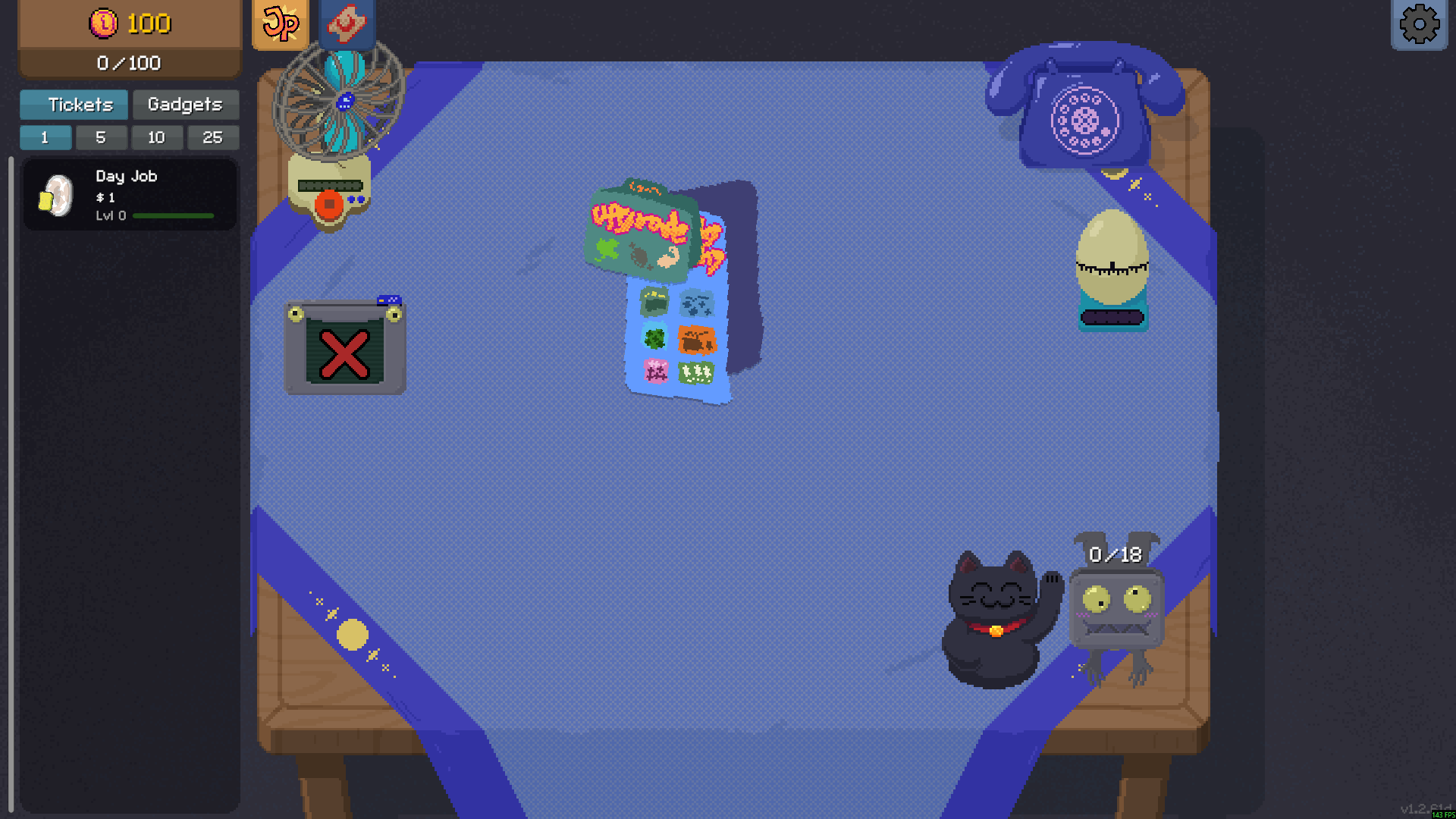
Your table in Scritchy Scratchy
Settle in at the table, choose a ticket or take a Day Job, and scratch your way toward the next unlock.
Resources contains the Money control for changing your available funds. Rule Modifiers brings together instant scratching, purchases without enough Money and free prestige upgrades. Each changes a different part of the ticket-and-upgrade loop.
Instant scratching is free. Money, always-affordable purchases and free prestige upgrades are Premium options.
Open Bytonian Mods, select Scritchy Scratchy and follow the app's setup instructions for your installed game. Choose Resources or Rule Modifiers, then select the option you want to use. These options are listed for the full Windows game.
Change available Money with the Premium resource control.
View resources →Free instant scratching plus Premium controls for Money purchases and prestige upgrade costs.
View rule modifiers →Browse the Steam achievement names and descriptions for Scritchy Scratchy. Choose and unlock achievements for free with Bytonian Mods in the Windows app.
View all achievements →Download the Windows app and follow the setup prompts.
Open Scritchy Scratchy and select it in Bytonian Mods. Follow the app’s connection prompts.
Review the available options in the app and choose the ones that suit how you play.