

See your next fold more clearly
Bring the ingredients closer when you want a better look at the board. Puzzle zoom gives you a choice of Wide, Balanced and Close views while you play.
Find a comfortable view
Open a puzzle, choose a view and turn on Puzzle zoom. Balanced brings the ingredients closer while leaving the puzzle controls in place. Turn the control off to return to your previous view.
Available perspective modifiers
Puzzle zoomFree
Bring the ingredients closer for a clearer look at your next fold.
Use with an open puzzle. Choose your view, then turn on the control. Switch it off to return to your previous view.
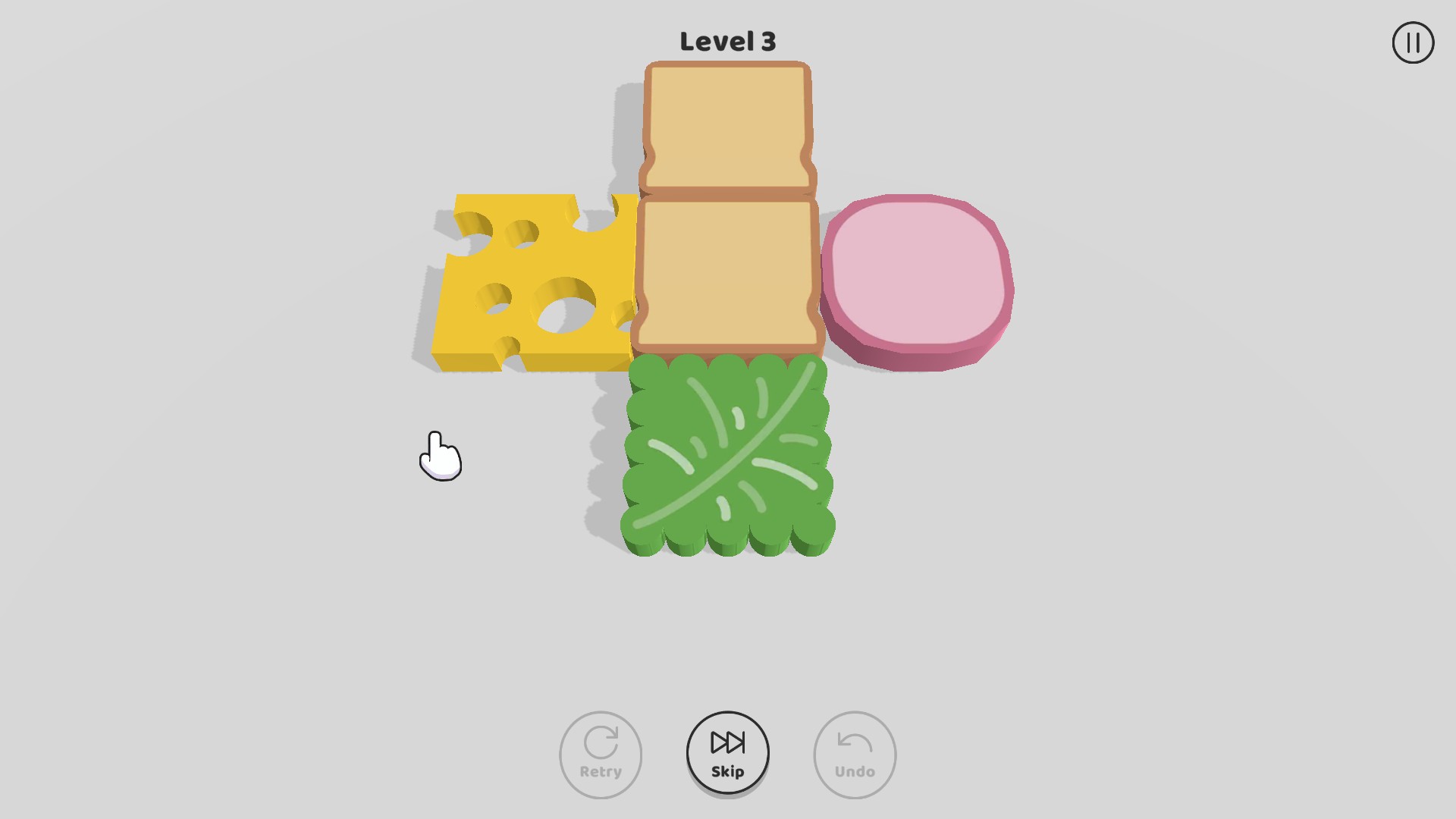
Get a closer look at your next fold
Bring the ingredients closer with Puzzle zoom, then switch it off to return to your previous view.
More ways to customise Sandwich
- Sandwich game actions
Undo a fold to rethink your move, or skip the current puzzle.
Using these features
Choose the feature in the Windows app after connecting your game. Check its requirements before making a change.
Setup for Sandwich →