

A second try or a fresh puzzle
A fold can change your whole plan. Take back the last move when you spot another route, or move on when you would rather tackle a fresh sandwich.
Try another move
Use Free Undo last fold after folding an ingredient. It puts the last fold back so you can try a different move in the same puzzle.
Move on when you are ready
Use Premium Skip puzzle while a puzzle is open. The completion screen appears; tap Continue to start the next sandwich.
Available game actions
Skip puzzlePremium
Leave the current puzzle behind and move on to a fresh sandwich.
Use while a puzzle is open, then tap Continue on the completion screen.
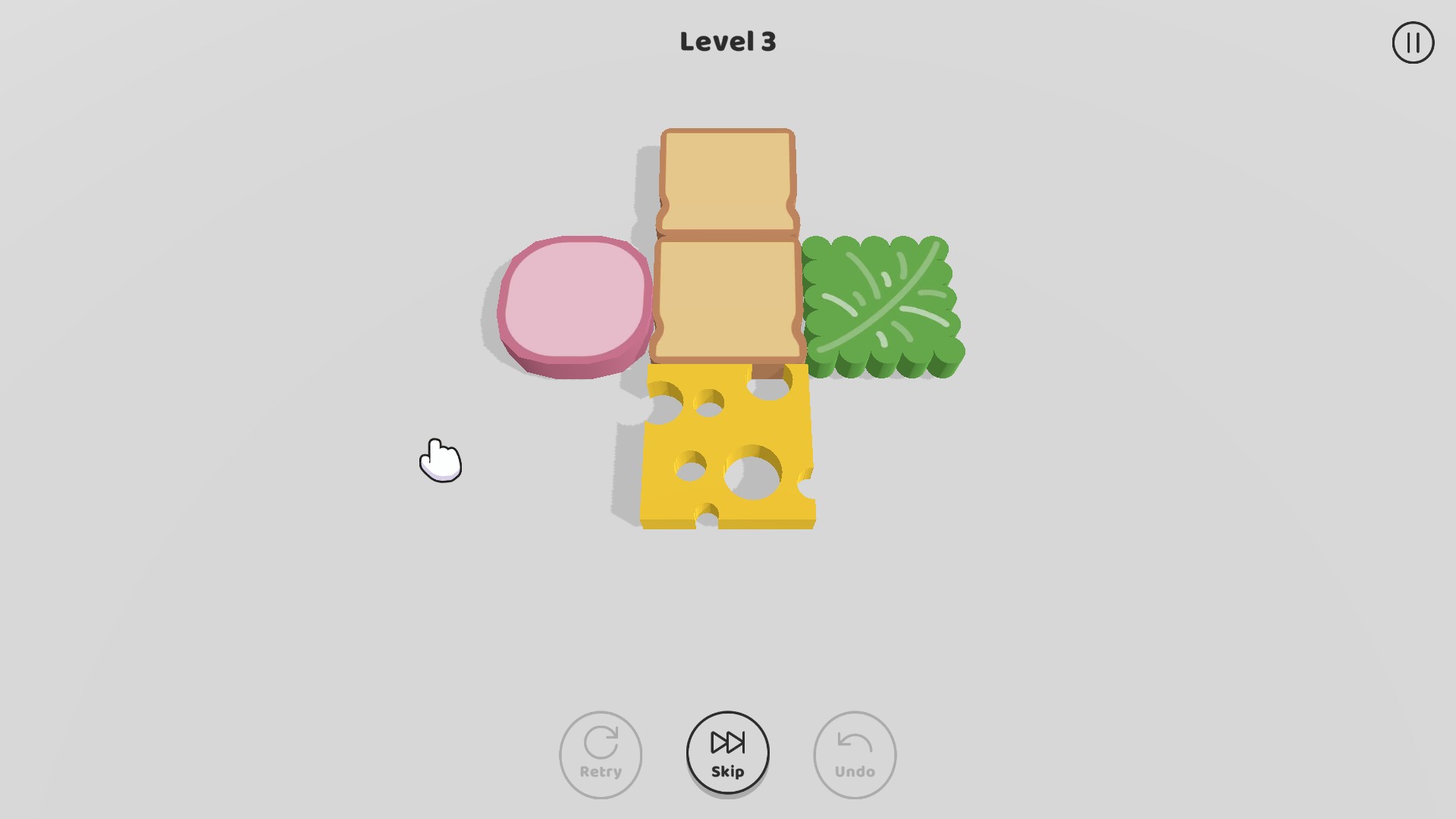
Move on to a fresh puzzle
Skip your current puzzle, then tap Continue to start the next sandwich.
Undo last foldFree
Give that fold another try. Put your last move back and choose a different approach.
Use after making a fold in the current puzzle.
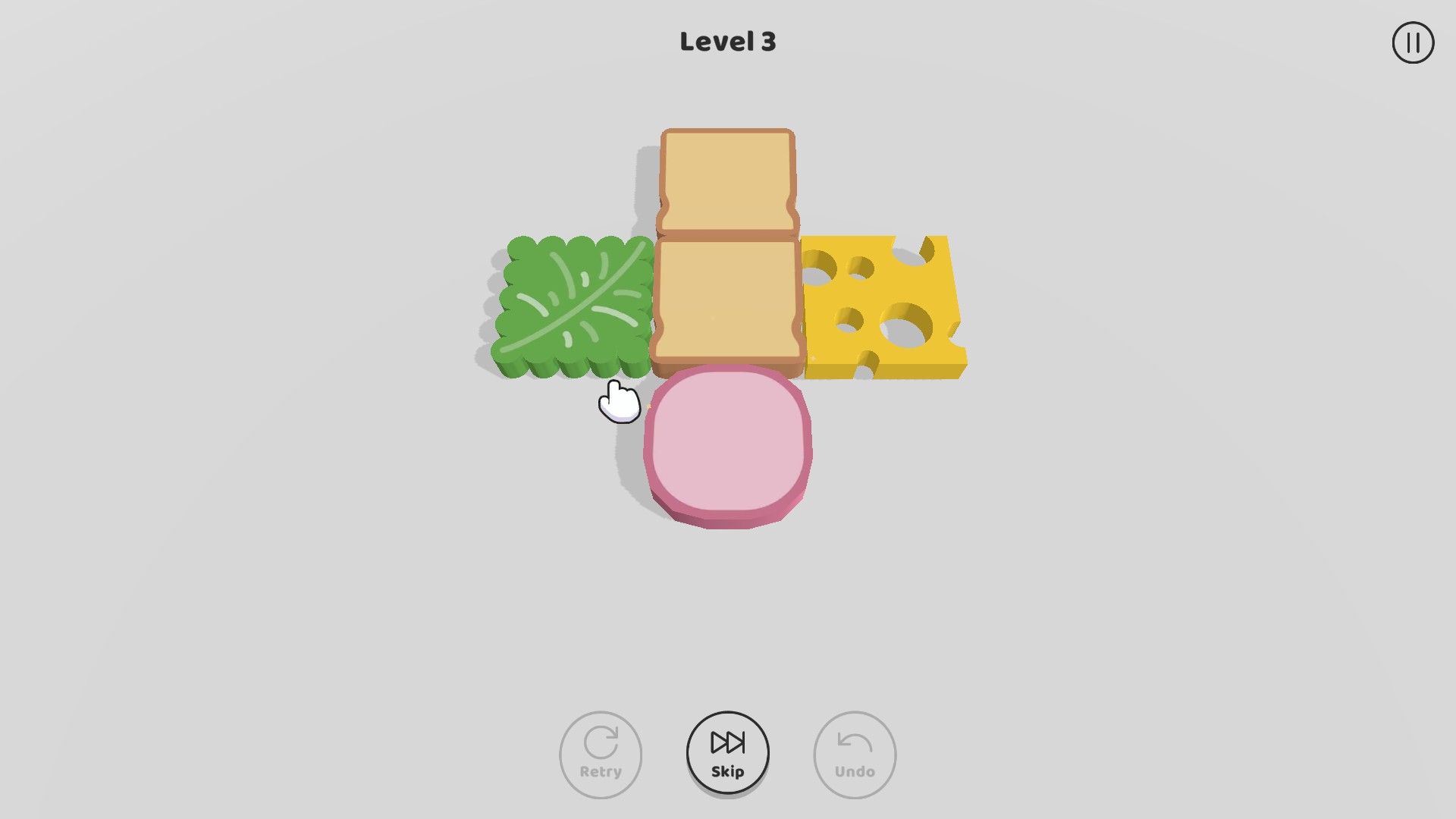
Give that fold another try
Undo your last fold and try a different move in the same puzzle.
More ways to customise Sandwich
- Sandwich perspective modifiers
Choose how closely you want to see your sandwich puzzle.
Using these features
Choose the feature in the Windows app after connecting your game. Check its requirements before making a change.
Setup for Sandwich →