

Perspective Modifiers
1 optionChoose how closely you want to see your sandwich puzzle.
View perspective modifiers →Sandwich turns bread, cheese and crisp toppings into a folding puzzle. Plan the order of your moves, stack the ingredients and finish with a sandwich ready to eat. These controls help you reconsider a fold, move on to another puzzle or get a closer look at the board.
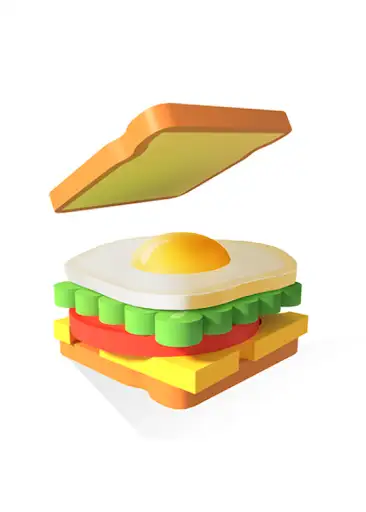
Free Undo last fold lets you take back a move and try another approach. Premium Skip puzzle takes you to the completion screen so you can continue with a fresh sandwich.
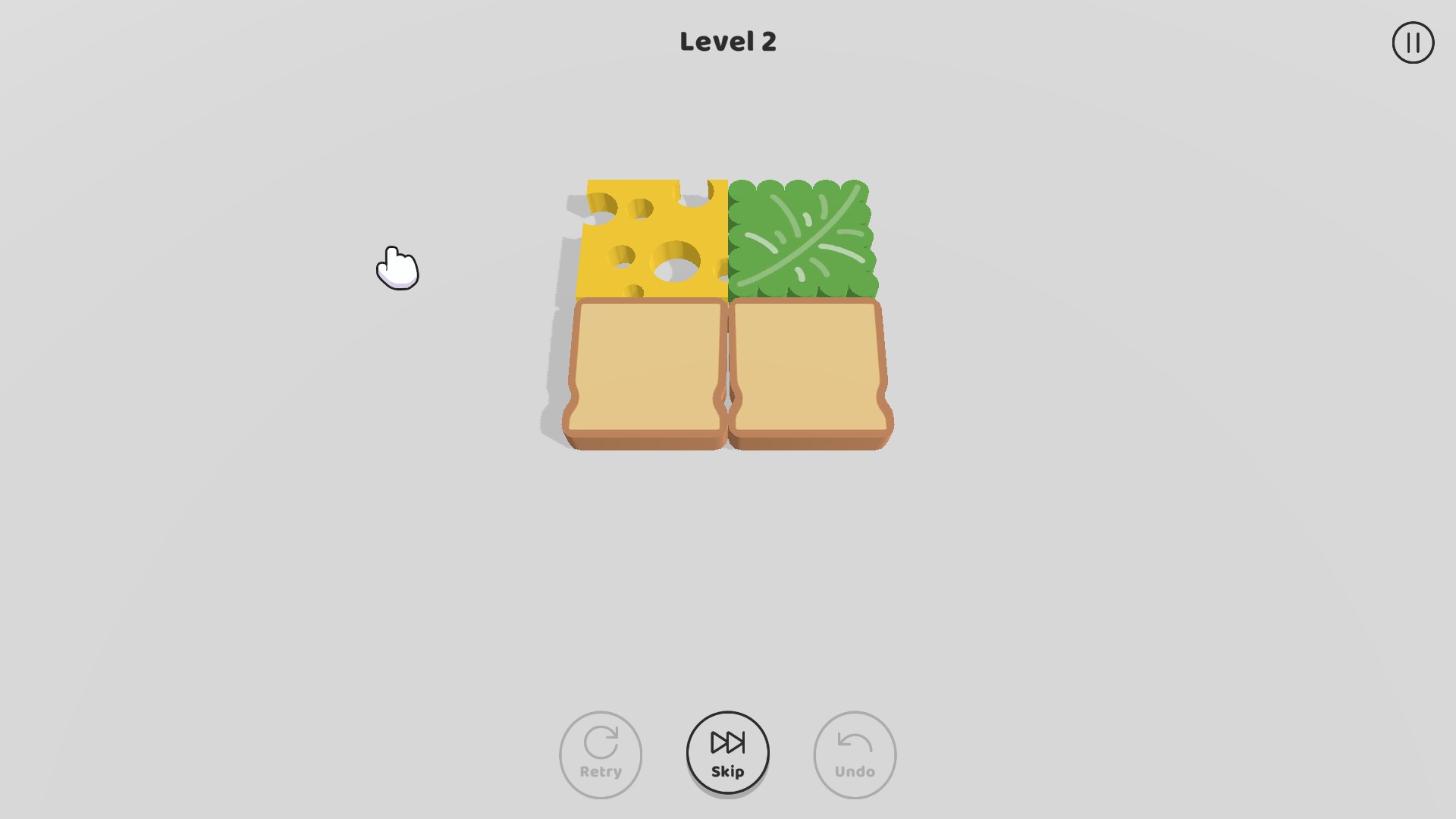
Free Puzzle zoom brings the board closer while you plan your next fold. Switch it off when you want your previous view back.
Open Sandwich on YouTube Playables and connect it to Bytonian Mods. Once a puzzle is on screen, choose your control. After using Skip puzzle, tap Continue to move on.
Plan your next sandwich
Fold the ingredients onto the bread and work toward a complete sandwich.
Choose how closely you want to see your sandwich puzzle.
View perspective modifiers →Undo a fold to rethink your move, or skip the current puzzle.
View game actions →Download the Windows app and follow the setup prompts.
Set up the browser extension in Chrome or Edge, then open the supported YouTube Playable. Follow the connection guide if the game is already running.
Review the available options in the app and choose the ones that suit how you play.