
Make the room easier to read
See in the Dark adds adjustable light around your view. Custom Field of View changes how much of the room you can see, while Ultra Wide Screen expands the available view space.
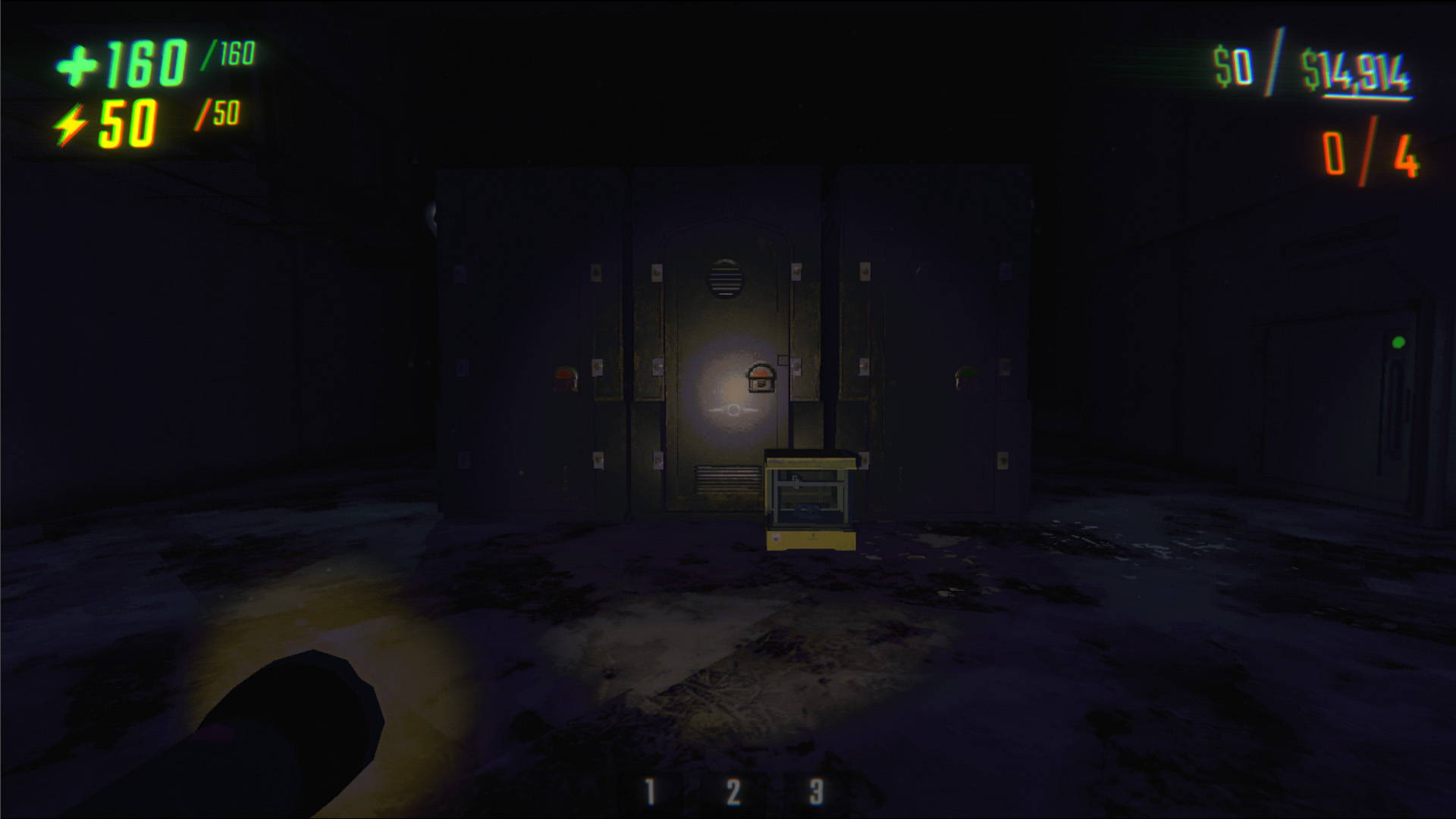
See In The Dark Off
The standard view inside McJannek Station before See In The Dark is enabled.
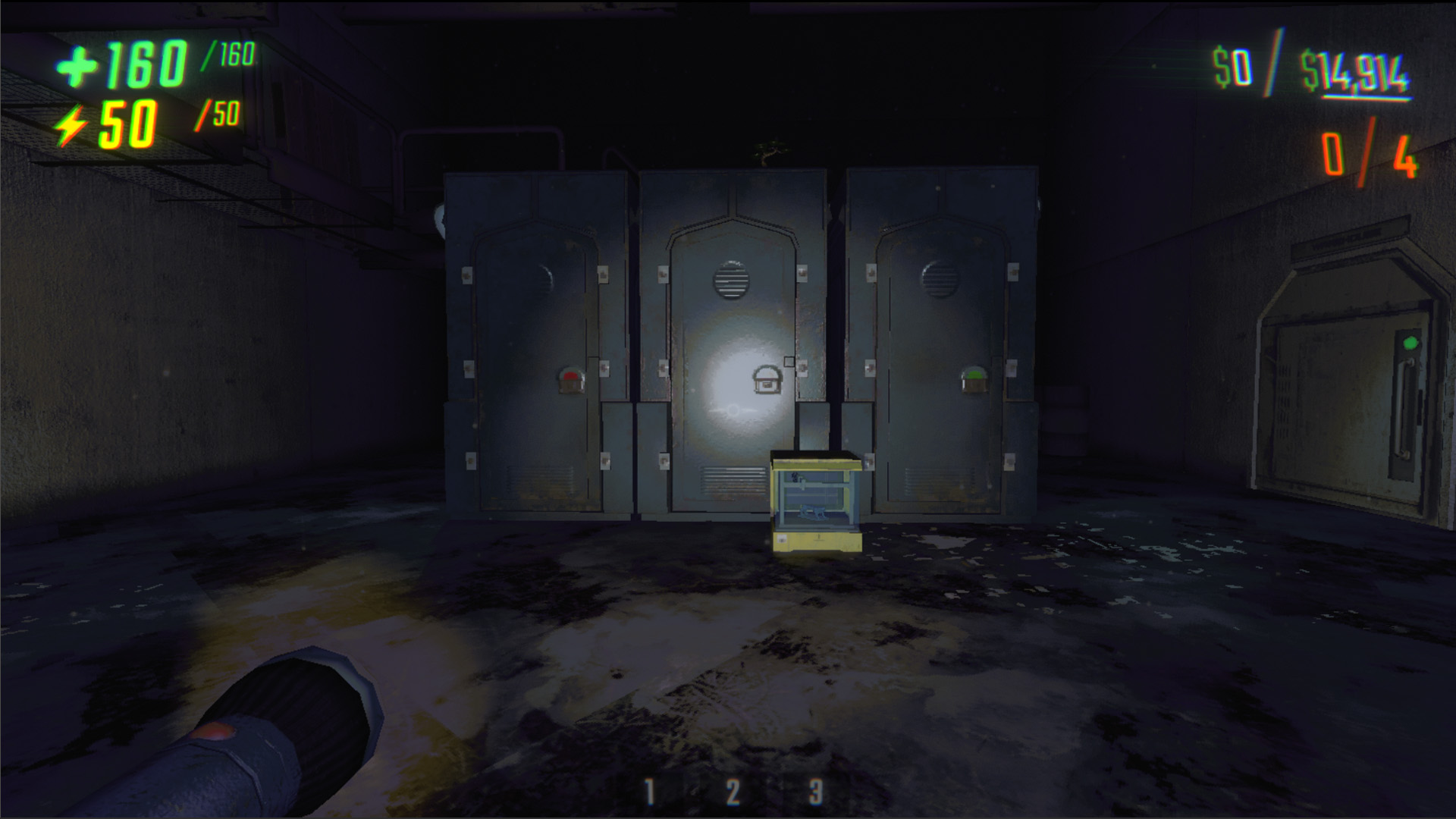
See In The Dark On
Brighten dark areas with See In The Dark to make the room easier to see.
Set a comfortable view
Expand See in the Dark to adjust brightness. Enable Custom Field of View to choose its angle, and combine it with Ultra Wide Screen when using a wider display.
Reduce camera motion and tune your beam
Camera Comfort separates impact shake, walking bob, turn tilt, idle motion and jump or landing movement. Lower the amounts you want to reduce and keep the others at 100%.
Flashlight Tuning changes beam brightness and reach while keeping your usual flashlight controls. Choose the beam settings that suit the room.
Keep nearby valuables and threats in view
Valuable Labels shows current values and distances. Enemy Awareness adds distance markers for nearby enemies. Each has its own range setting; reduce it when markers line up and become crowded. These controls are unavailable in the Disposal Arena.
Available perspective modifiers
Camera comfortFree
Reduce impact shake and choose separate amounts for walking bob, turning tilt, idle motion and jump or landing movement.
The Disposal Arena is excluded.
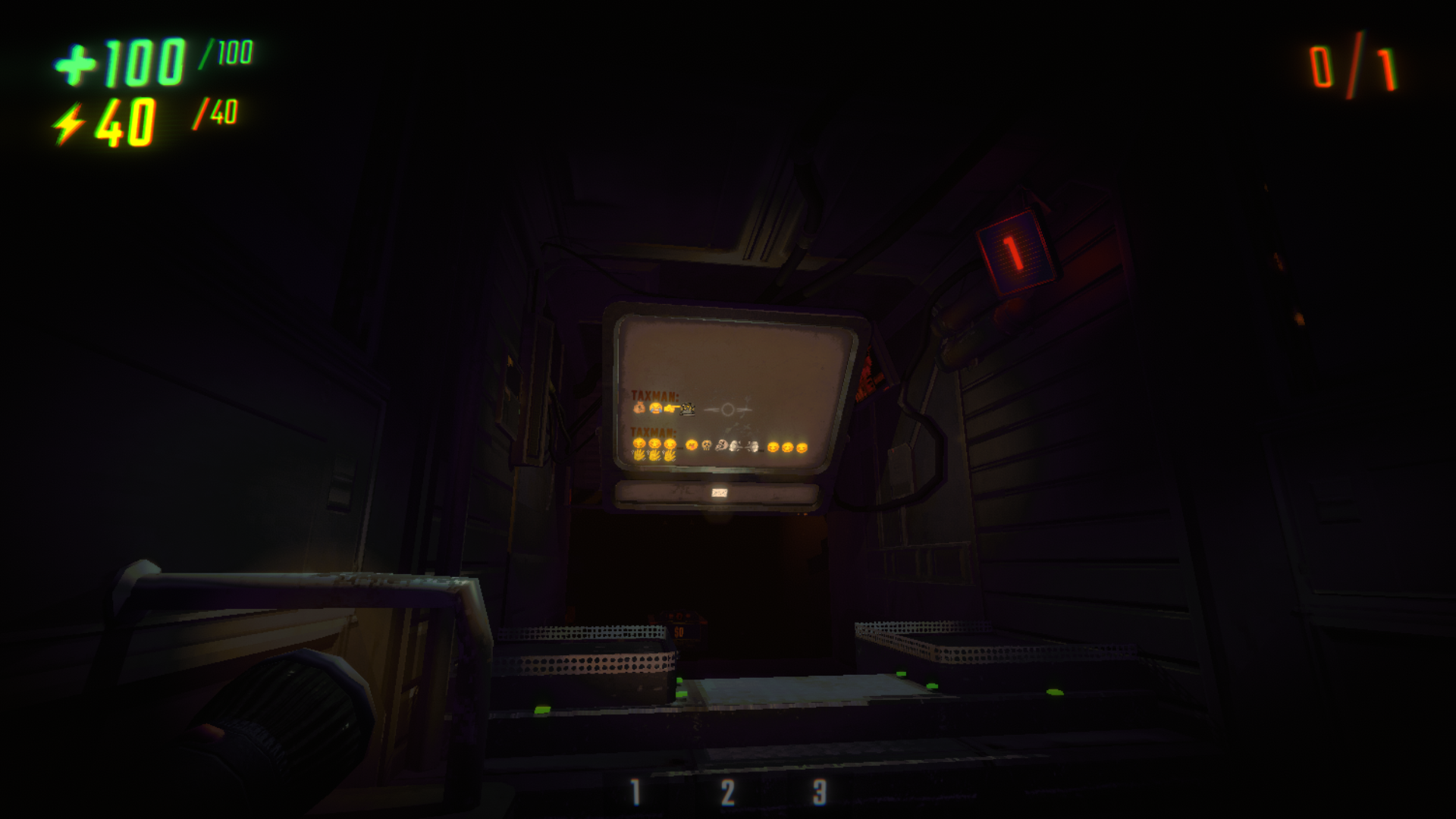
A steady view inside the truck
The truck interior at the start of a R.E.P.O. run.
Custom Field of ViewFree
Choose the camera field of view while this control is enabled.
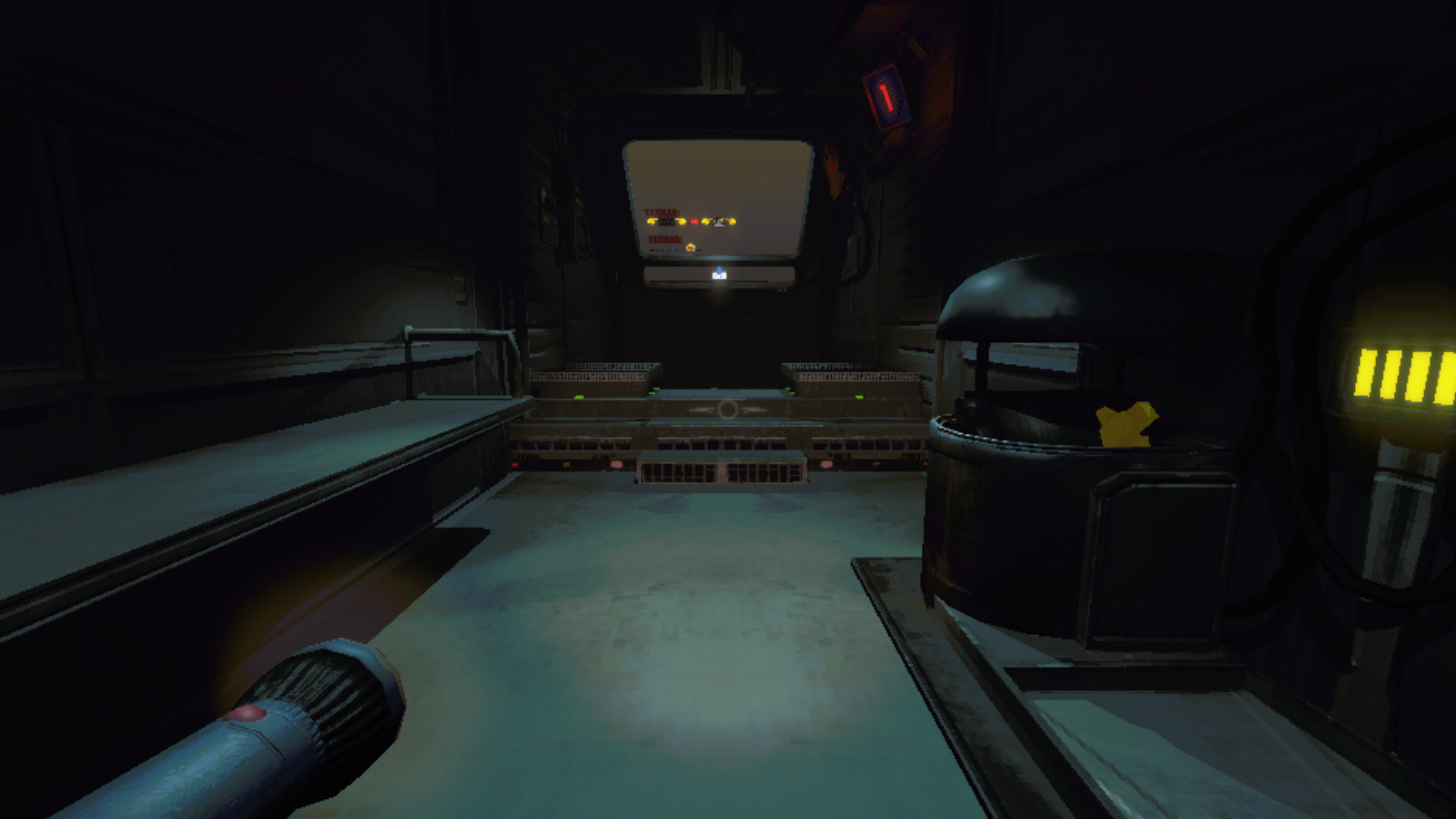
Choose a wider field of view
Adjust the field of view to show more of the space around you.
Enemy awarenessPremium
Show nearby enemy distance markers to help plan your route. Reduce the range to limit clutter.
The Disposal Arena is excluded.
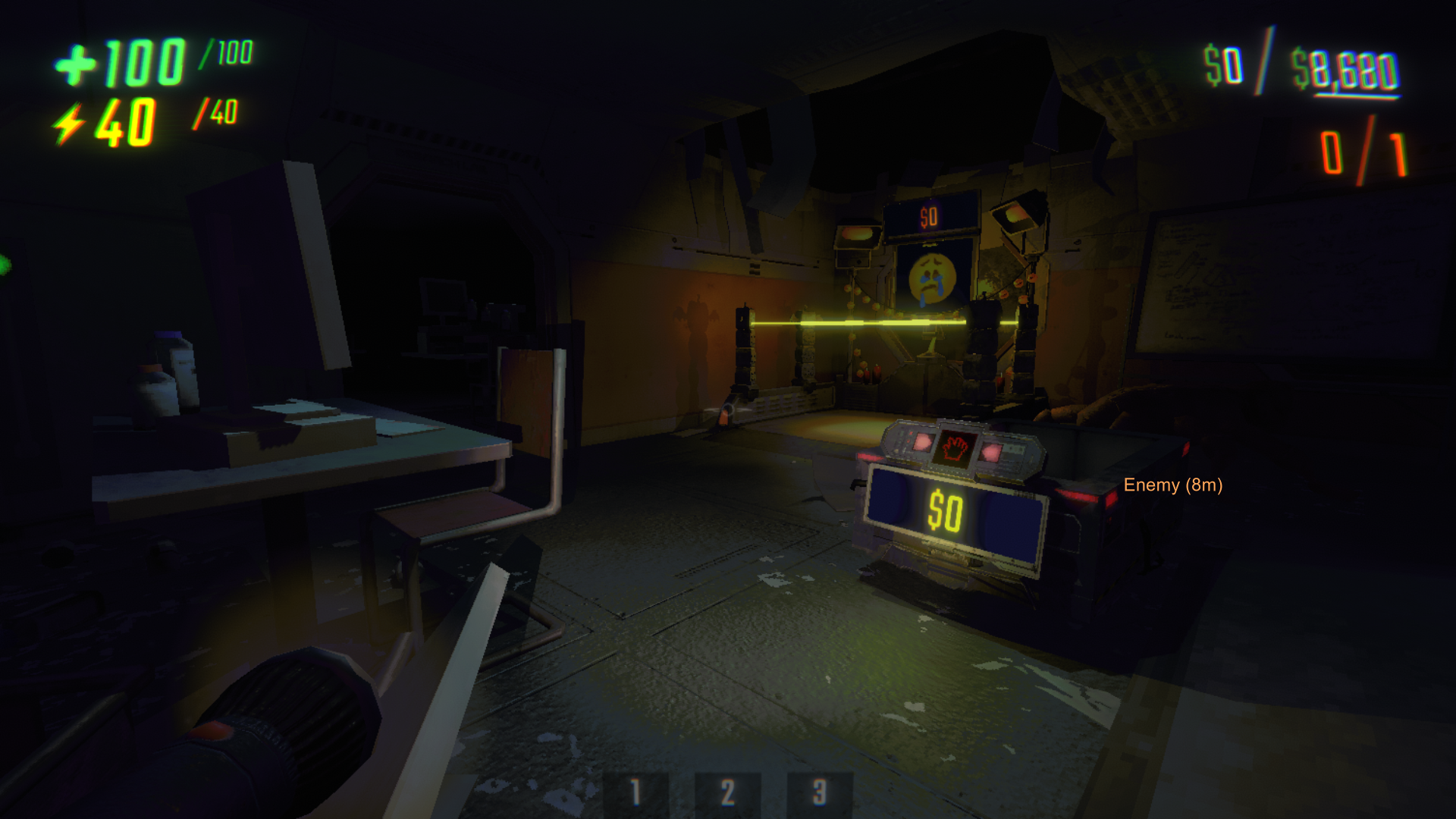
Keep nearby threats in view
Add enemy distance markers to help plan your route. Choose how far the markers reach.
Flashlight tuningFree
Adjust your normal flashlight beam's brightness and reach without changing its usual controls.
The Disposal Arena is excluded.
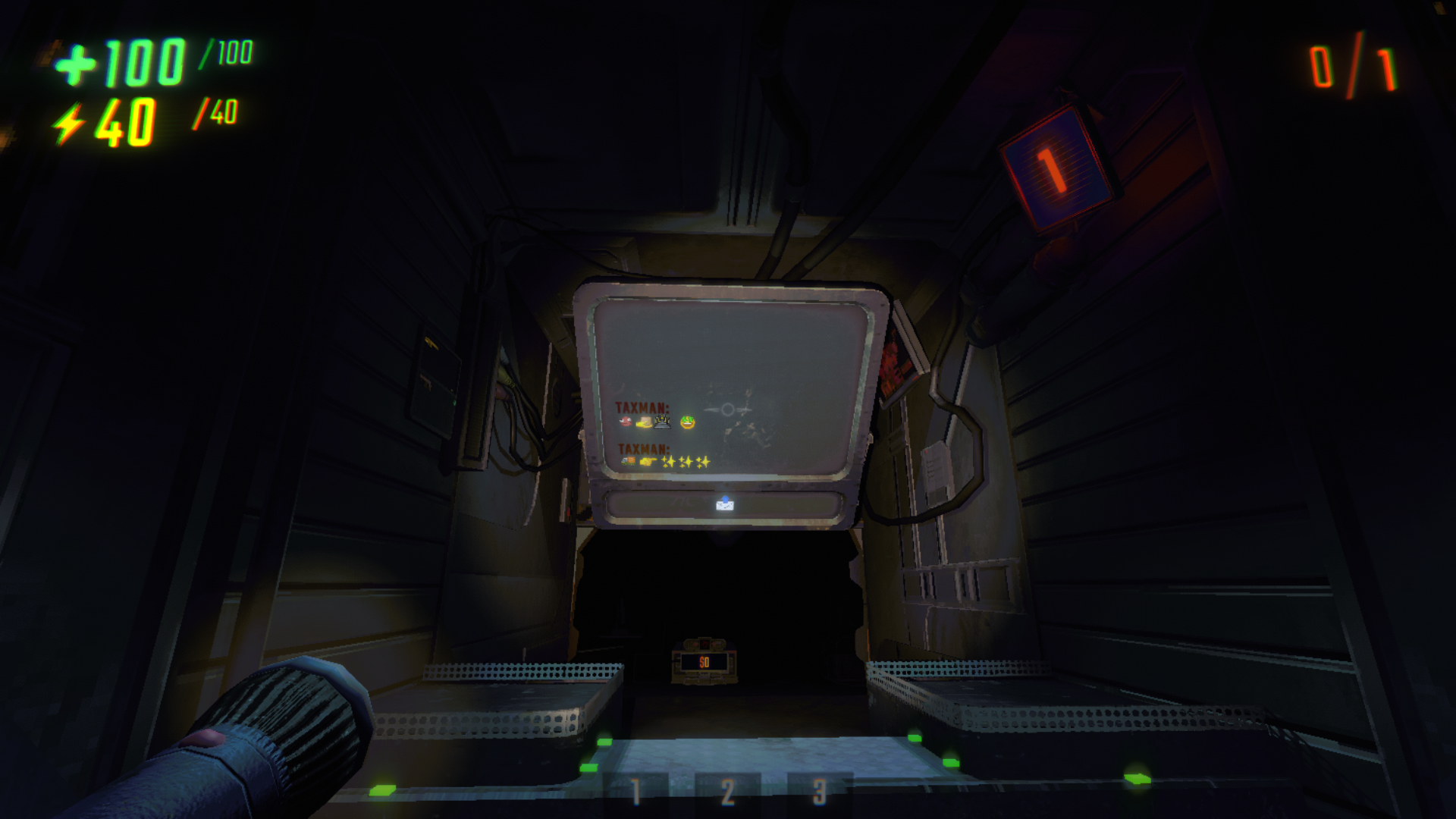
A brighter flashlight beam
A stronger flashlight beam brings out the truck wall and monitor surround.
See in the darkPremium
Add adjustable lighting around your view to make nearby rooms and objects easier to see.
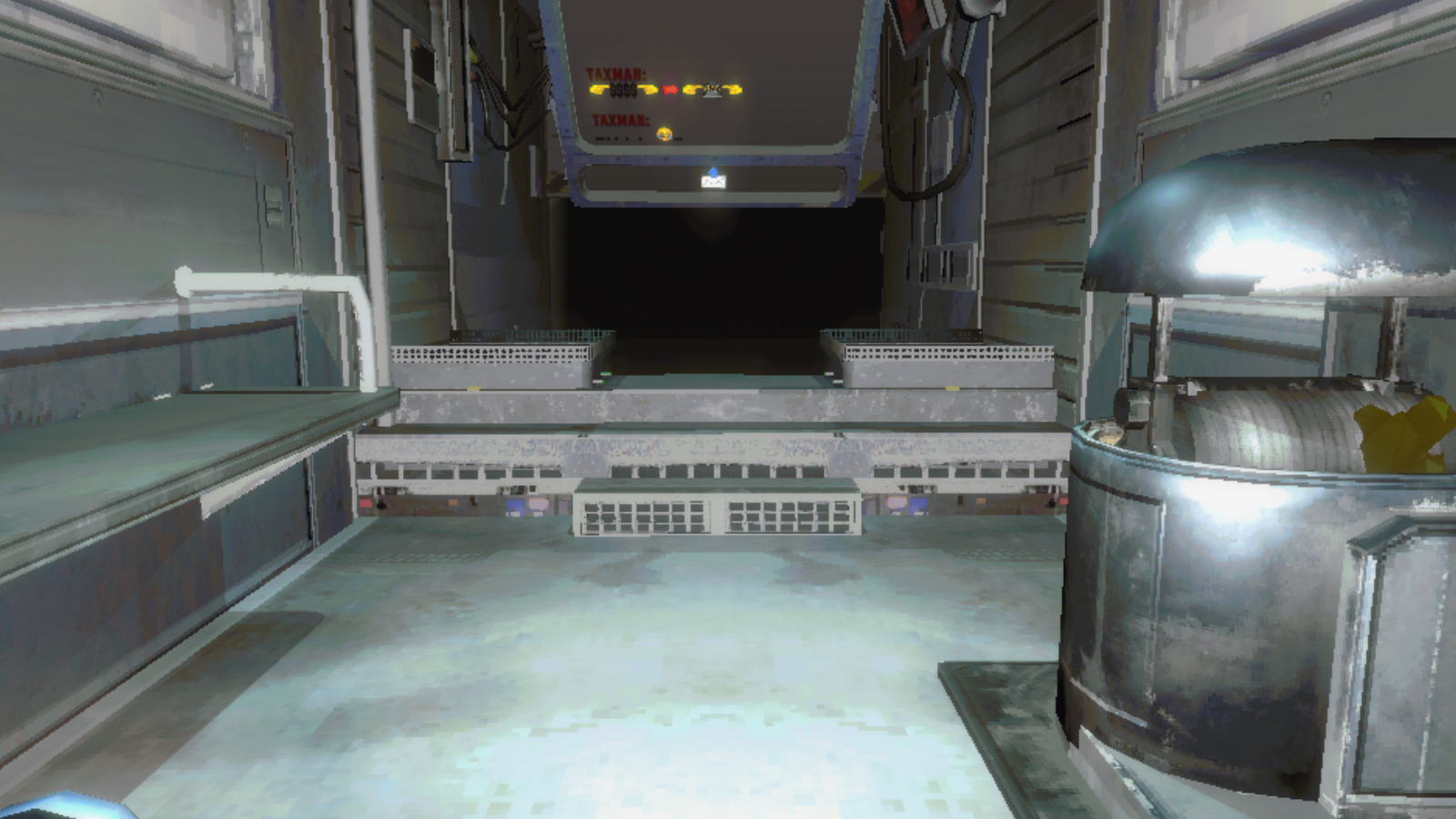
Brighten dark interiors
See in the Dark adds adjustable lighting around your view, making nearby floors, shelves and objects easier to see.
Ultra Wide ScreenFree
Expand the game view to use more of a wide display. Combine it with Custom Field of View to choose a comfortable viewing angle.
Valuable labelsPremium
See nearby valuables with their current value and distance. Reduce the range when several labels overlap.
The Disposal Arena is excluded.
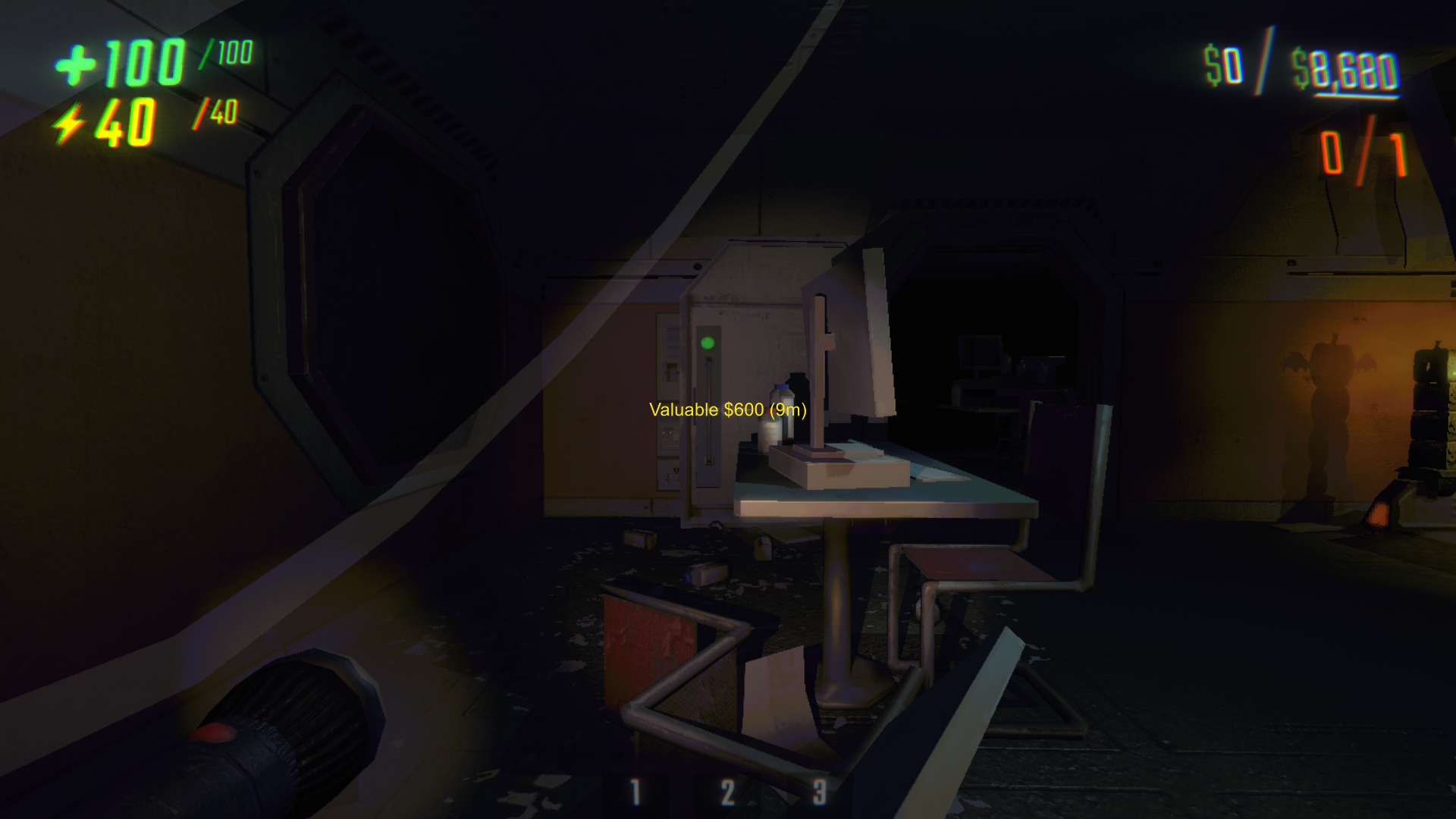
Spot valuables and their value
Show nearby valuables with their current value and distance. Adjust the range to keep the view focused.
More ways to customise R.E.P.O.
- R.E.P.O. resources
Adjust run currency and keep supported tools charged.
- R.E.P.O. unlocks
Add or clear cosmetic tokens, or unlock character cosmetics.
- R.E.P.O. stat modifiers
Adjust health, stamina and thirteen upgrade totals.
- R.E.P.O. rule modifiers
Choose object protection, grip response, tumble protection and game pace.
- R.E.P.O. ability modifiers
Explore with Fly, Free Walk or Board.
- R.E.P.O. game actions
Spawn objects and control extraction while hosting.
Using these features
Choose the feature in the Windows app after connecting your game. Check its requirements before making a change.
Setup for R.E.P.O. →