

Resources
2 optionsAdjust run currency and keep supported tools charged.
View resources →R.E.P.O. turns collecting valuables into a careful physics challenge. Carry fragile finds past monsters, then reach extraction with as much value intact as possible. Choose changes that make exploration easier or give your co-op group a different kind of run.
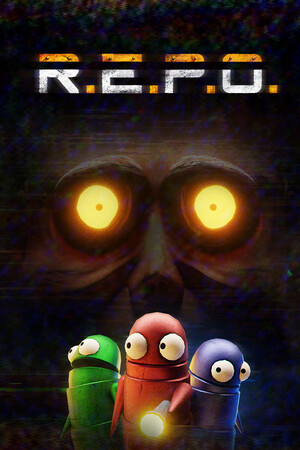
Start with free mods
Download Bytonian Mods for Windows and try these free features. Choose one to see how it works and any requirements.
Remove all cosmetic tokens you currently hold when you want to clear your collection.
Enter a game before using the action; it leaves you with no cosmetic tokens.
Keep enemy reward orbs intact by preventing their destruction in your hosted run.
Explore this free feature →Browse tools, individual enemies and native enemy groups, then create your chosen entry while hosting.
Explore this free feature →Keep your own player's stamina full while enabled.
Explore this free feature →Movement offers Fly, Free Walk and Board. Perspective controls brighten nearby rooms or change your view. Stats and resources let you adjust health, stamina, upgrade totals, money and charged tools. Cosmetic controls let you manage tokens or open character customization choices.
For a more comfortable view, tune camera motion and your flashlight beam. Valuable and enemy markers help you keep track of nearby objects and threats.
The host can create tools, enemies and valuables through free Spawn, or use extraction controls to open an eligible point and complete the active one. Valuable-item and orb protection help preserve the objects you want to keep.
Install the Bytonian Mods Windows app, open R.E.P.O. and choose the controls you want. Use a single-player or private co-op session where everyone agrees to the changes. Shared-object, money and extraction actions require the host.
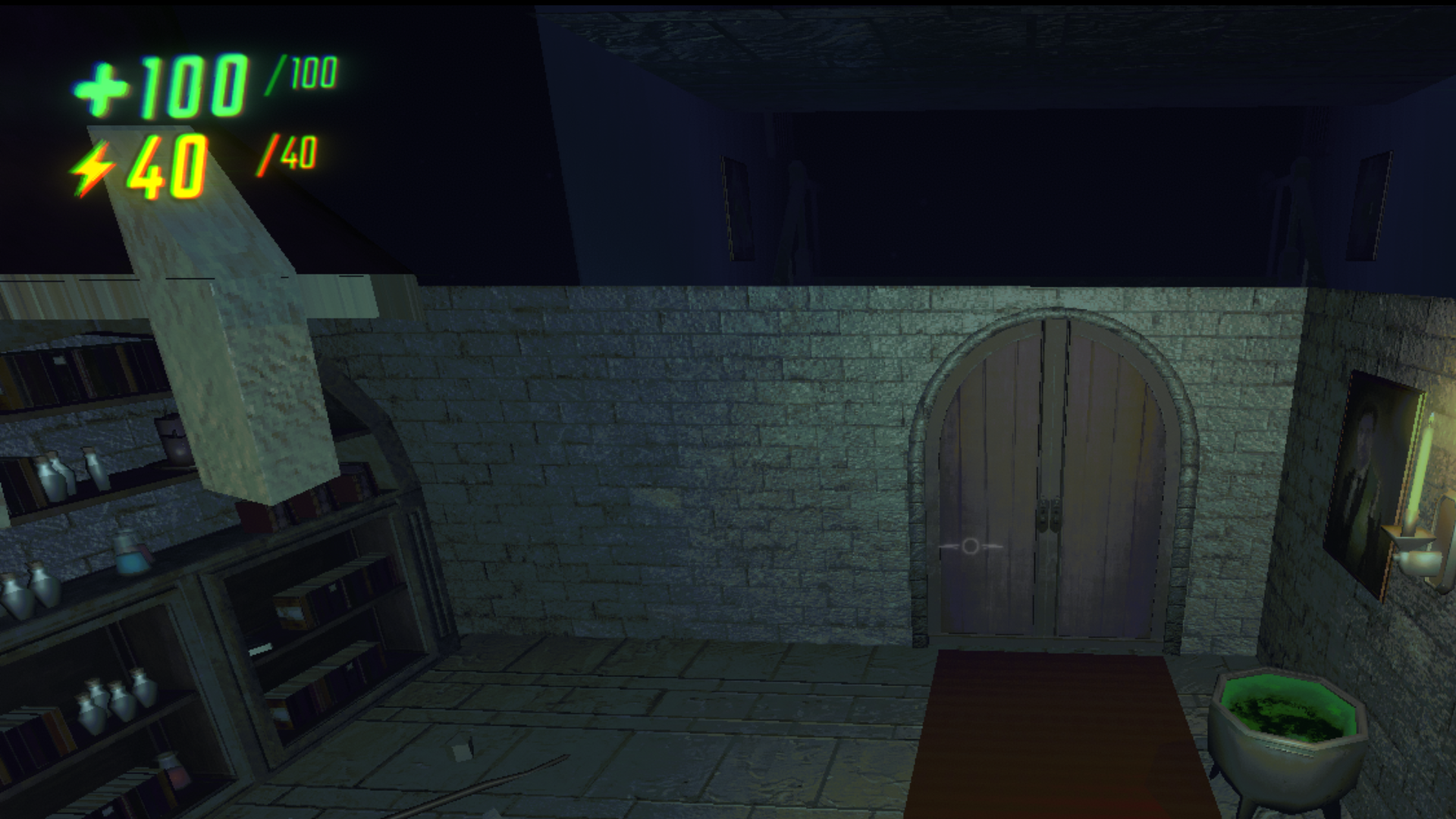
Explore R.E.P.O. from above
An elevated view inside the Wizard level using Fly. See in the Dark is also enabled to make the room easier to see.
Adjust run currency and keep supported tools charged.
View resources →Add or clear cosmetic tokens, or unlock character cosmetics.
View unlocks →Adjust health, stamina and thirteen upgrade totals.
View all stat modifiers →Choose object protection, grip response, tumble protection and game pace.
View all rule modifiers →Explore with Fly, Free Walk or Board.
View ability modifiers →Choose camera motion, flashlight settings, distance markers and a comfortable view.
View all perspective modifiers →Spawn objects and control extraction while hosting.
View all game actions →Download the Windows app and follow the setup prompts.
Open R.E.P.O. and select it in Bytonian Mods. Follow the app’s connection prompts.
Review the available options in the app and choose the ones that suit how you play.