

Set waste balances and host funds
Change Bio, Electro, Glass, Paper or Plastic separately rather than adjusting every material at once. Money is a separate purchasing balance with a host-only requirement.
Keep amounts and tasks separate
Choose the resource balance you want in your loaded game. Changing an amount does not clean the scene or complete objectives automatically. The Money option works only for the host; client changes are not promised.
Available resources
BioPremium
Set your bio waste balance independently.
Load your game before choosing the amount.
Before you use it: Changes the resource amount, not cleaning progress or objectives.
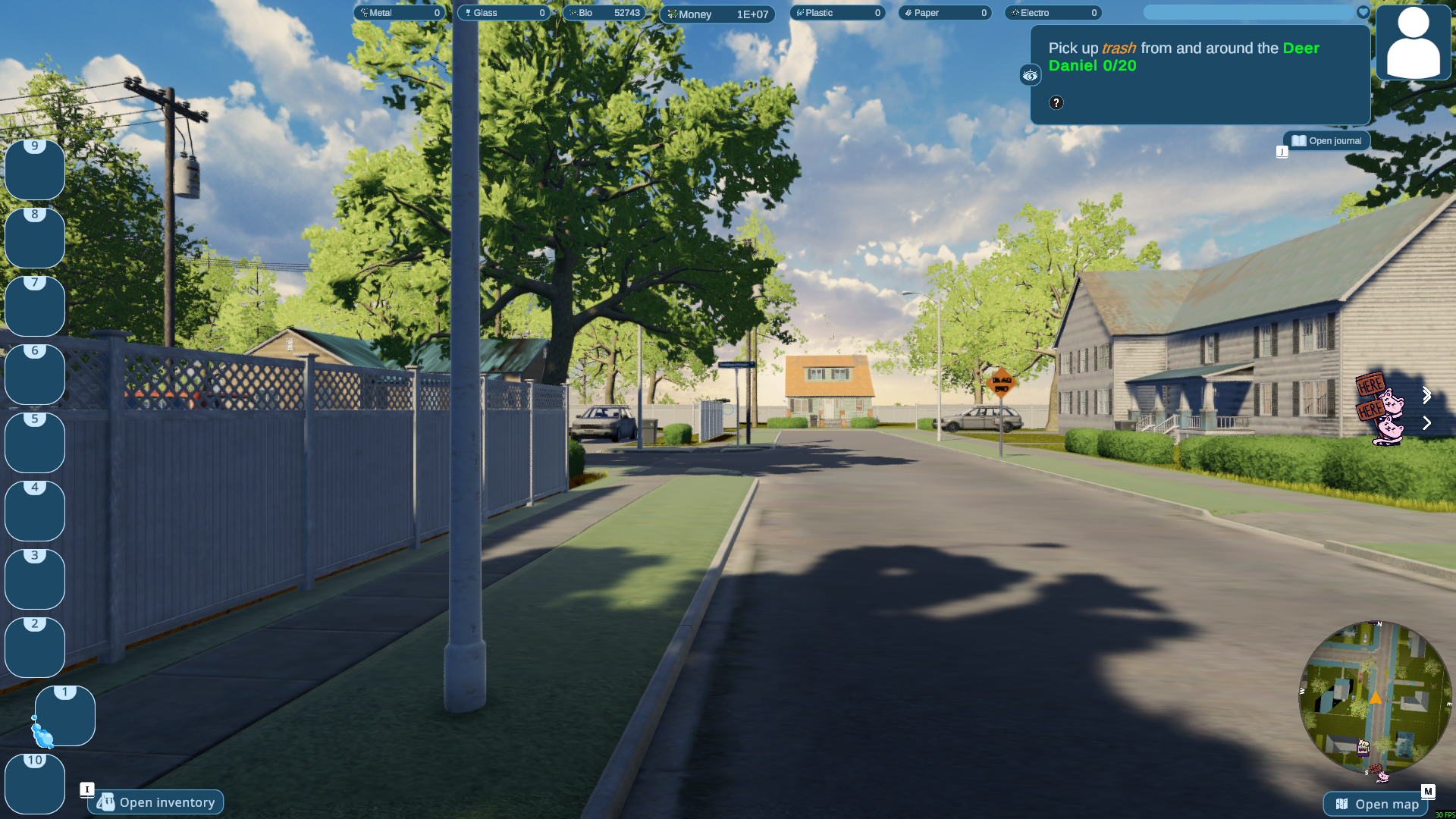
Change your Bio Waste balance
Set your Bio Waste total for the current hosted game. Here the Bio counter shows 52,743.
ElectroPremium
Set your electro waste balance independently.
Load your game before choosing the amount.
Before you use it: Changes the resource amount, not cleaning progress or objectives.
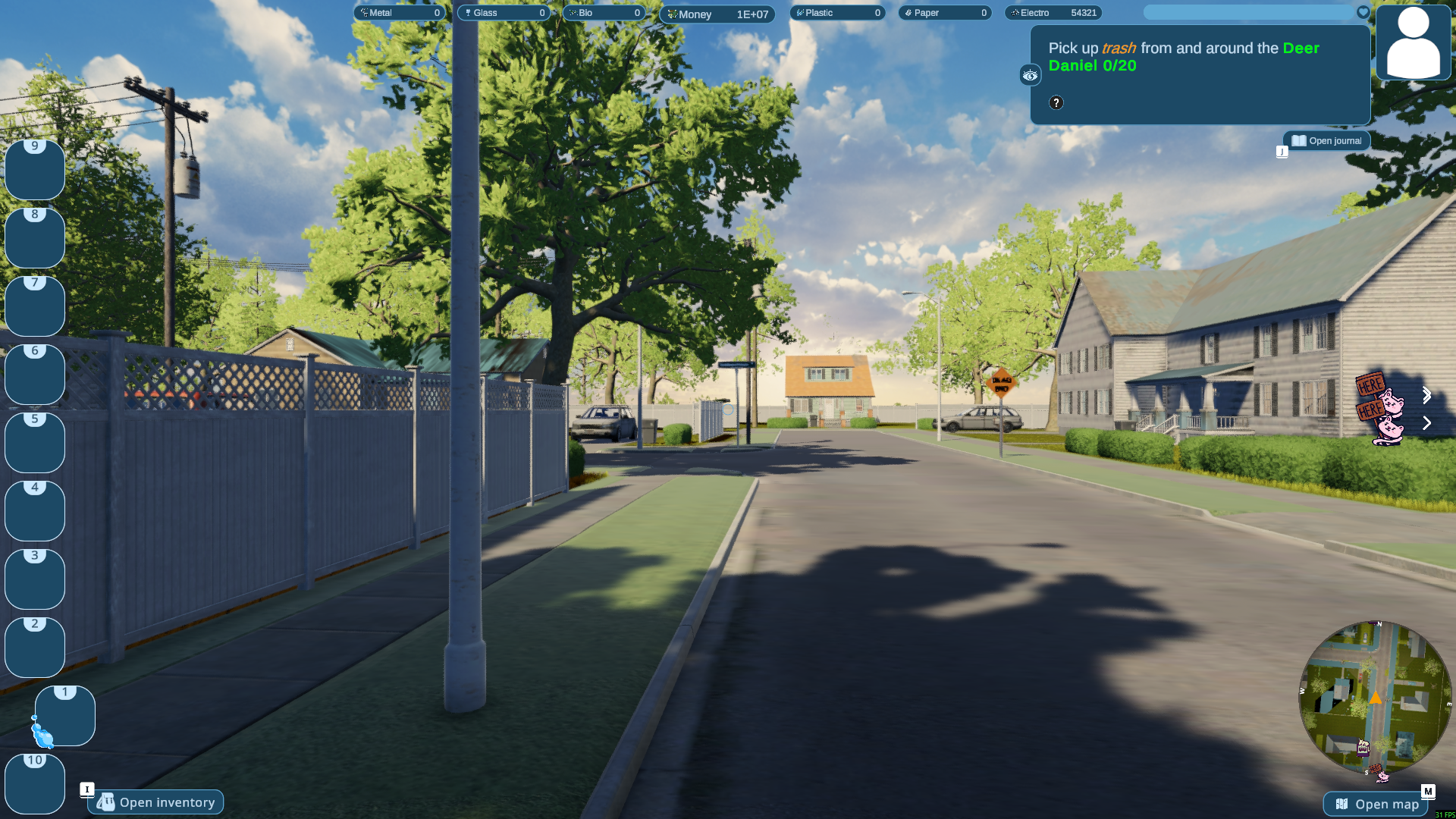
Adjust your Electro Waste total
Change your Electro Waste balance while hosting a game. This run shows 54,321 on the Electro counter.
GlassPremium
Set your glass balance independently.
Load your game before choosing the amount.
Before you use it: Changes the resource amount, not cleaning progress or objectives.
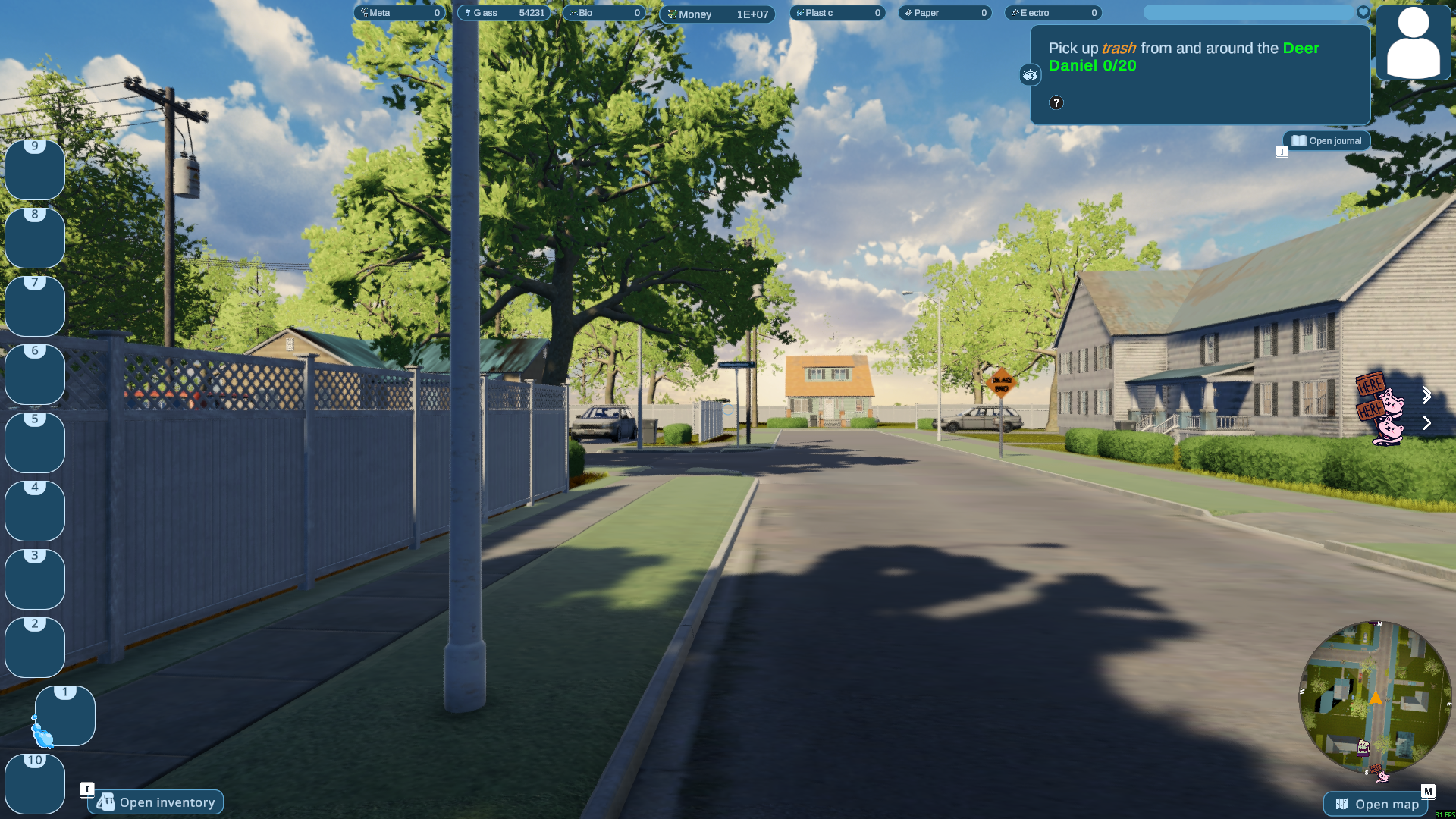
Set your Glass supply
Adjust your Glass total for the current hosted game. The resource bar shows 54,231 Glass here.
MoneyPremium
Set the host's money balance for in-game purchases.
Load your game before choosing the amount.
Before you use it: Host only; does not promise to change funds from a client.
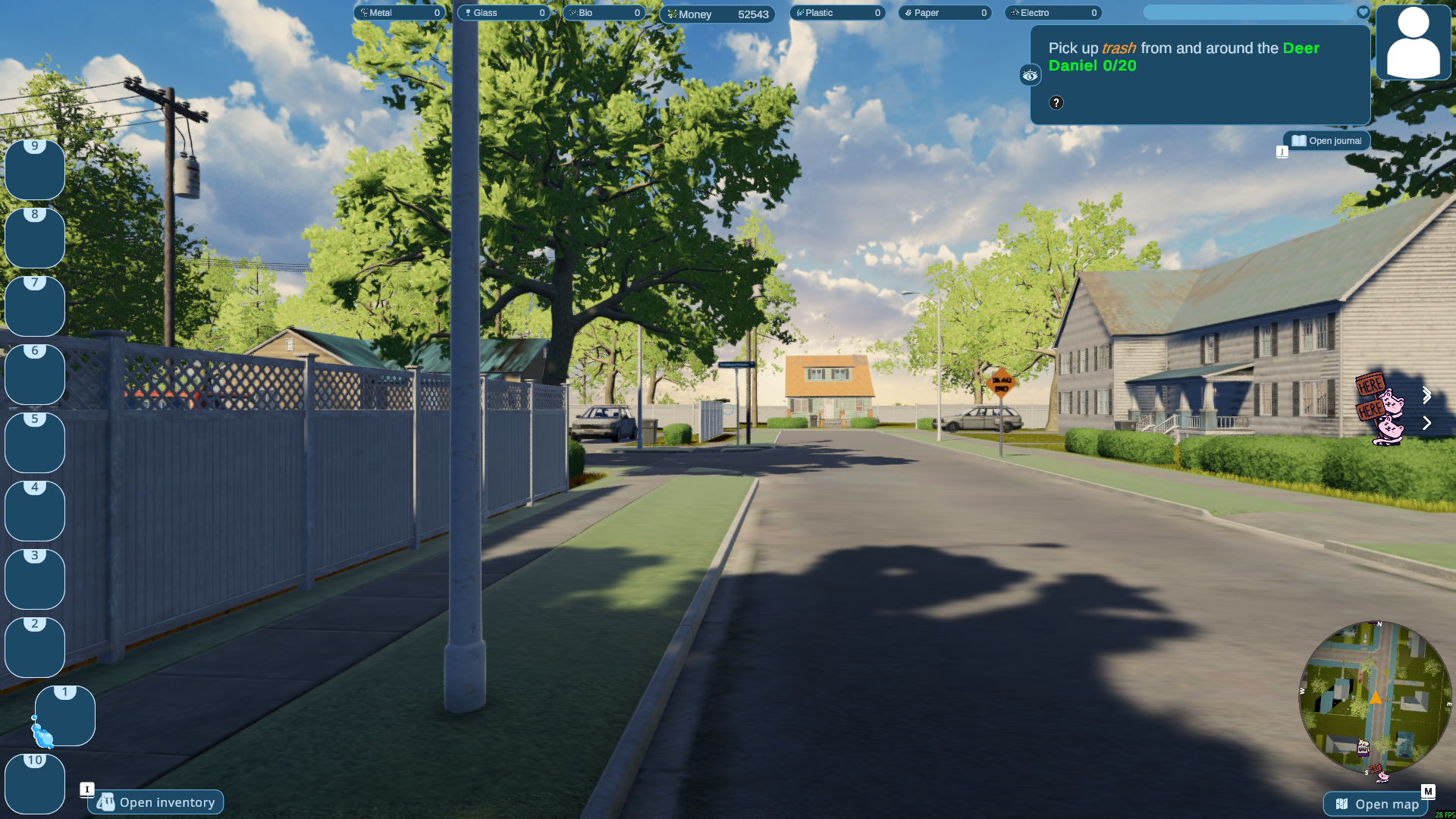
Choose your cash balance
Set your Money balance to suit your run. Here the HUD shows 52,543.
PaperPremium
Set your paper balance independently.
Load your game before choosing the amount.
Before you use it: Changes the resource amount, not cleaning progress or objectives.
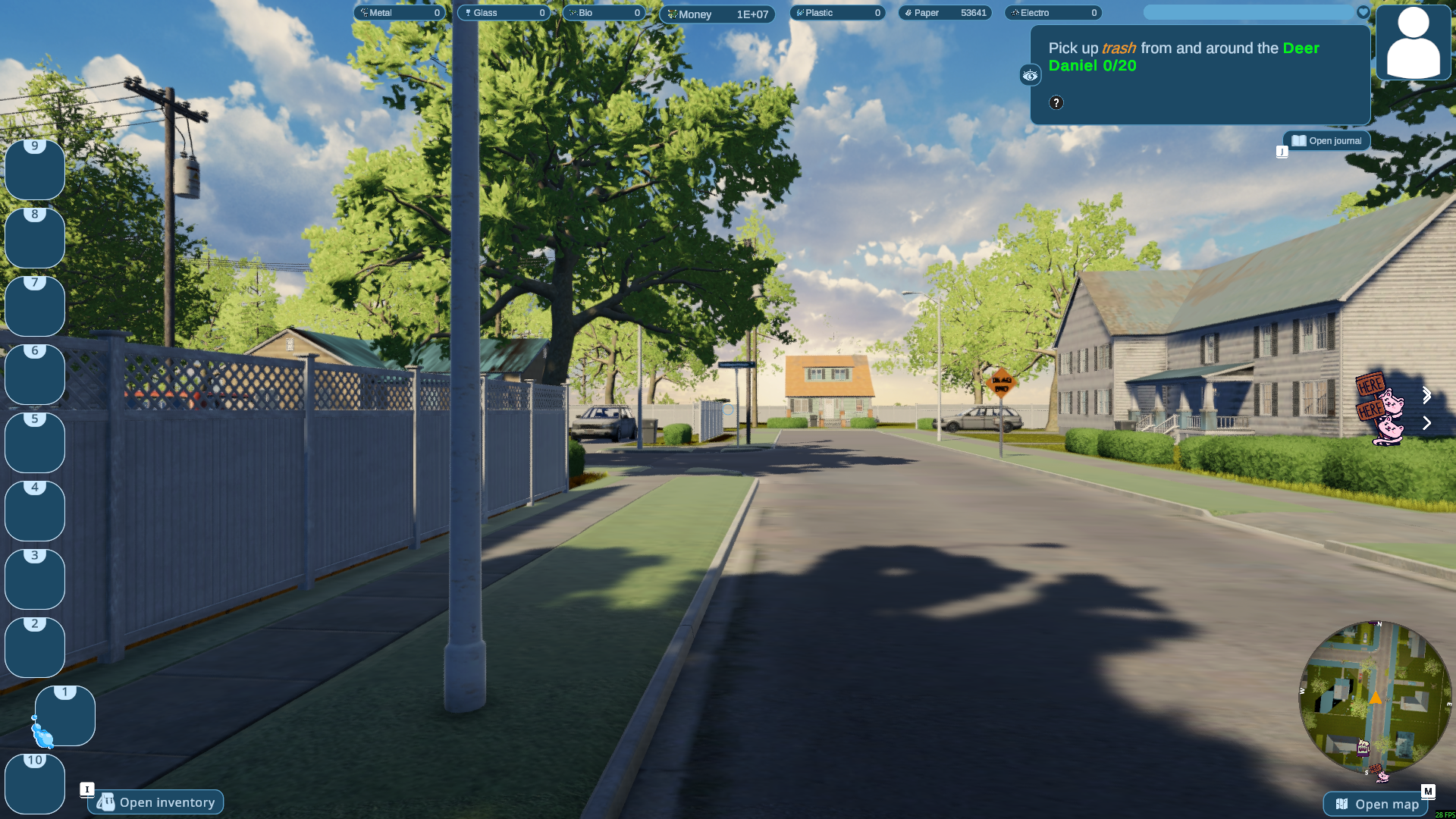
Set your Paper total
Adjust your Paper balance while hosting a game. The HUD shows 53,641 Paper in this run.
PlasticFree
Set your plastic balance independently.
Load your game before choosing the amount.
Before you use it: Changes the resource amount, not cleaning progress or objectives.
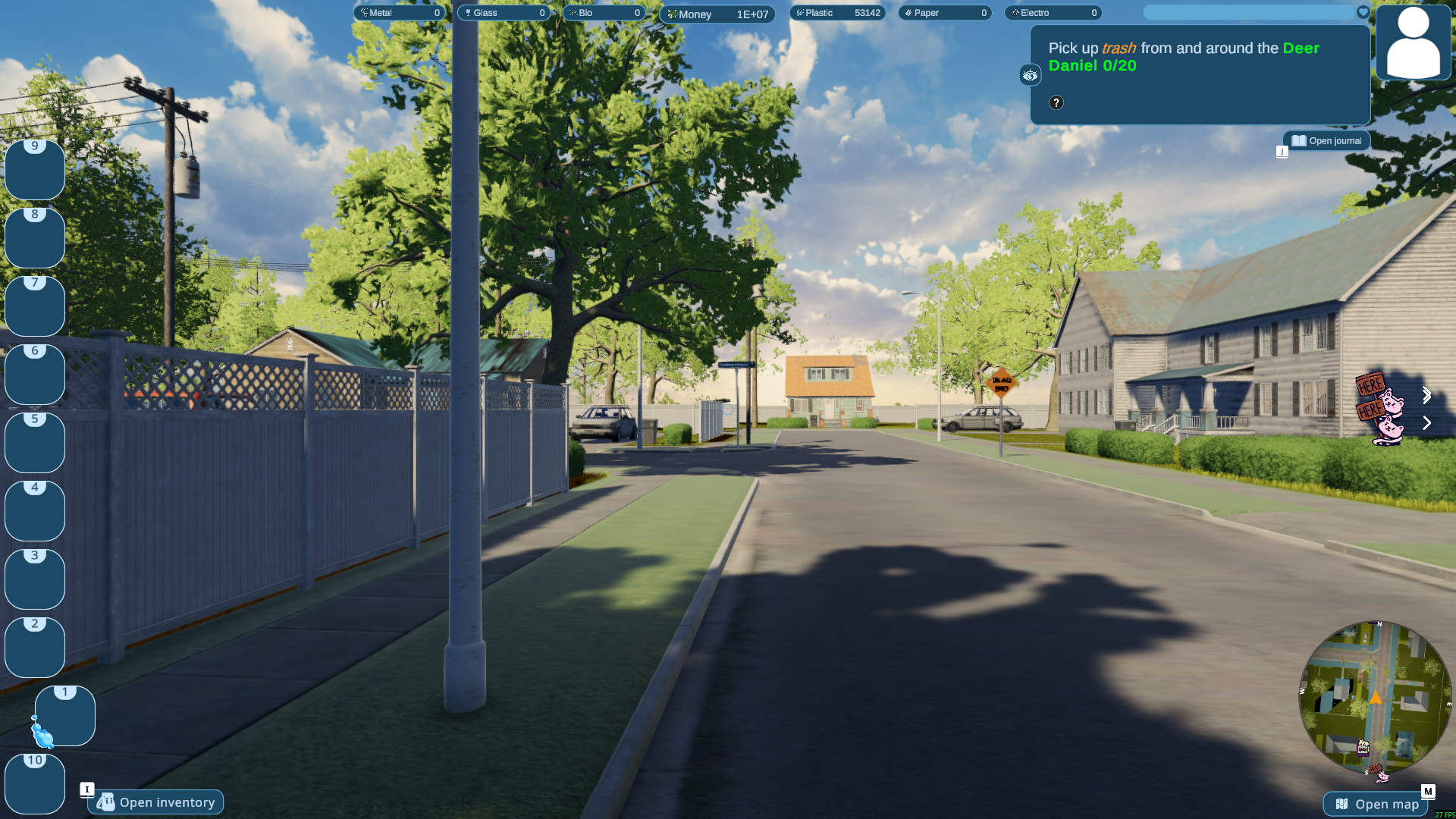
Adjust your Plastic supply
Change your Plastic total while hosting a game. This run has 53,142 Plastic in the resource bar.
More ways to customise Purrrifiers: Cleaning Chaos
- Purrrifiers: Cleaning Chaos ability modifiers
Configurable flight controls and two speeds.
Using these features
Choose the feature in the Windows app after connecting your game. Check its requirements before making a change.
Setup for Purrrifiers: Cleaning Chaos →