

Explore the cleaning area with flight
Fly above the streets and rooftops, using separate normal and fast speeds. Use this Premium option to explore the neighborhood from a higher viewpoint.
Review the flight controls
The default controls are V to toggle Fly, WASD to move, Space to rise, Ctrl to descend and Shift for faster flight. You can change these bindings and both speeds in the app. Return to a clear landing spot before disabling Fly. It does not complete cleaning tasks or guarantee every co-op configuration behaves the same way.
Available ability modifiers
FlyPremium
Fly above the neighborhood with adjustable movement and flight speeds.
Enter your game, enable Fly and use the configured movement keys. Land over a clear area before turning it off.
Before you use it: Return to a clear landing spot before disabling Fly.
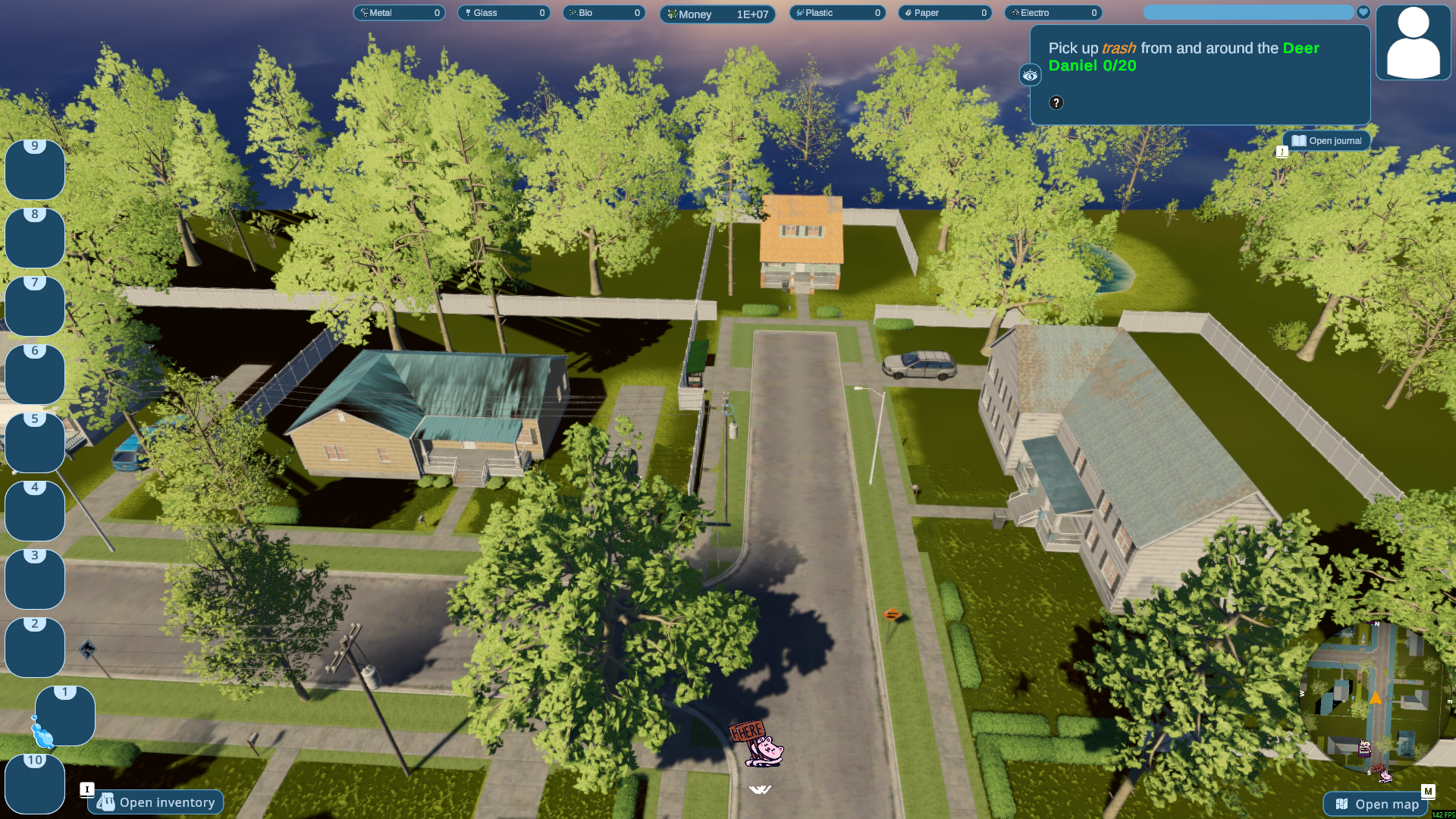
Fly above the neighborhood
Rise above the rooftops and look down over the streets with Fly enabled.
More ways to customise Purrrifiers: Cleaning Chaos
- Purrrifiers: Cleaning Chaos resources
Five material balances plus host-only Money.
Using these features
Choose the feature in the Windows app after connecting your game. Check its requirements before making a change.
Setup for Purrrifiers: Cleaning Chaos →