

Resources
6 optionsFive material balances plus host-only Money.
View all resources →Take a different approach to Purrrifiers: Cleaning Chaos with control over resource balances and movement. The Windows options cover five waste materials, Money and flight while you work through its messy cleaning world.
Cleaning up the neighborhood
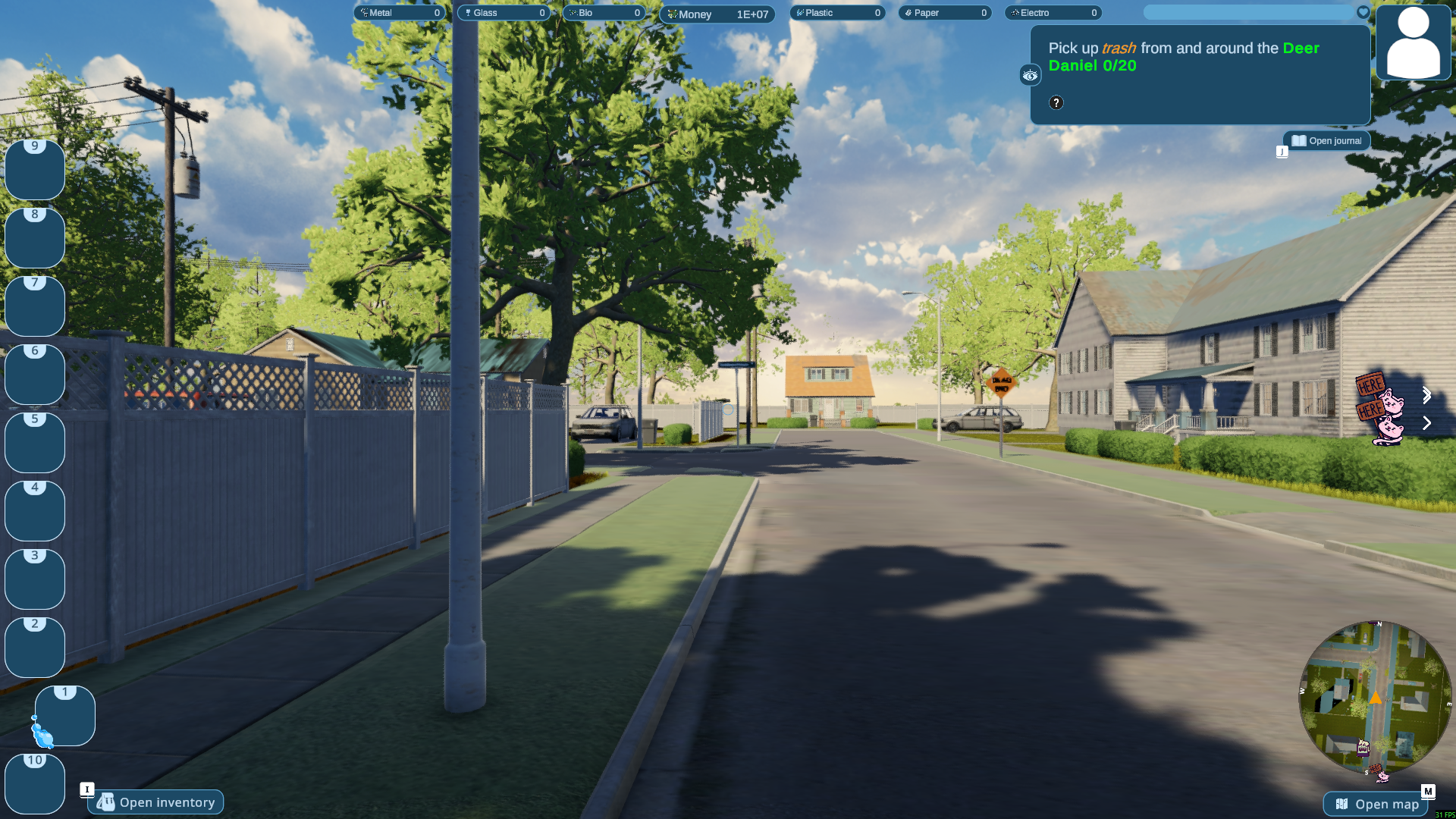
Explore the neighborhood and follow the next cleanup task, with your materials, cash and map in view.
Resources contains Bio, Electro, Glass, Paper, Plastic and Money. Plastic is free; the other resource controls and Fly are Premium. Money requires you to be the host.
Install Bytonian Mods, open Purrrifiers: Cleaning Chaos and select it in the app. Follow the connection prompts and load a game before choosing a control.
Five material balances plus host-only Money.
View all resources →Configurable flight controls and two speeds.
View ability modifiers →Browse the Steam achievement names and descriptions for Purrrifiers: Cleaning Chaos. Choose and unlock achievements for free with Bytonian Mods in the Windows app.
View all achievements →Download the Windows app and follow the setup prompts.
Open Purrrifiers: Cleaning Chaos and select it in Bytonian Mods. Follow the app’s connection prompts.
Review the available options in the app and choose the ones that suit how you play.