


Resources
1 optionAdjust the current household's Paradimes balance up or down.
View resources →Build a home and shape your Parafolks' lives with a little more control over the everyday details. These Paralives options let you adjust household money, deal with needs, move the clock forward or make a selected character ready for a personality level-up.
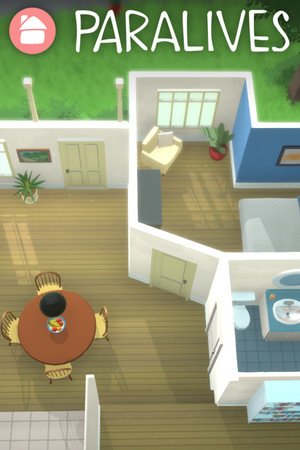
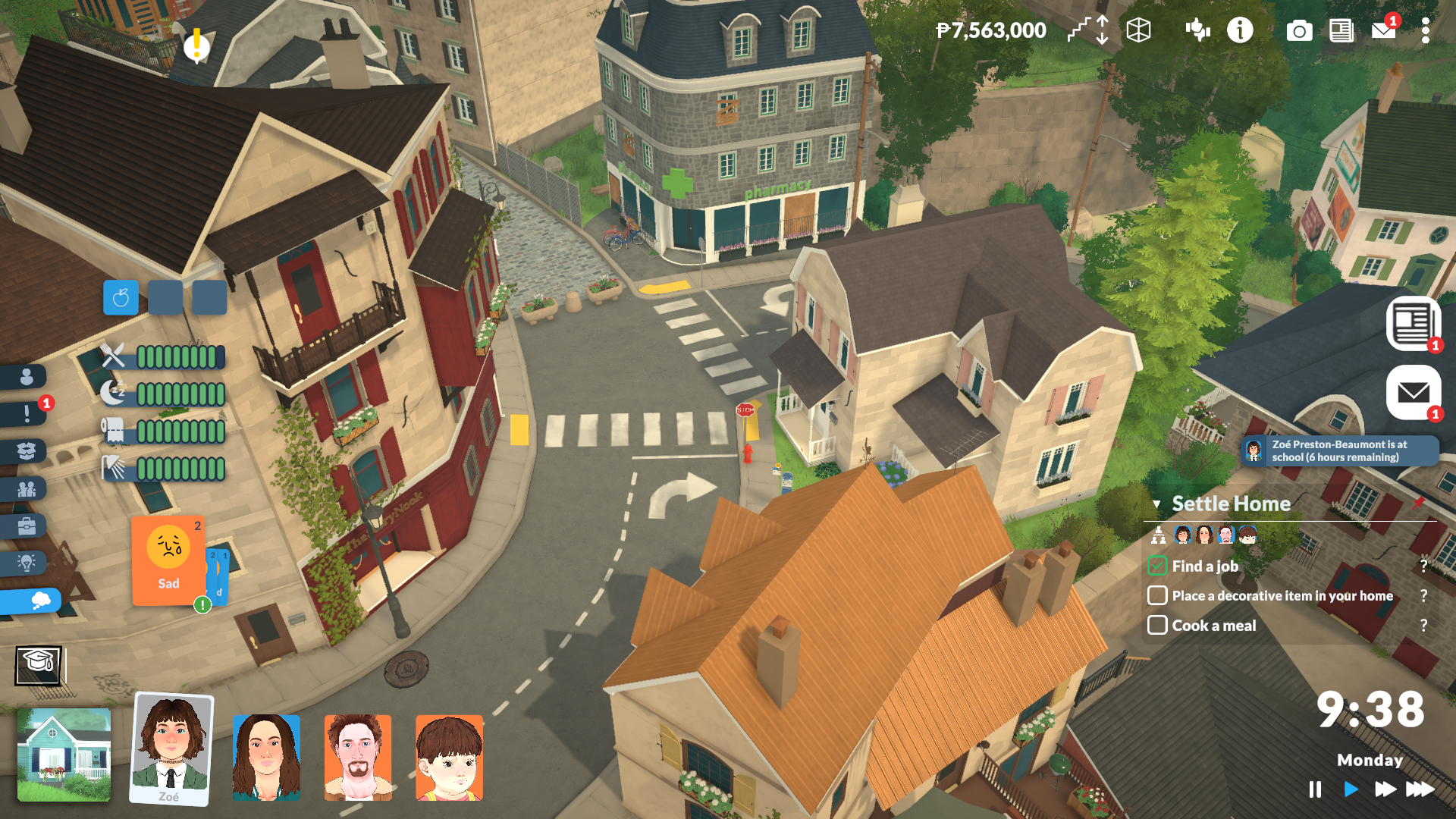
A day in Paralives
Explore the neighbourhood and manage your household in Paralives.
Resources covers Paradimes for a different household budget. Game Actions brings together needs relief and an hours-based time skip. Progression Systems focuses on the selected character's next personality level-up.
Install Bytonian Mods, open Paralives and select the game in the app. Follow the connection prompts, then choose the option that fits your current household.
Adjust the current household's Paradimes balance up or down.
View resources →Relieve needs for a selected character, use the separate all-character action, or skip a chosen number of hours.
View game actions →Prepare the selected character's next personality level-up.
View progression systems →Download the Windows app and follow the setup prompts.
Open Paralives and select it in Bytonian Mods. Follow the app’s connection prompts.
Review the available options in the app and choose the ones that suit how you play.