

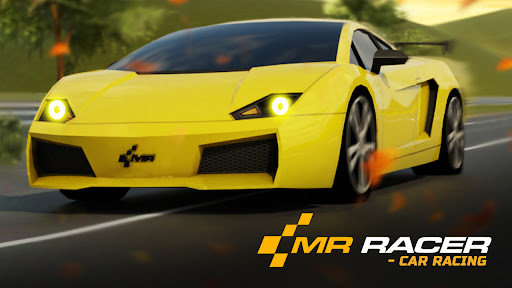
Make the garage your own
Pick the car you want to drive, give it a fresh finish and choose a set of wheels to match. Each garage action opens the choice you are previewing without spending cash.

Pick your next car
Preview a locked car in the garage, then use Unlock selected car. Its purchase requirement is removed so you can use the car's customization controls.
Match your paint and wheels
Select your car, open Paint or Wheel, and preview a locked choice. Use the matching unlock to make that choice available. Paint unlocks are Free; car and wheel unlocks are Premium.
Available unlocks
Unlock selected carPremium
Unlock the car you are previewing without spending cash.
Preview a locked car in the garage, then use this control.
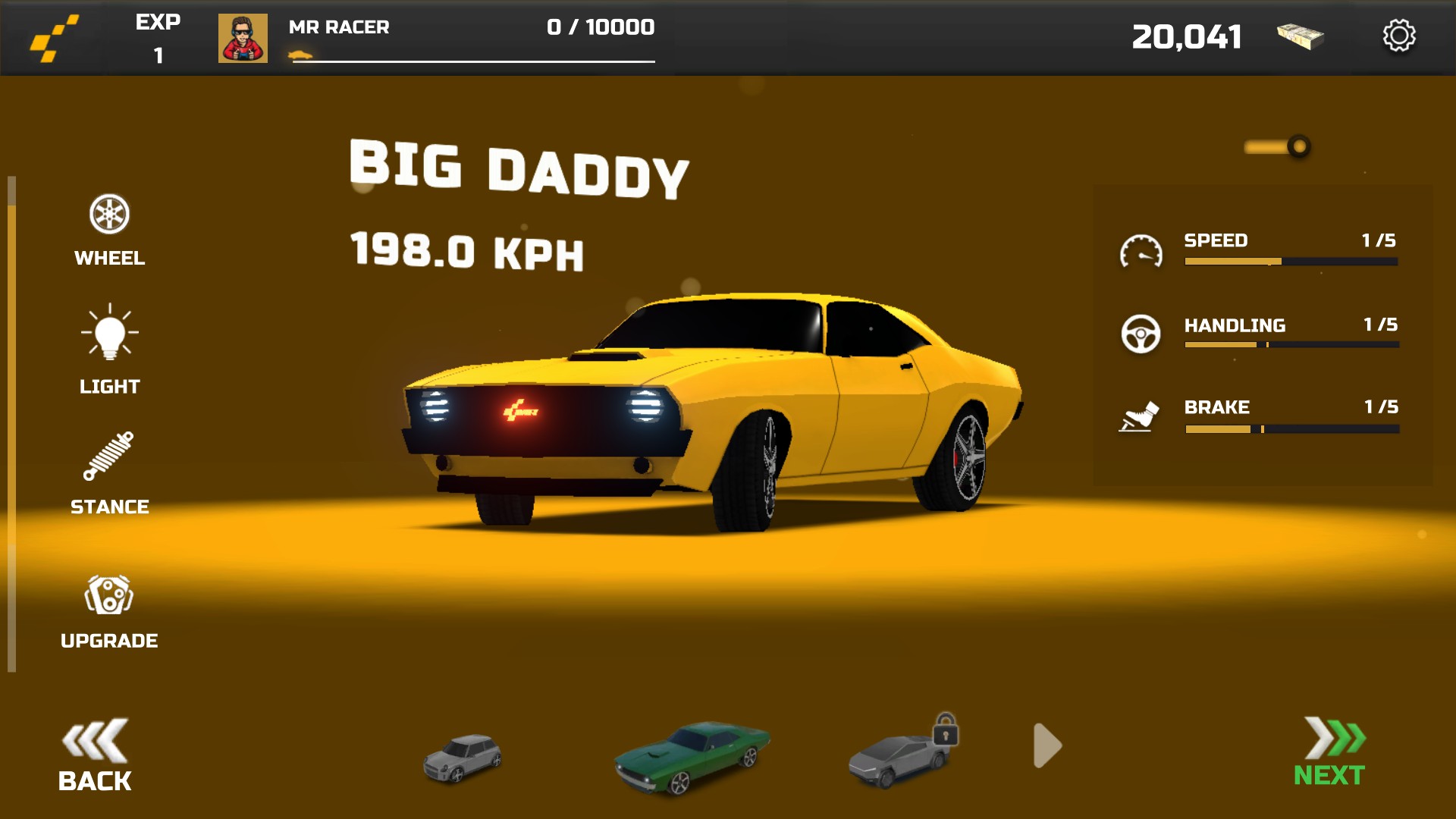
Make room for your next car
Unlock the car you are previewing in the garage without spending cash.
Unlock selected paintFree
Give your car a fresh finish by unlocking the paint color you are previewing.
Choose your car, open Paint and preview the color you want before unlocking it.
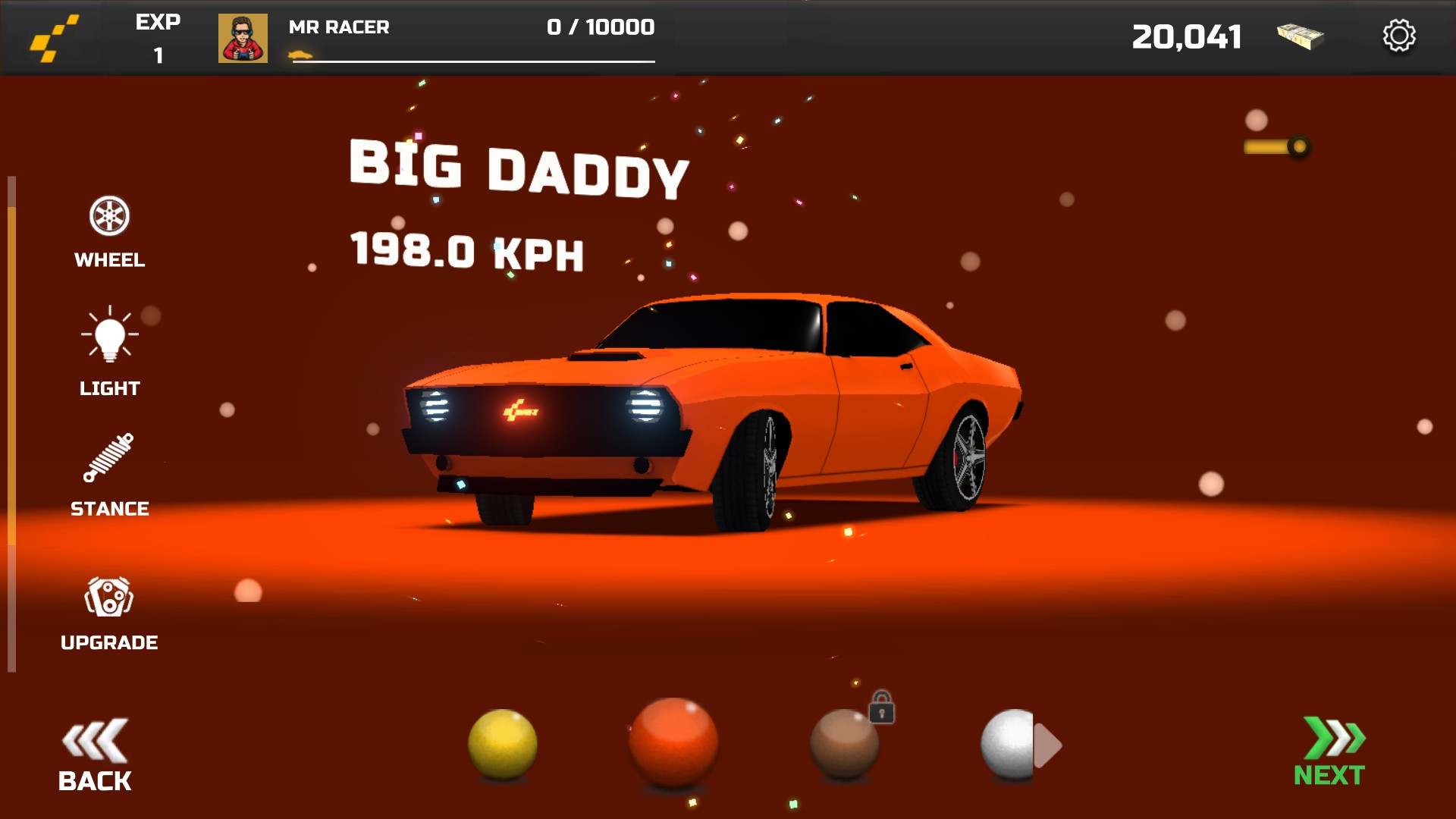
Give your car a fresh finish
Unlock the paint color you are previewing without spending cash.
Unlock selected wheelsPremium
Unlock the wheel design you are previewing without spending cash.
Choose your car, open Wheel and preview the design you want before unlocking it.
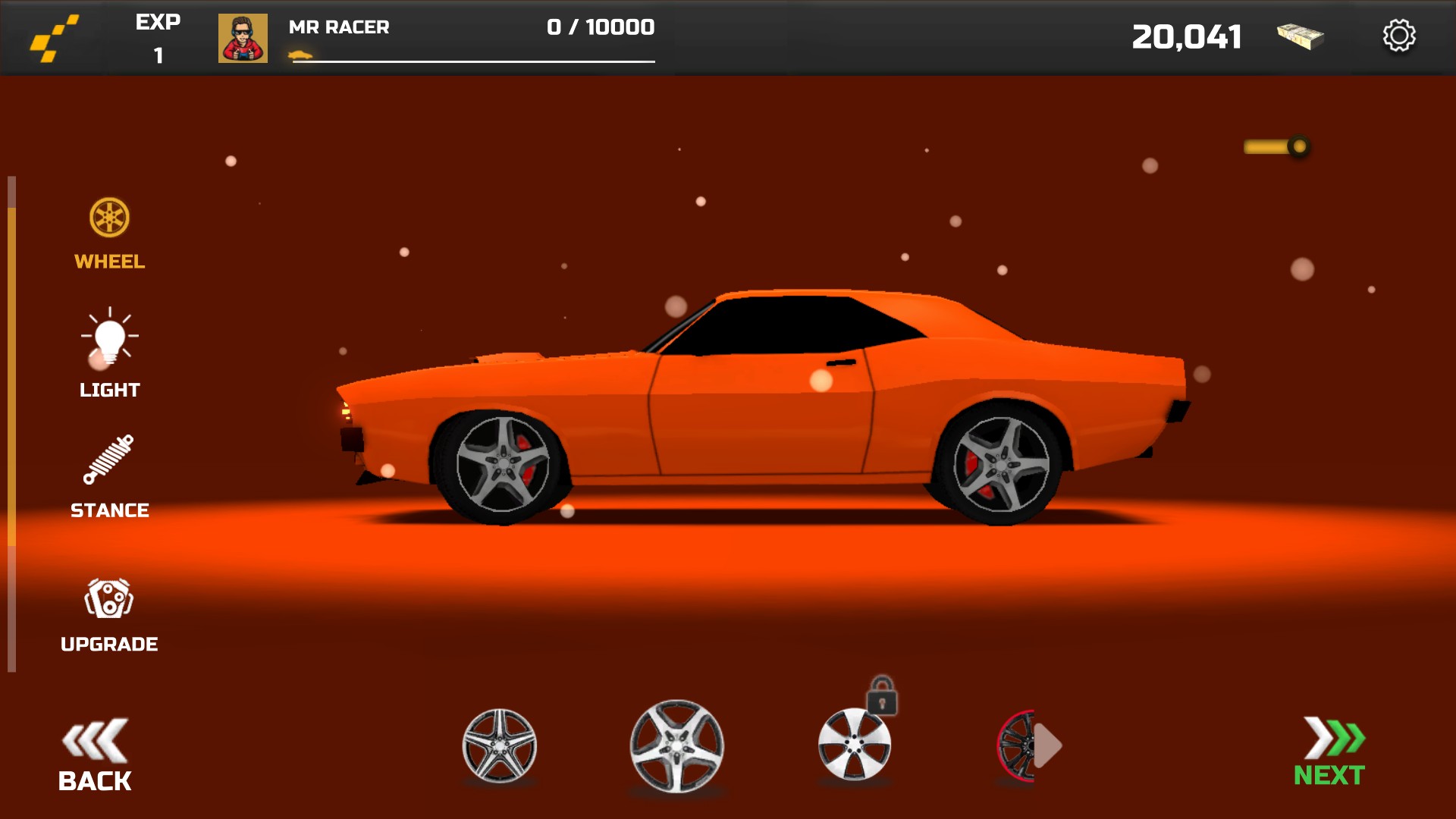
Find your perfect set of wheels
Unlock the wheel design you are previewing without spending cash.
More ways to customise MR RACER - Car Racing
- MR RACER - Car Racing resources
Set your cash balance, then open the garage to refresh its display.
- MR RACER - Car Racing stat modifiers
Adjust the selected car's tuning with a part selector and a simple value control.
Questions about unlocks
- Why can I see a color before unlocking it?
- The garage lets you preview locked styles. Unlock the selected paint or wheels to remove that choice's purchase requirement.
Using these features
Choose the feature in the Windows app after connecting your game. Check its requirements before making a change.
Setup for MR RACER - Car Racing →