


Tune the car you want to drive
Give your selected car a different setup with separate speed, handling and brake settings. Choose a part, set its tuning value and apply it from the garage.

Choose your setup
Select your car in the garage, choose Speed, Handling or Brakes, and set a tuning value from 1 to 100. Use the tuning bars to view your settings; the garage's upgrade levels are separate.
Available stat modifiers
Car tuningPremium
Adjust the tuning of the car you selected in the garage.
Choose a part and tuning value, then apply your setting.
Before you use it: Use the tuning bars to view your settings; upgrade levels are separate.
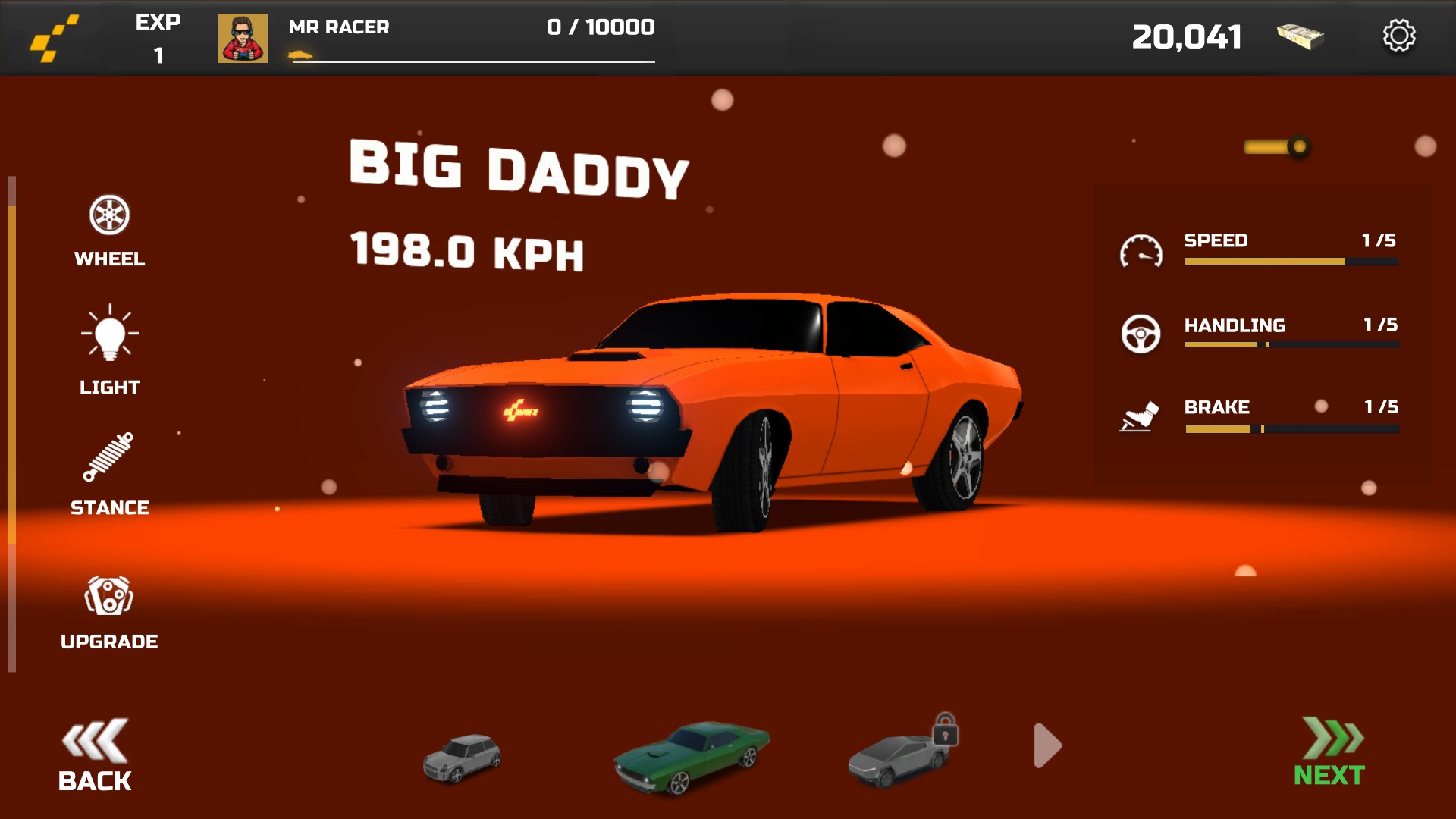
Tune your car your way
Choose your car in the garage and adjust its tuning.
More ways to customise MR RACER - Car Racing
- MR RACER - Car Racing resources
Set your cash balance, then open the garage to refresh its display.
- MR RACER - Car Racing unlocks
Unlock selected cars, paint colors and wheel designs in the garage.
Using these features
Choose the feature in the Windows app after connecting your game. Check its requirements before making a change.
Setup for MR RACER - Car Racing →