

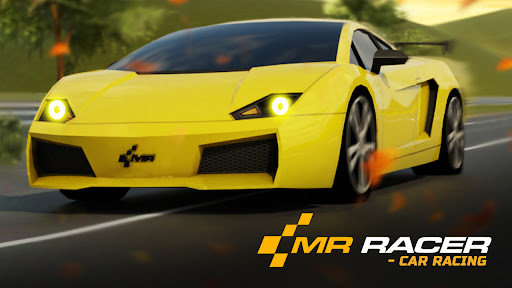
Resources
1 optionSet your cash balance, then open the garage to refresh its display.
View resources →Thread your way through highway traffic and chase the finish line in MR RACER - Car Racing. These controls give you more choice over your garage, from the car you pick to its paint, wheels and tuning.

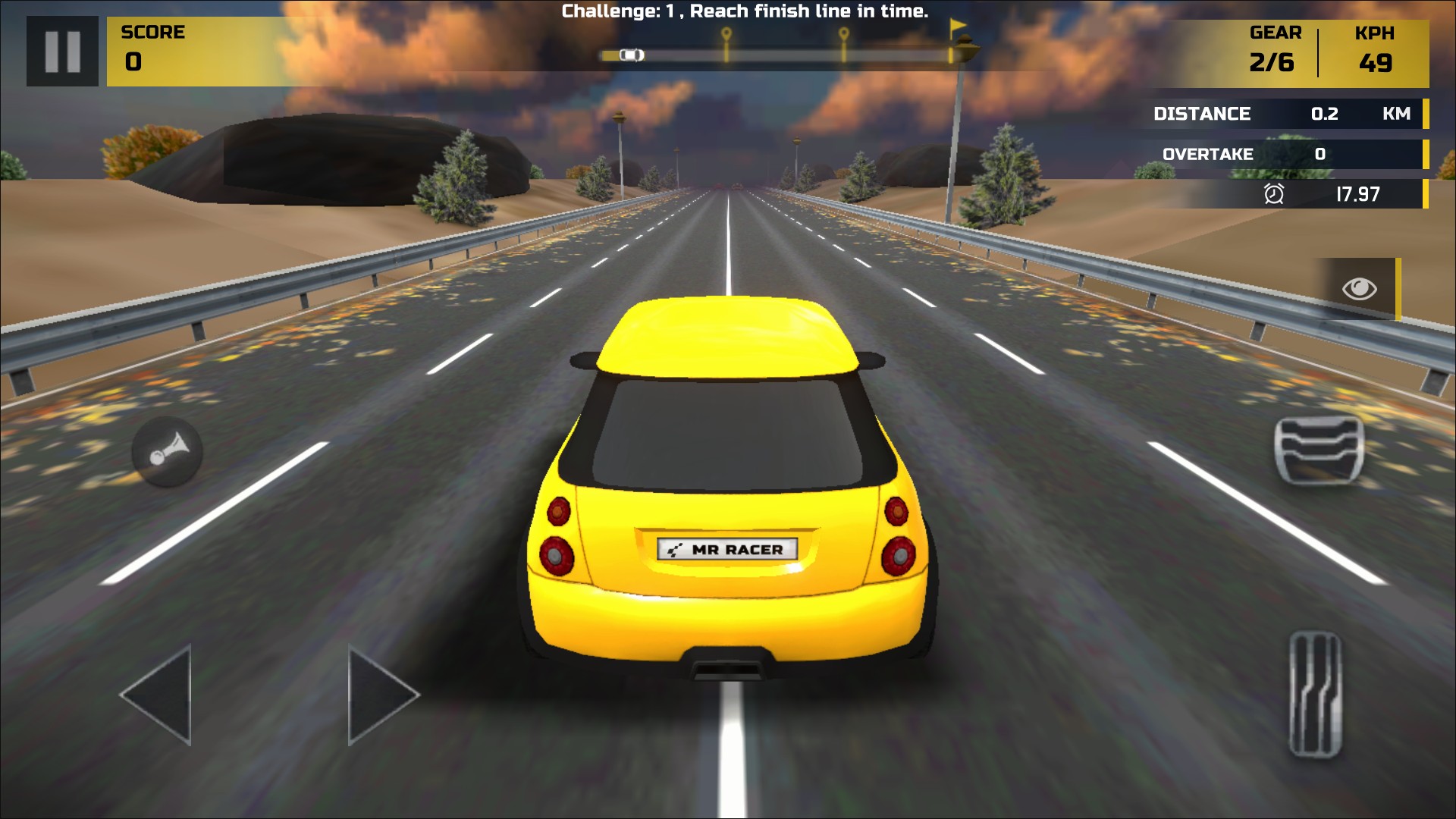
Take on the traffic in MR RACER
Weave through highway traffic and chase the finish line in Challenge mode.
Cash lets you set your balance. Garage unlocks let you choose a car, paint color or wheel design without spending cash. Car tuning gives you separate settings for speed, handling and brakes.
Open the game with Bytonian Mods connected. Enter the garage and select the car you want before using a garage control. For paint or wheels, preview the exact choice you want first.
Each unlock applies to the choice you are previewing. The paint unlock is Free; cash, car unlocks, wheel unlocks and tuning are Premium controls.
Set your cash balance, then open the garage to refresh its display.
View resources →Unlock selected cars, paint colors and wheel designs in the garage.
View unlocks →Adjust the selected car's tuning with a part selector and a simple value control.
View stat modifiers →Download the Windows app and follow the setup prompts.
Set up the browser extension in Chrome or Edge, then open the supported YouTube Playable. Follow the connection guide if the game is already running.
Review the available options in the app and choose the ones that suit how you play.