

Change your next Jelly Run 2048 run
Move ahead with Skip Course or switch to the game's hard challenge. Each action changes the course you can enter, with the normal Start prompt used to begin play.

Skip to the next course
Apply Skip Course to move forward one course. The ready screen shows the new level number; tap to start when you want to play it. This action is useful when you want a change of course without finishing the current one.
Start the hard challenge
Apply Hard Challenge to open the HARD LEVEL prompt, then choose Start. It opens a separate course with denser hazards.
Available game actions
Hard ChallengePremium
Open the game's hard challenge.
Apply Hard Challenge, then choose Start on the HARD LEVEL prompt.
Before you use it: Choose Start on the HARD LEVEL prompt to enter the challenge.
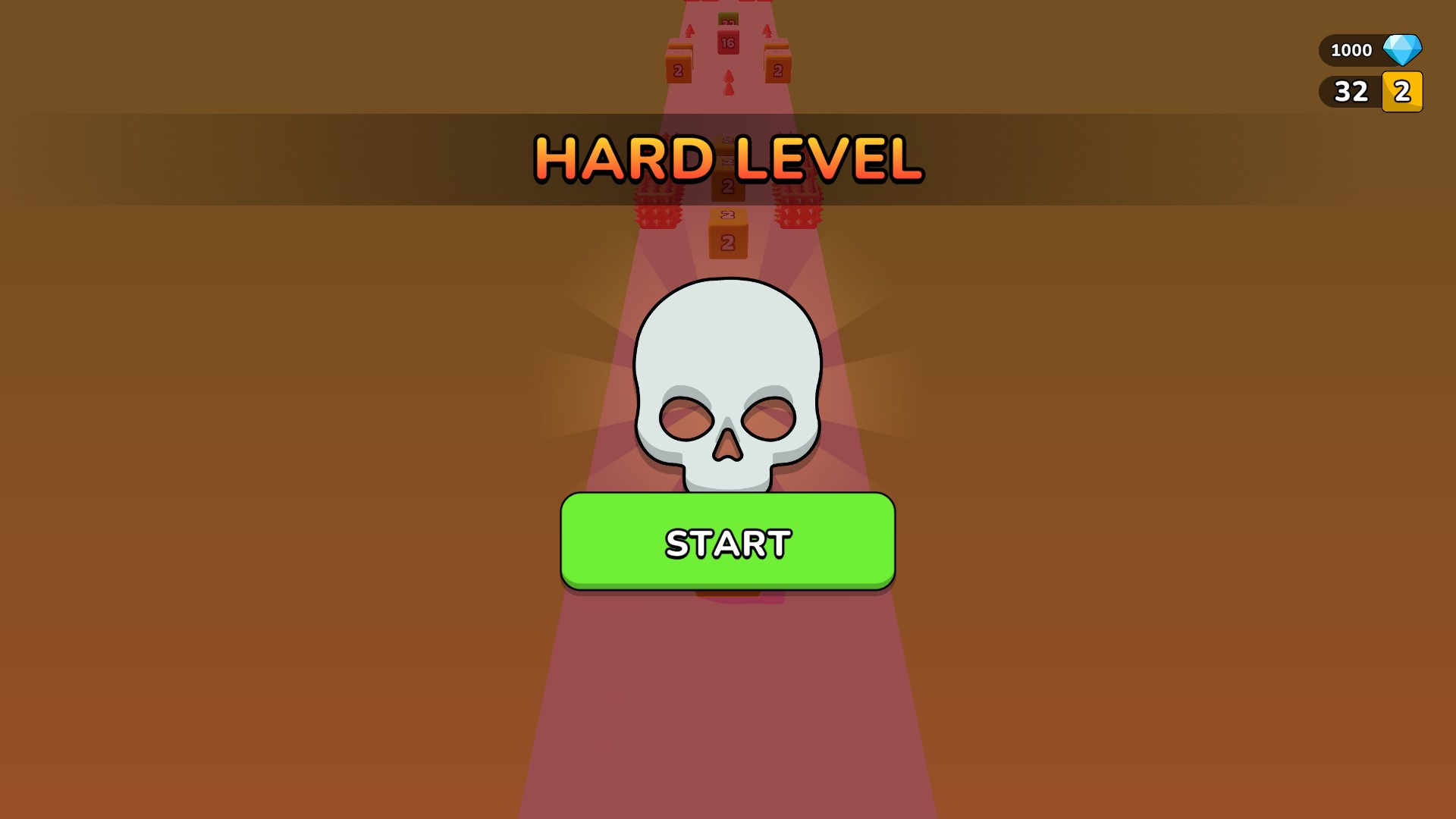
Start the hard challenge
Open the game's hard challenge, then choose Start to play its course with denser hazards.
Skip CourseFree
Move forward to the next playable course.
Apply Skip Course, check the new level number and use the game's normal Start prompt.
Before you use it: Advances one course at a time; a full course range or permanent unlock is not promised.
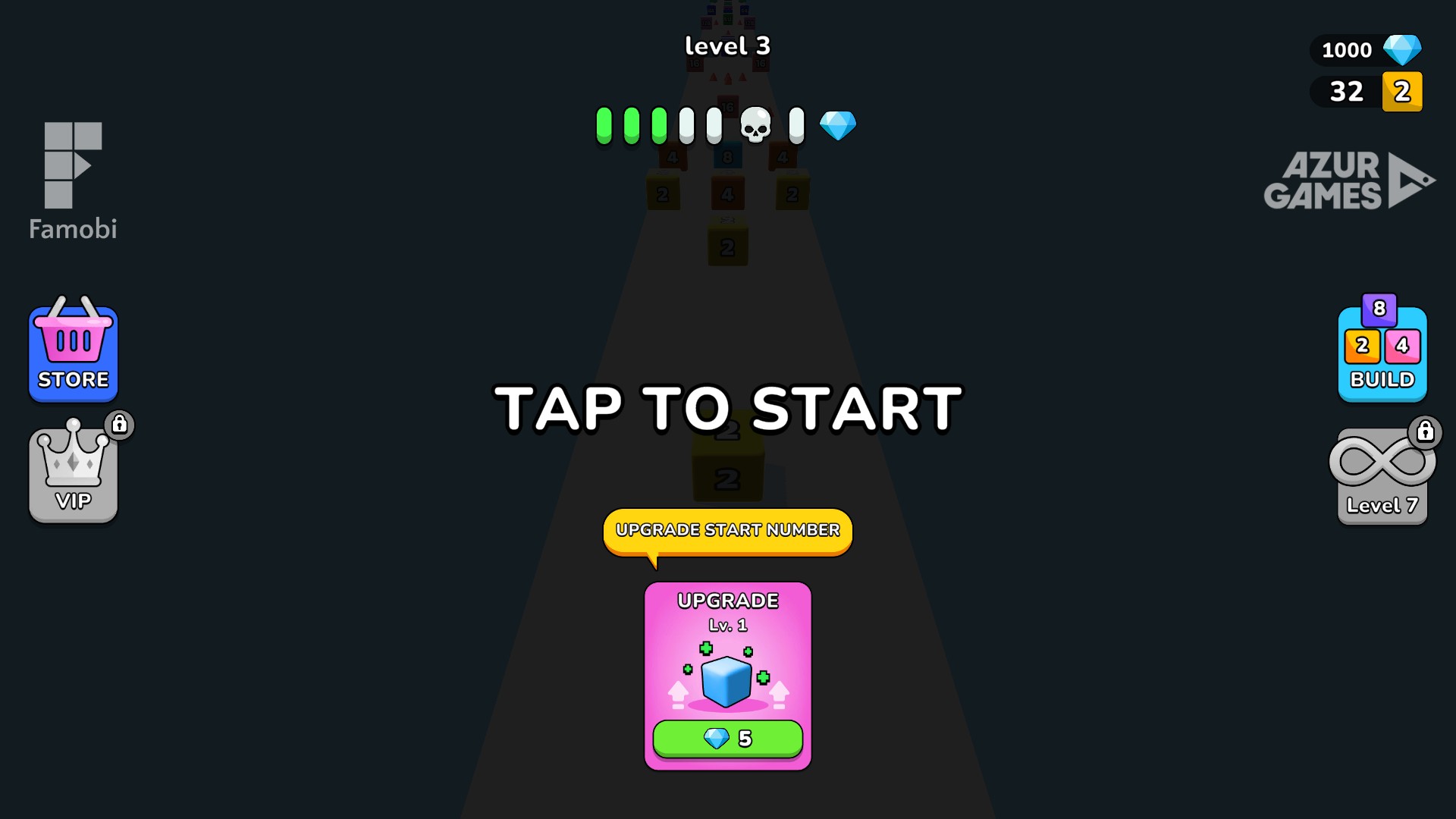
Ready for Level 3 with 1,000 gems
A Level 3 ready screen after setting the gem balance to 1,000 and advancing from Level 2 with Skip Course.
More ways to customise Jelly Run 2048
- Jelly Run 2048 resources
Set the current gem balance to your chosen amount.
Questions about game actions
- Can Skip Course choose any level number?
- Skip Course advances to the next course each time it is applied. It does not offer a numbered level picker.
- What happens after I apply Hard Challenge?
- The game displays its hard-level prompt. Choose the green Start button to enter the challenge course.
Using these features
Choose the feature in the Windows app after connecting your game. Check its requirements before making a change.
Setup for Jelly Run 2048 →