

Resources
1 optionSet the current gem balance to your chosen amount.
View resources →Steer your numbered jelly cube along the track, collect matching cubes and watch for spikes. Bytonian Mods adds three ways to change your current session: set your gem balance, move to the next course, or open the game's hard challenge.

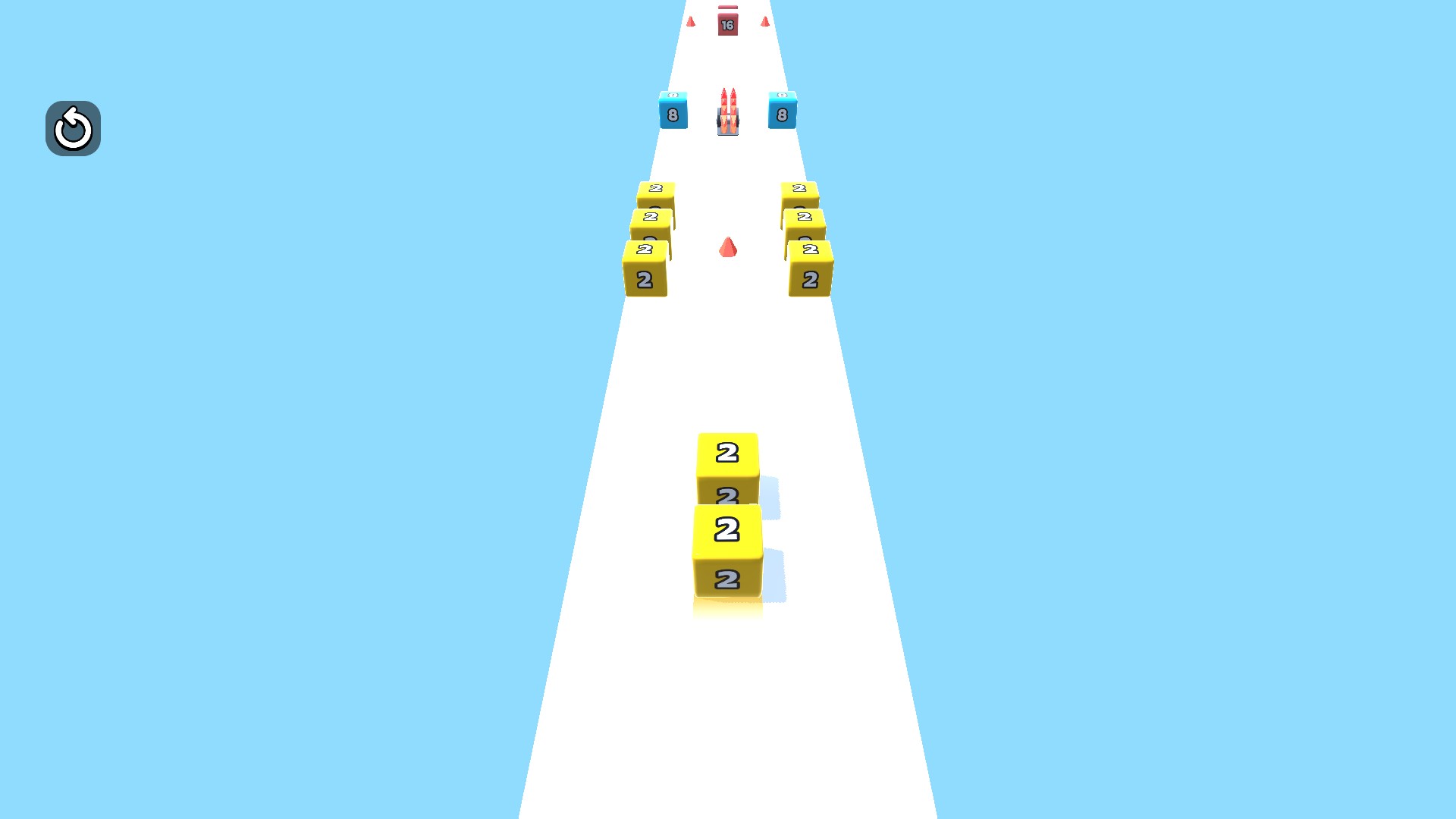
Jelly Run 2048 numbered-cube course
Guide your jelly cube toward matching numbers while avoiding spikes and other hazards.
Resources contains Gems, which sets the current balance to the amount you choose. Game Actions contains free Skip Course and Hard Challenge. Skip Course moves forward one course, while Hard Challenge opens a separate challenge prompt.
Open Jelly Run 2048 with Bytonian Mods connected. Choose Resources or Game Actions, select the control you want and apply it. When a new course or the hard challenge displays a Start prompt, use the game's normal Start button to begin.
Set the current gem balance to your chosen amount.
View resources →Skip one course for free or open the hard challenge.
View game actions →Download the Windows app and follow the setup prompts.
Set up the browser extension in Chrome or Edge, then open the supported YouTube Playable. Follow the connection guide if the game is already running.
Review the available options in the app and choose the ones that suit how you play.