

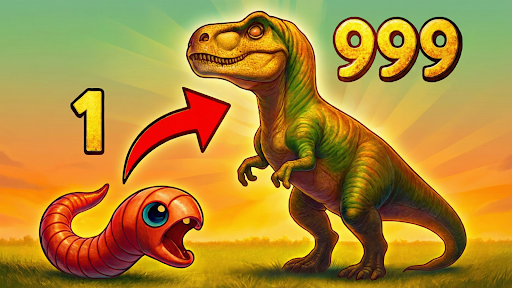
Fly above the forest
Take a different route through the forest by lifting your animal above the terrain. Fly temporarily replaces normal movement so you can explore above paths, rocks and trees.
Fly controls
V toggles Fly. WASD moves, Space rises, Ctrl descends and Shift increases movement speed. Descend close to the ground before turning Fly off; gravity and normal movement return.
Rise above the forest for a different view of the paths and trees. Return to a clear landing spot before turning Fly off.
Current limits
Review the movement keys shown in the app before enabling Fly. Turn it off when you want normal ground movement again.
Flying changes movement. It does not unlock biomes, grant evolution stages or promise progress will carry through a reload.
Available ability modifiers
FlyPremium
Explore above terrain with Fly. V toggles; WASD moves; Space rises; Ctrl descends; Shift moves faster. Turn Fly off to resume normal movement.
Enable during gameplay, use the listed keyboard controls, descend before disabling.
Before you use it: Return to a clear landing spot before disabling Fly.
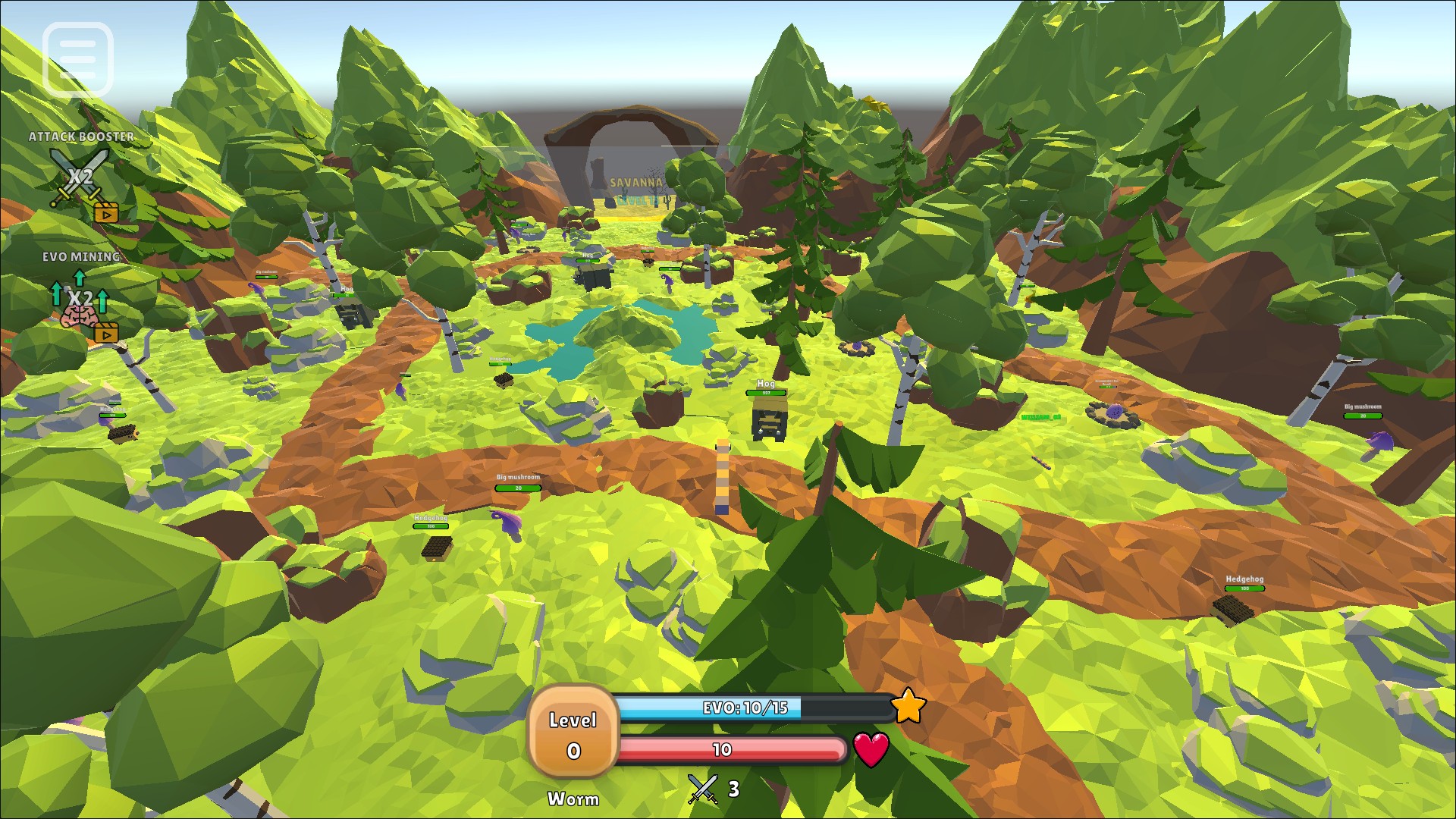
Fly above the trees
Fly lifts the worm above the forest canopy for a clear view of the surrounding terrain. Turn Fly off to return to normal movement.
More ways to customise Evolution Simulator
- Evolution Simulator game actions
Two free recovery and experience actions, plus premium timed booster activations.
Using these features
Choose the feature in the Windows app after connecting your game. Check its requirements before making a change.
Setup for Evolution Simulator →