


Ability Modifiers
1 optionKeyboard-controlled flight, with normal movement restored when disabled.
View ability modifiers →Begin as a tiny worm in a forest full of mushrooms, animals and places to explore. Evolution Simulator mixes movement, food and survival as you work toward stronger animal forms. These mods give you health recovery, small experience grants, timed boosters and a way to fly above the terrain.
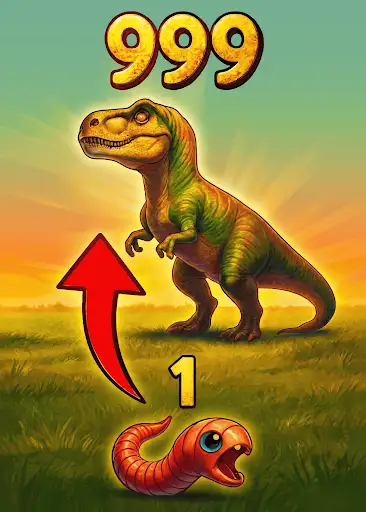
Restore Health and Add 10 Experience are free options. Health recovery adds up to 100 health while your animal is alive, stopping at its normal maximum. The experience action grants 10 points through the game's own progression rules.
The premium attack and experience actions activate the game's timed boosters. Their visible countdowns tell you when the effects are running; these are temporary boosts.
Use Fly to rise above the forest trees and paths, then turn it off to return to normal movement.
Use V to toggle Fly, WASD to move, Space to rise and Ctrl to descend. Shift increases movement speed. Descend before turning Fly off, because normal gravity resumes.
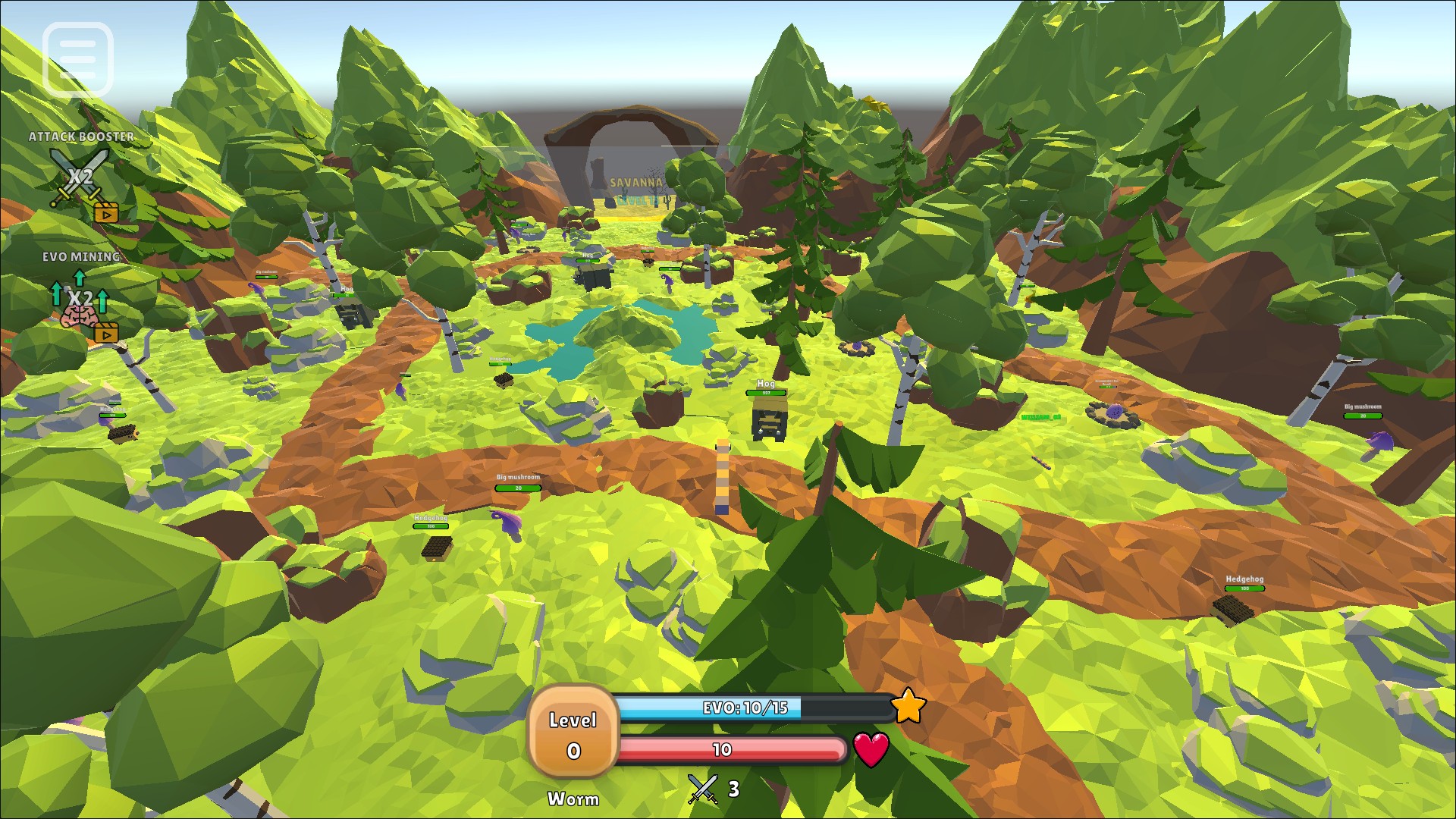
Explore the forest from above
A worm floats above the forest canopy with paths, mushrooms and animals below.
Keyboard-controlled flight, with normal movement restored when disabled.
View ability modifiers →Two free recovery and experience actions, plus premium timed booster activations.
View all game actions →Download the Windows app and follow the setup prompts.
Set up the browser extension in Chrome or Edge, then open the supported YouTube Playable. Follow the connection guide if the game is already running.
Review the available options in the app and choose the ones that suit how you play.