

Prepare for longer expeditions
Keep your own health, stamina and oxygen topped up, expand camera film capacity, keep held tools charged, adjust your flashlight, add a personal light, reduce camera wobble or prevent new knockdowns and stuns.

Set up your own equipment
Hold your camera to change film capacity, or hold a charged, switched-on flashlight to tune its beam. Settings update while enabled. Portable Light adds its own light, and disabling it removes that light.
Available stat modifiers
Film CapacityPremium
Expand the recording time available in your own held camera.
Hold your camera, enable Film Capacity, then choose a capacity percentage. 200% doubles its normal capacity. Turning it off restores normal capacity while keeping elapsed recording time.
Flashlight TuningPremium
Adjust the brightness and reach of your own held flashlight.
Hold a charged flashlight and switch it on, then enable Flashlight Tuning. 100% keeps its normal brightness or reach. Disable the mod to restore the original settings.
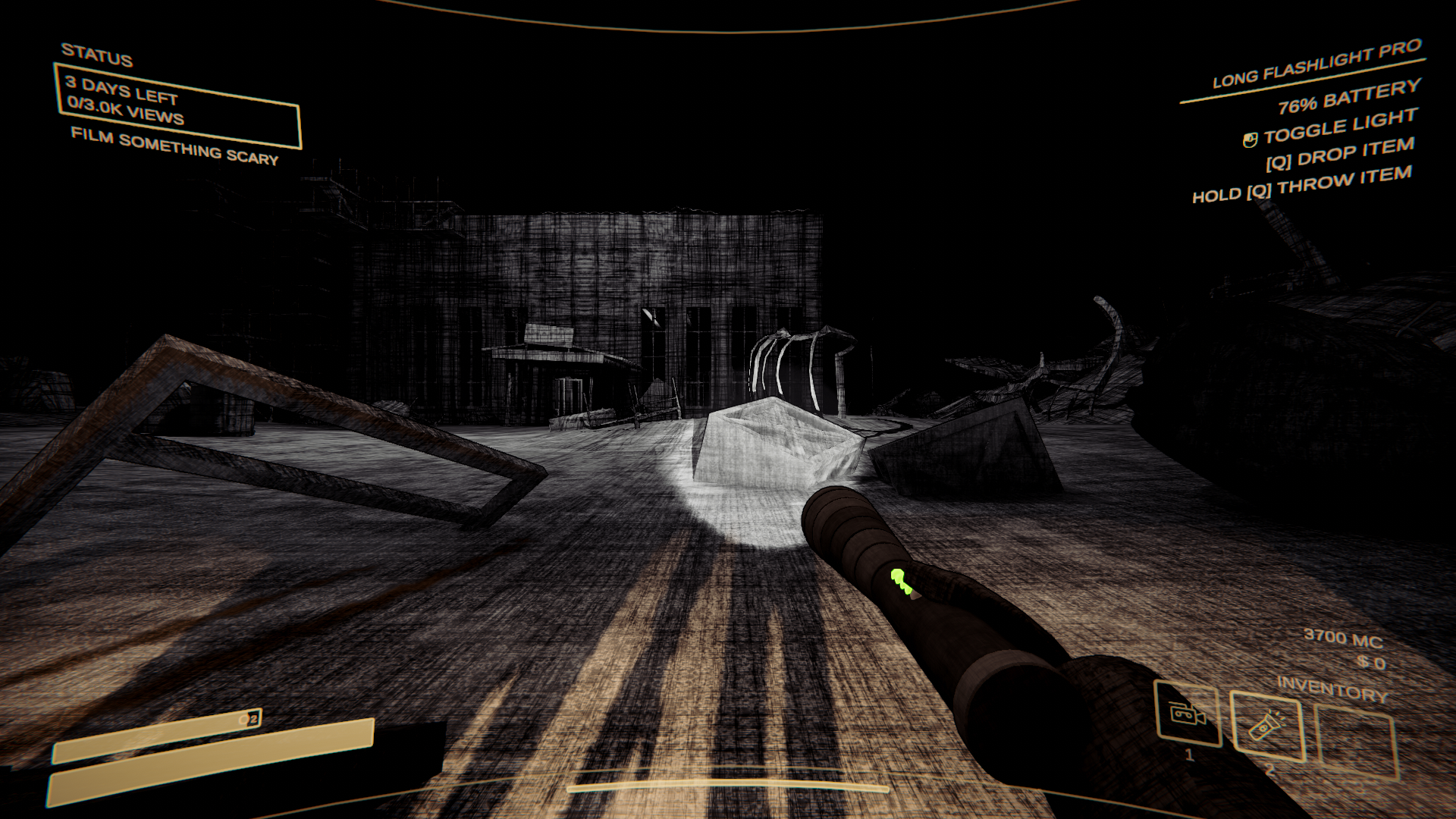
Light the way through the Old World
Adjust your held flashlight's brightness and reach for private expeditions with friends.
Full BatteriesPremium
Keep the batteries in your own held tools charged.
Hold a battery-powered tool and enable Full Batteries in a private game with friends.
Full HealthFree
Keep your character’s health topped up and block damage while this option is enabled.
Enable Full Health after entering a private game with friends.
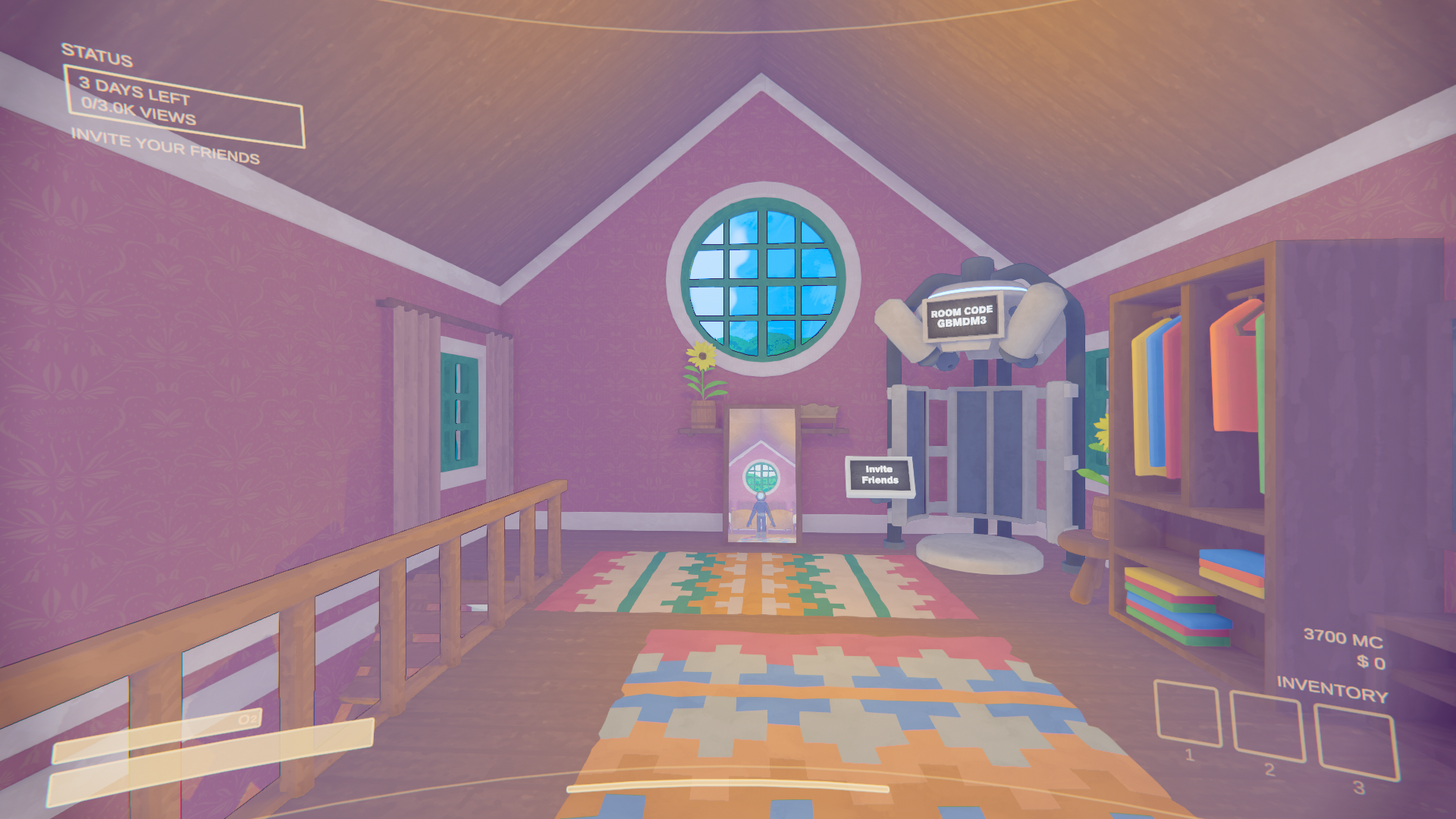
Keep your health full
Keep your character healthy in a private game with friends.
Full OxygenPremium
Keep your own oxygen topped up while exploring the Old World.
Enter a private game with friends and enable Full Oxygen before exploring.
Full StaminaFree
Keep your own stamina topped up in a private game with friends.
Switch Full Stamina on when you want a full stamina reserve.
Portable LightPremium
Add a personal light with adjustable brightness and radius.
Enable Portable Light in a private game with friends, then adjust its brightness and radius. Disabling it removes the added light.
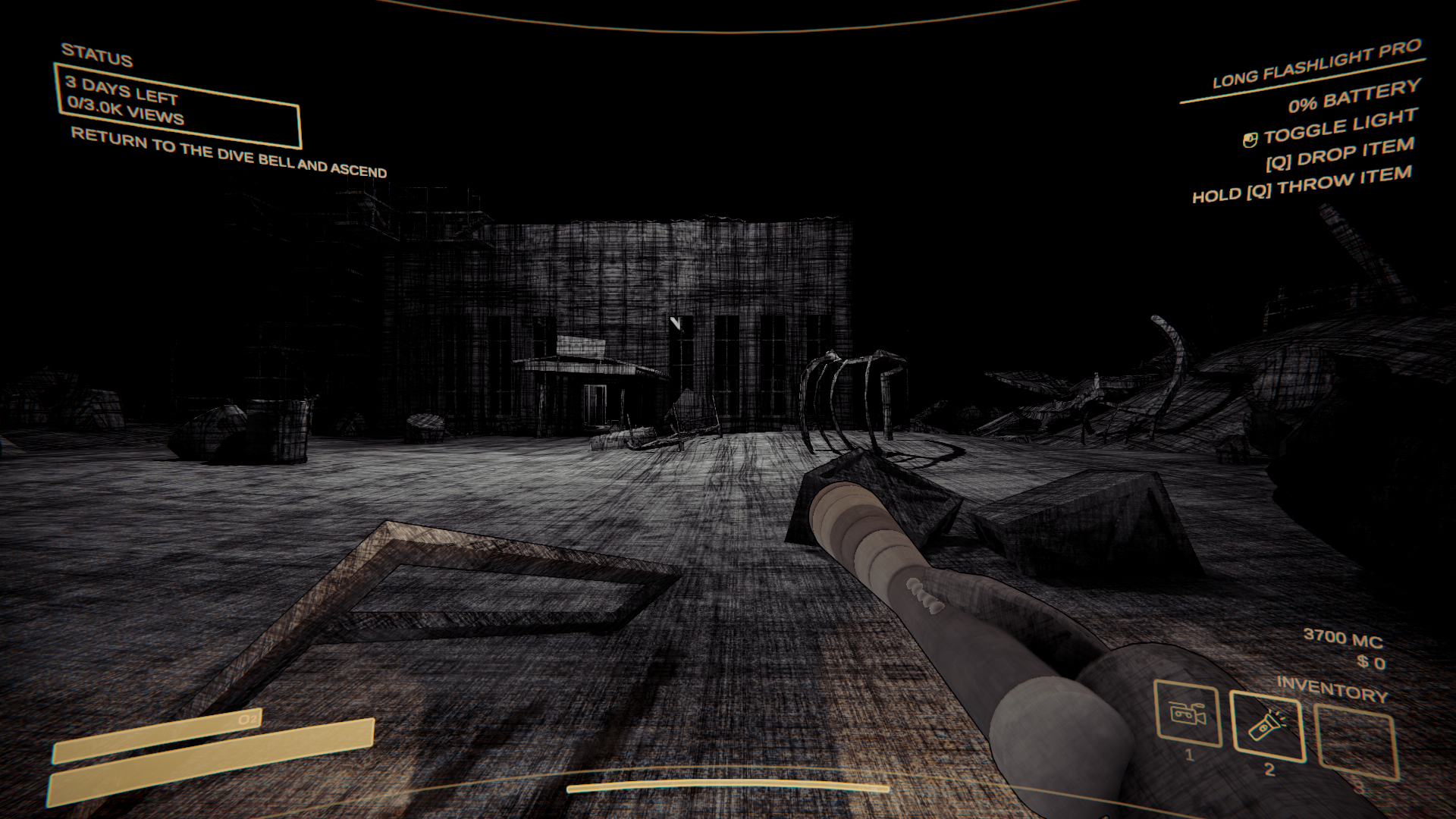
Bring your own light
Add a personal light and adjust its brightness and radius for private expeditions.
Quick RecoveryPremium
Prevent knockdowns and electrical stuns on your own character.
Enable Quick Recovery before a knockdown or stun. Existing effects finish normally; the option prevents new ones while enabled.
Steady CameraFree
Reduce the physical camera wobble while keeping your character's normal physics.
Enable Steady Camera in a private game with friends. Disable it to restore the normal camera response.
More ways to customise Content Warning
- Content Warning resources
Adjust group money and views as host, or your own Meta Coins.
- Content Warning ability modifiers
Three Movement styles and repeated jumps for private games.
- Content Warning game actions
Free Spawn browsing, diving-bell return and position bookmarks.
Using these features
Choose the feature in the Windows app after connecting your game. Check its requirements before making a change.
Setup for Content Warning →