

Resources
3 optionsAdjust group money and views as host, or your own Meta Coins.
View resources →Make your next private Content Warning expedition your own. Keep health, stamina and oxygen topped up, carry more film, keep tools charged, tune lighting and movement, or return to the bell and saved positions.

Start with free mods
Download Bytonian Mods for Windows and try these free features. Choose one to see how it works and any requirements.
Choose Fly for flight through obstacles, Free Walk for adjustable movement on solid ground, or Board for steering, coasting, braking and charged jumps.
Enable Movement and choose a Style. Use the movement keys to travel. Space rises in Fly, jumps on foot, and charges a board jump while held; release it to jump. Ctrl descends or brakes, and Shift boosts in Fly. Turn Movement off for normal physics.
Browse ordinary tools and creatures, choose an entry and place it nearby. Spawn is free.
Open Spawn in a private game with friends. Choose the quantity before placing an entry. Creature spawning requires hosting.
Keep your character’s health topped up and block damage while this option is enabled.
Enable Full Health after entering a private game with friends.
Choose the shared money total for your private group.
Host a private game and enter the amount you want.
Use Stats for survival, filming, lighting and camera controls, Abilities for Movement and repeated jumps, Resources for money, views and Meta Coins, and Game Actions for Spawn, diving-bell return and position bookmarks. Enable the options your group wants.
Start the Windows game through Bytonian Mods and enter a private game with friends. The group should agree on the mods being used. Shared money, shared views and creature spawning require the host. Everyone joining should use a compatible set of game-changing mods.
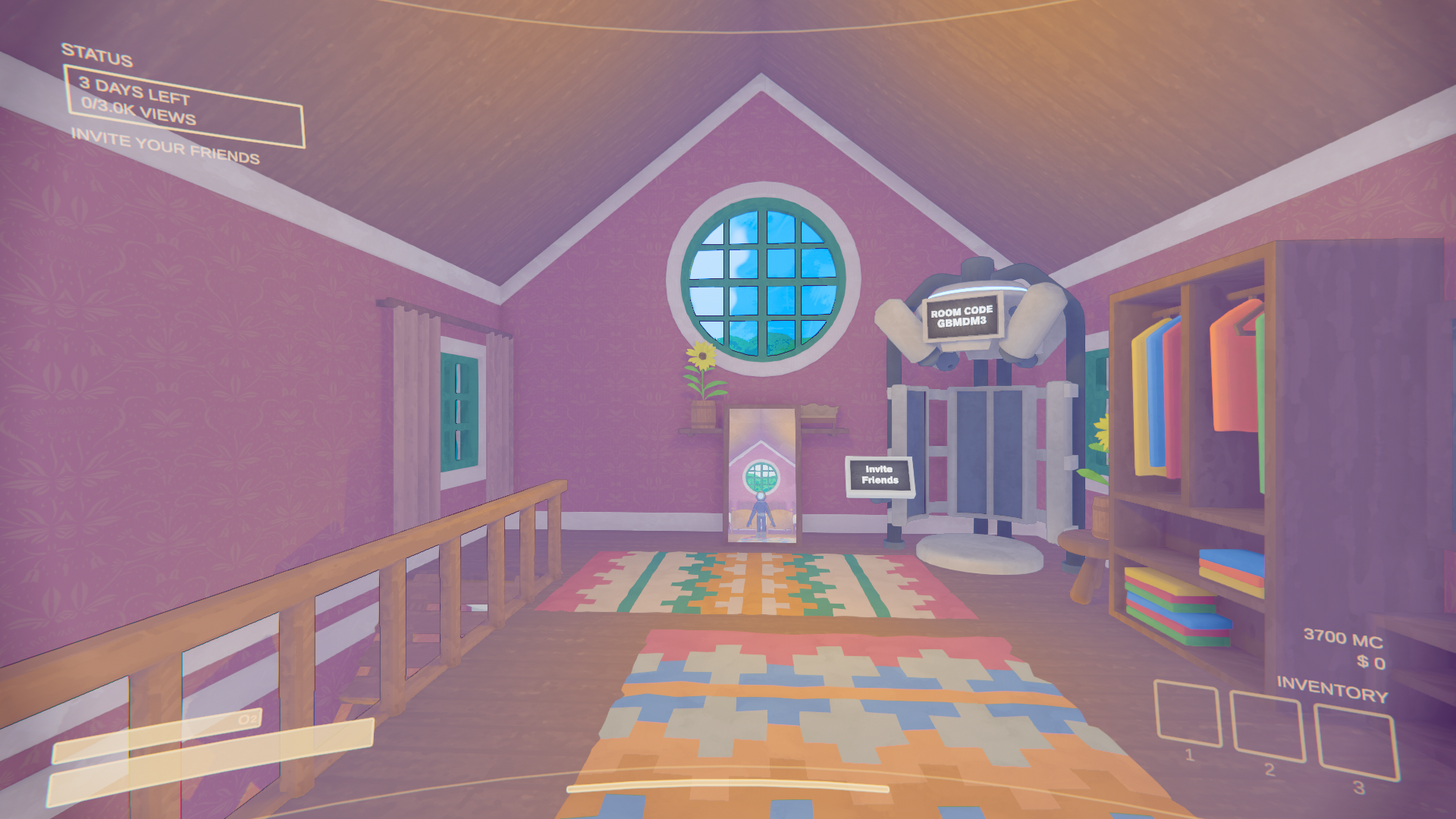
Prepare for your next trip
Gather in the house before heading out with friends in Content Warning.
Adjust group money and views as host, or your own Meta Coins.
View resources →Separate survival, filming, lighting, camera and recovery controls for private games.
View all stat modifiers →Three Movement styles and repeated jumps for private games.
View ability modifiers →Free Spawn browsing, diving-bell return and position bookmarks.
View game actions →Browse the Steam achievement names and descriptions for Content Warning. Choose and unlock achievements for free with Bytonian Mods in the Windows app.
View all achievements →Download the Windows app and follow the setup prompts.
Open Content Warning and select it in Bytonian Mods. Follow the app’s connection prompts.
Review the available options in the app and choose the ones that suit how you play.