

Choose the totals for your private game
Set your own Meta Coins, or choose the group’s money and views when you are hosting. View totals follow the game’s current increments.

Available resources
Meta CoinsFree
Choose your own Meta Coin total in a private game.
Enter a private game with friends, then set the total you want.
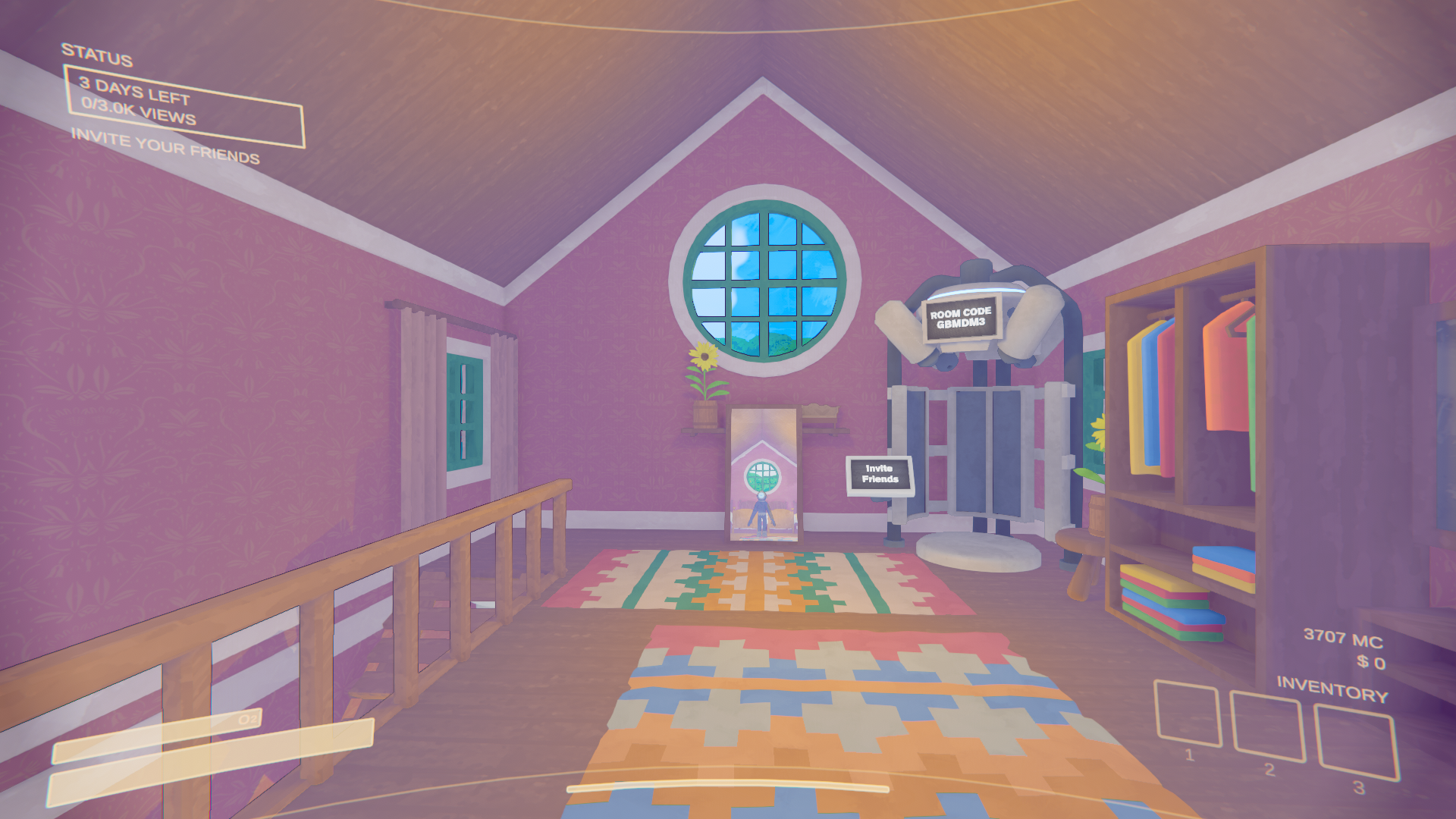
Set your Meta Coins
Choose your Meta Coin total in a private game with friends.
MoneyFree
Choose the shared money total for your private group.
Host a private game and enter the amount you want.
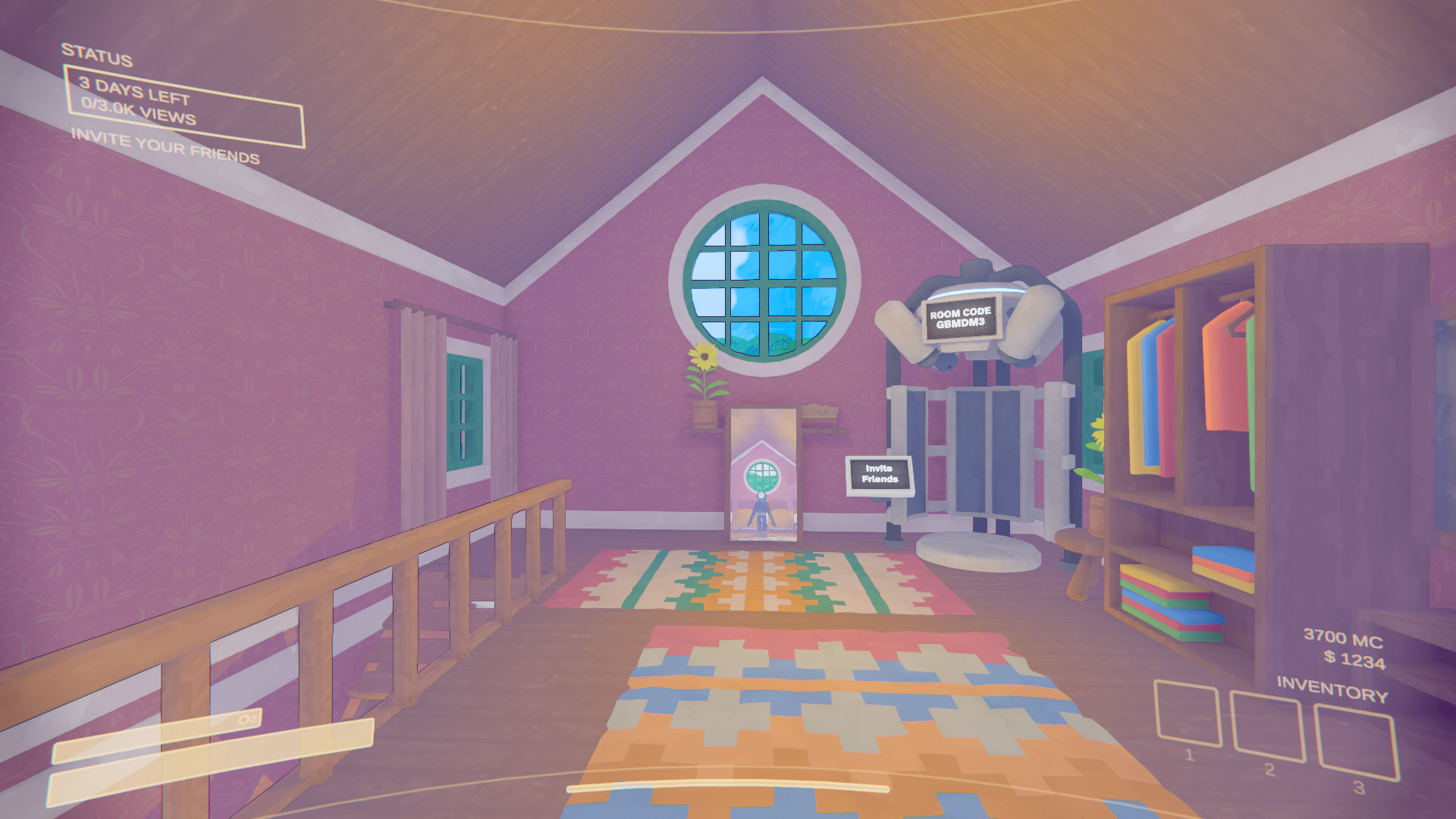
Set your group’s money
Choose the money available for your private game when you are hosting.
ViewsFree
Choose the view total for your private group.
Host a private game and set the total. Choose an amount that matches the game’s current view increments.
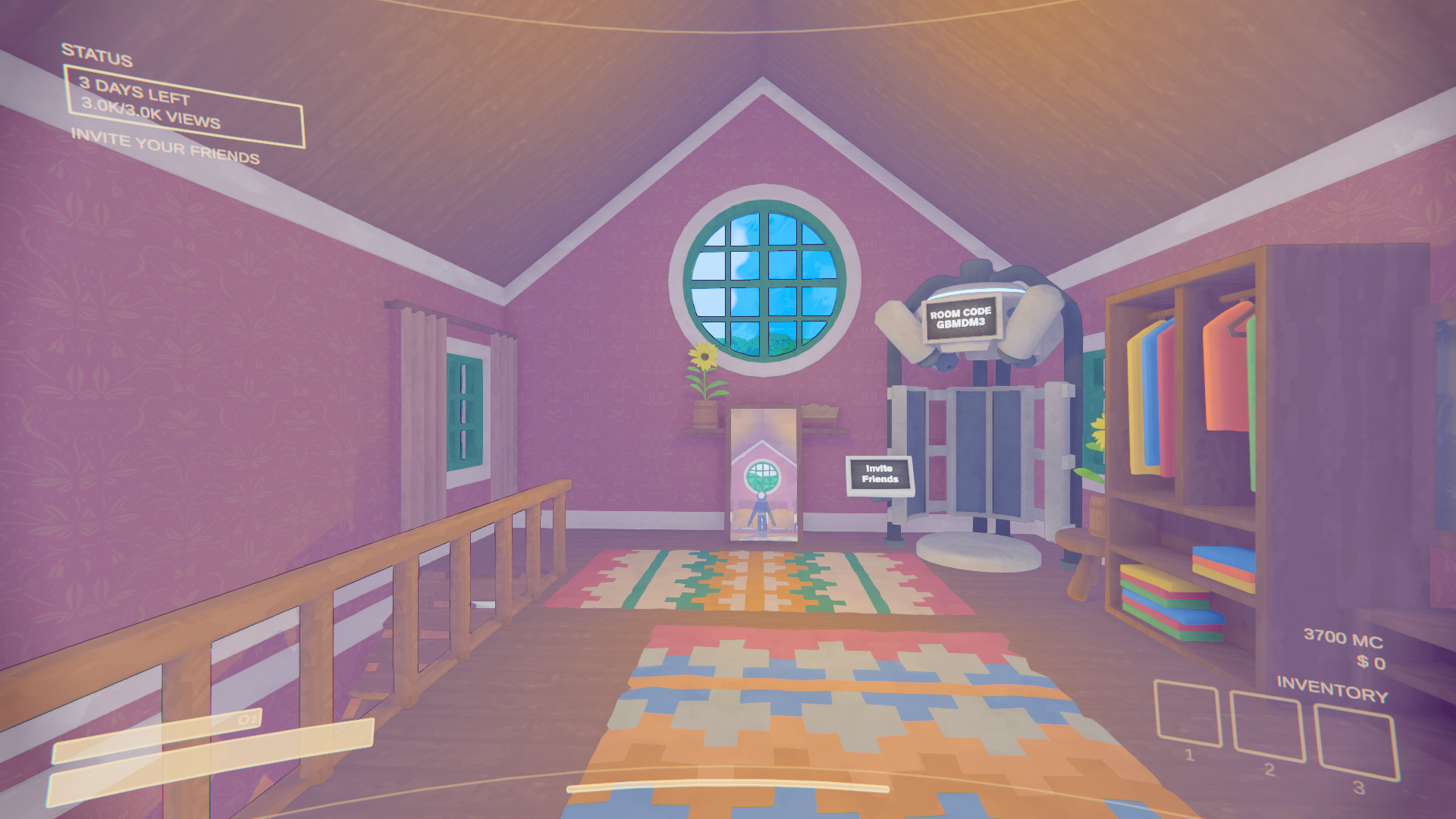
Set your group’s views
Adjust the view total for your private game when you are hosting.
More ways to customise Content Warning
- Content Warning stat modifiers
Separate survival, filming, lighting, camera and recovery controls for private games.
- Content Warning ability modifiers
Three Movement styles and repeated jumps for private games.
- Content Warning game actions
Free Spawn browsing, diving-bell return and position bookmarks.
Using these features
Choose the feature in the Windows app after connecting your game. Check its requirements before making a change.
Setup for Content Warning →