

Choose how to keep drawing
Some pictures are worth taking your time over. Others you may want to leave behind. Skip picture lets you move past the current drawing without finishing every outline and color. You can also switch things up with a new pencil design, without waiting for its progress bar to fill.
Skip a picture and keep going
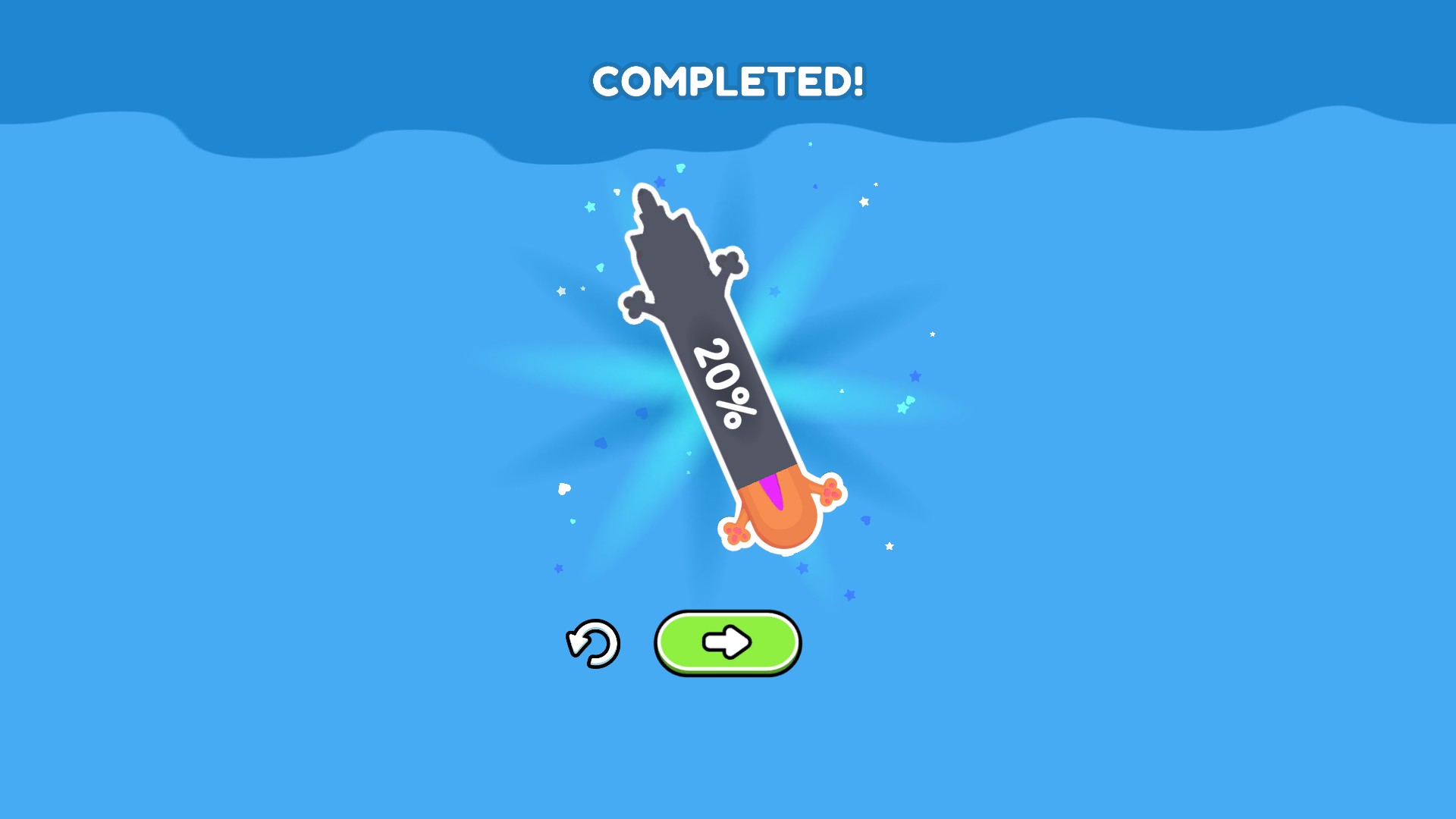
Move past the current picture without drawing every part. Choose the next button on the completion screen to keep going.
One picture at a time
Use Skip picture while a picture is open. When the completion screen appears, choose the game’s next button to continue. The action does not keep skipping in the background.
A shortcut, not automatic drawing
Skipping reaches the completion screen without filling in missing artwork. It does not paint a perfect picture for you or skip the entire game.
Try the pencil you are earning now
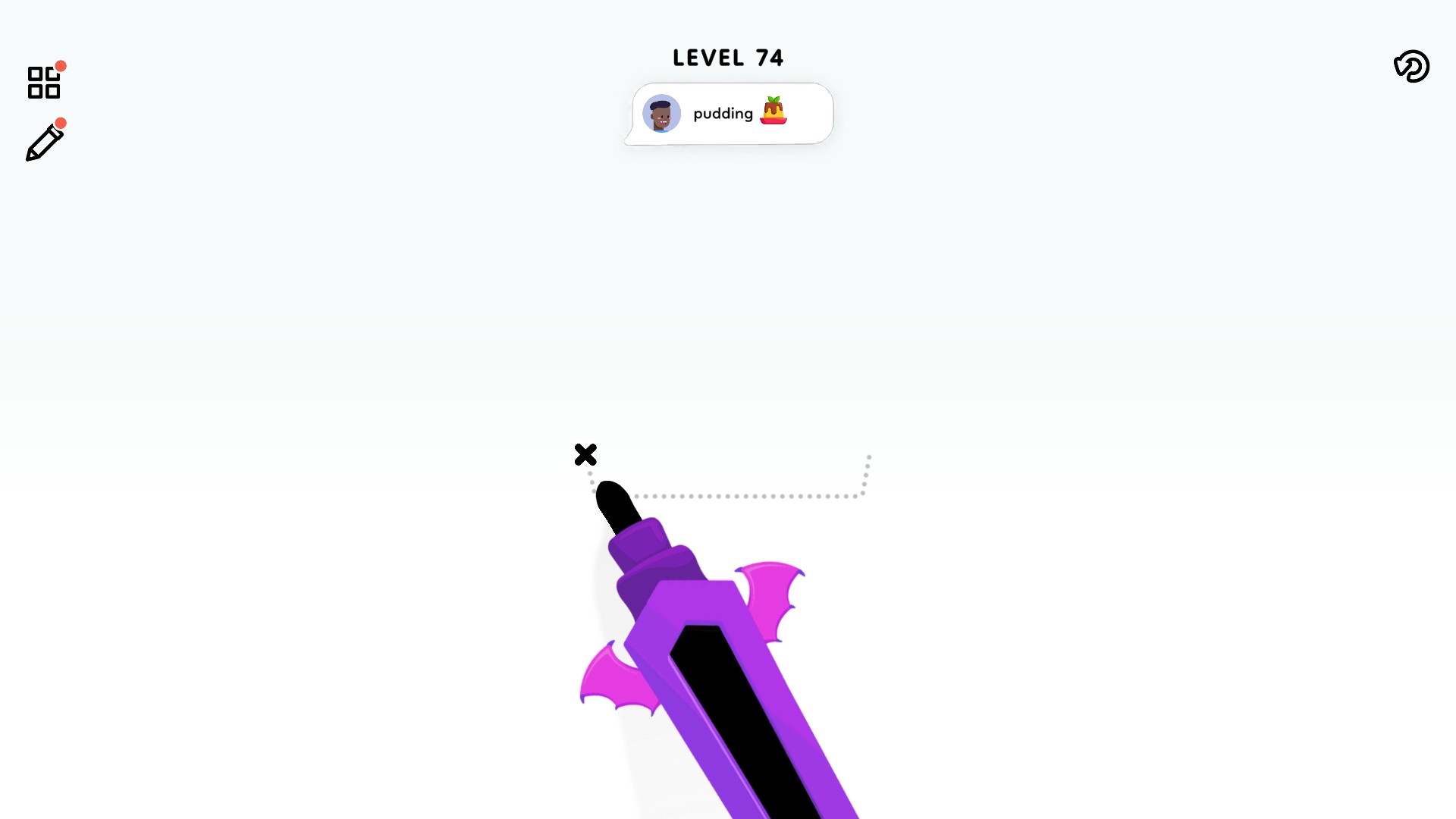
Unlock and use next pencil opens the design currently being earned and selects it straight away. We unlocked the purple bat-wing pencil and used it on the pudding picture.
The unlock stays after a reload. It opens one design at a time, rather than the whole collection. Keep playing until the game offers another pencil.
Available game actions
Skip pictureFree
Skip the current picture and reach its completion screen. Use the game’s next button to continue; missing artwork is not filled in automatically.
Unlock and use next pencilPremium
Unlock and switch to the pencil you are currently earning. The unlock lasts after reloading. Keep playing until the game offers another design.
A new pencil for your next picture
Swap the plain pencil for a purple bat-wing design in Color Page ASMR. Unlock the pencil you're currently earning and start drawing with it straight away.
More ways to customise Color Page ASMR
- Color Page ASMR customise
Choose a picture from 1 to 100.
Questions about game actions
- Can I use Skip picture again on the completion screen?
- No. Move to the next picture first. This keeps one click from completing the same picture twice.
- Does the pencil action unlock every design?
- No. It unlocks the pencil the game is currently offering and switches to that design. Continue playing to reach a different pencil.
Using these features
Choose the feature in the Windows app after connecting your game. Check its requirements before making a change.
Setup for Color Page ASMR →