


Choose a picture to draw
Want to jump ahead or return to an earlier drawing? Choose a picture number before starting your next session. You still draw the outline and color the picture yourself.
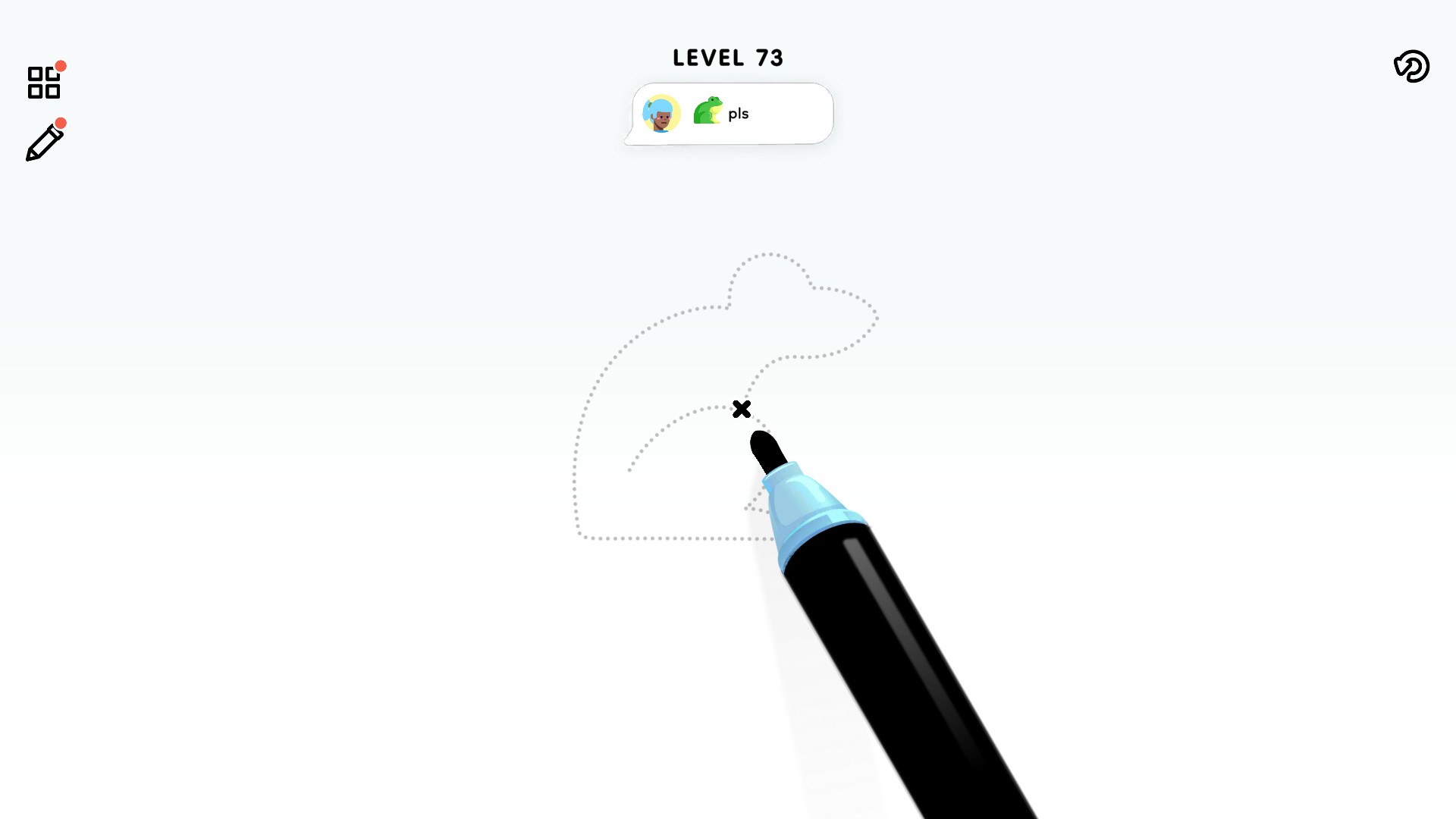
Choose picture 73 and start a different drawing
Choose picture 73 to open this frog outline, or pick another number when you want to jump ahead or revisit a picture.
Pick a different starting point
Enter a whole number from 1 to 100, then choose Apply & reload. The game opens that picture with its matching number. We chose picture 73 and opened a frog outline.
Finish your first picture first
The game needs to create your progress before this control is available. If the picture number cannot be read yet, finish the first picture and return to Customize.
Available customise
Picture numberFree
Choose a picture from 1 to 100. Finish your first picture before using this control, then Apply & reload to open your selection.
More ways to customise Color Page ASMR
- Color Page ASMR game actions
Move past a picture or try the pencil you are earning.
Questions about customise
- Does choosing a picture color it for me?
- No. It changes which picture you open. Drawing and coloring stay up to you.
Using these features
Choose the feature in the Windows app after connecting your game. Check its requirements before making a change.
Setup for Color Page ASMR →