

Customise
1 optionChoose a picture from 1 to 100.
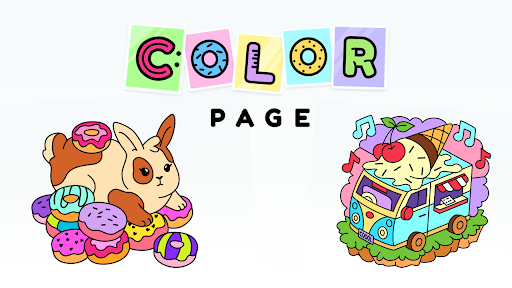
View customise →Follow the outline, choose your colors and turn a simple shape into a finished picture. Color Page ASMR is full of little drawing challenges, from carrots and flamingos to frogs.
Color Page ASMR on YouTube Playables
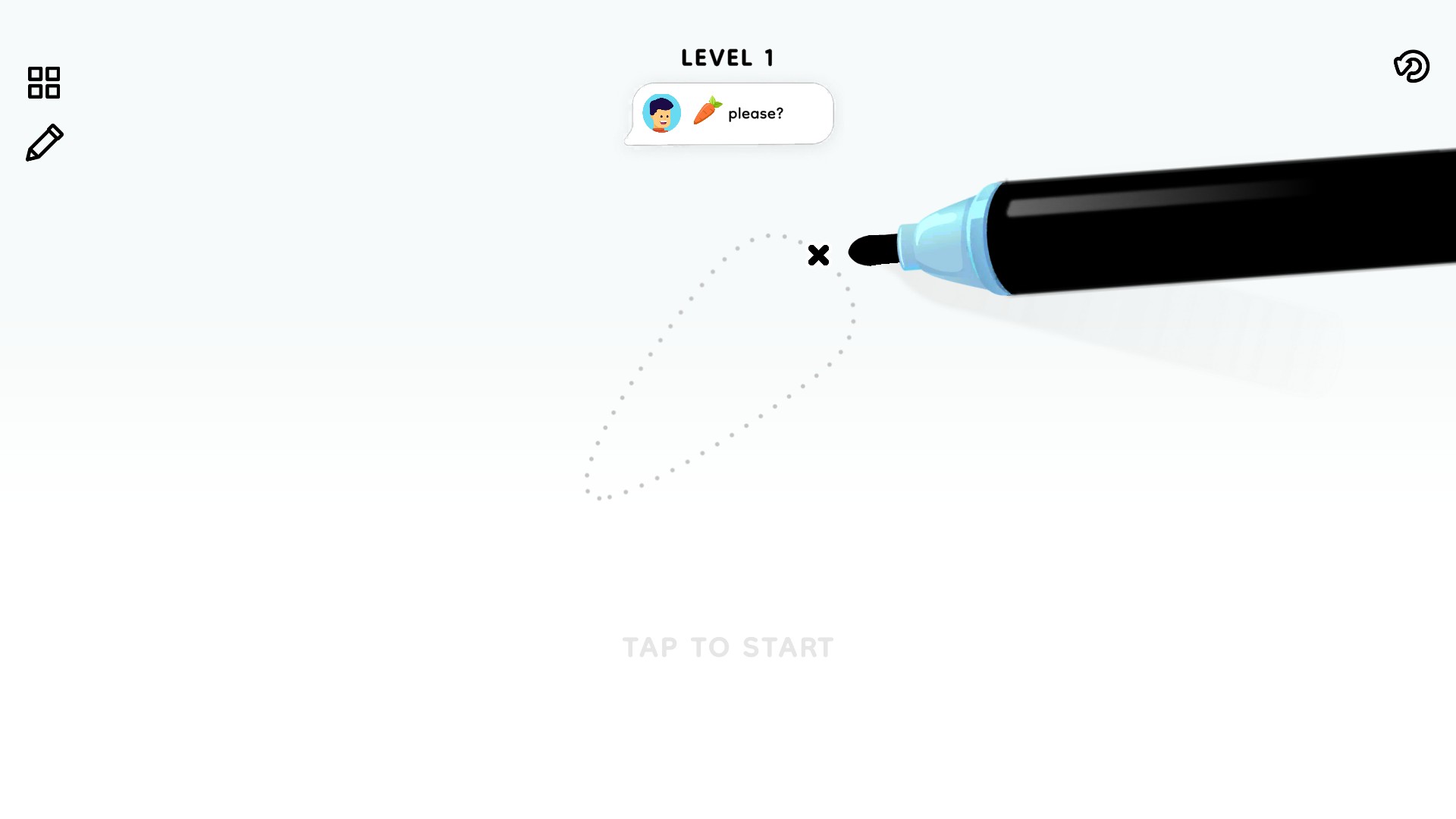
Start with a carrot, follow its outline and choose your colors. Color Page ASMR turns everyday objects into small drawing challenges.
Use Customize to choose your next picture number. If you would rather move on from the picture already open, use Skip picture in Actions. Both controls are free.
There is more to collect than finished pictures. Unlock the pencil you are currently earning, switch to its design and get back to drawing. Find the pencil control alongside Skip picture in Actions.
Open Color Page ASMR through Bytonian Mods and let the game load. Picture selection becomes available after you finish your first picture. You can then choose a number, Apply & reload, and return to drawing.
Choose a picture from 1 to 100.
View customise →Move past a picture or try the pencil you are earning.
View game actions →Download the Windows app and follow the setup prompts.
Set up the browser extension in Chrome or Edge, then open the supported YouTube Playable. Follow the connection guide if the game is already running.
Review the available options in the app and choose the ones that suit how you play.