

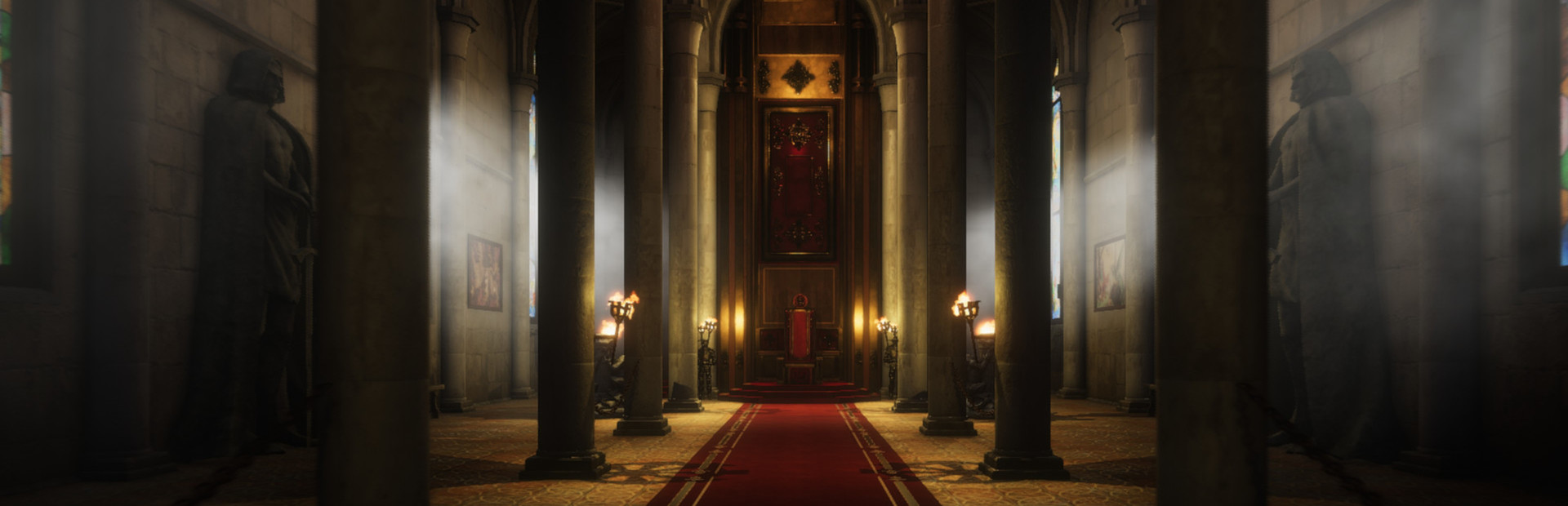
Clear rubbish or dismiss tutorial prompts
Pickup Garbage gathers the rubbish your current area allows you to collect. Use this free action when you want to move past repeated pickup work and return to the renovation. Skip Tutorial dismisses the tutorial prompts and blurred backdrop in your current area so you can return to gameplay.

Area and permission limits
Load the area you want to clean, then trigger Pickup Garbage. It operates on current garbage and respects whether the game allows collection; it does not finish every cleaning or repair task.
Return to gameplay after a tutorial prompt
Load your kingdom, then choose Skip Tutorial to dismiss its current tutorial prompts and clear their blur. This does not complete quests or permanently mark the tutorial finished. Prompts in a new area may need to be dismissed again.
Available utilities
Pickup GarbageFree
Collect eligible rubbish in the current area without picking up each piece yourself.
Load the area and trigger Pickup Garbage.
Before you use it: The game's collection permissions still apply. Other cleaning and repair tasks remain separate.
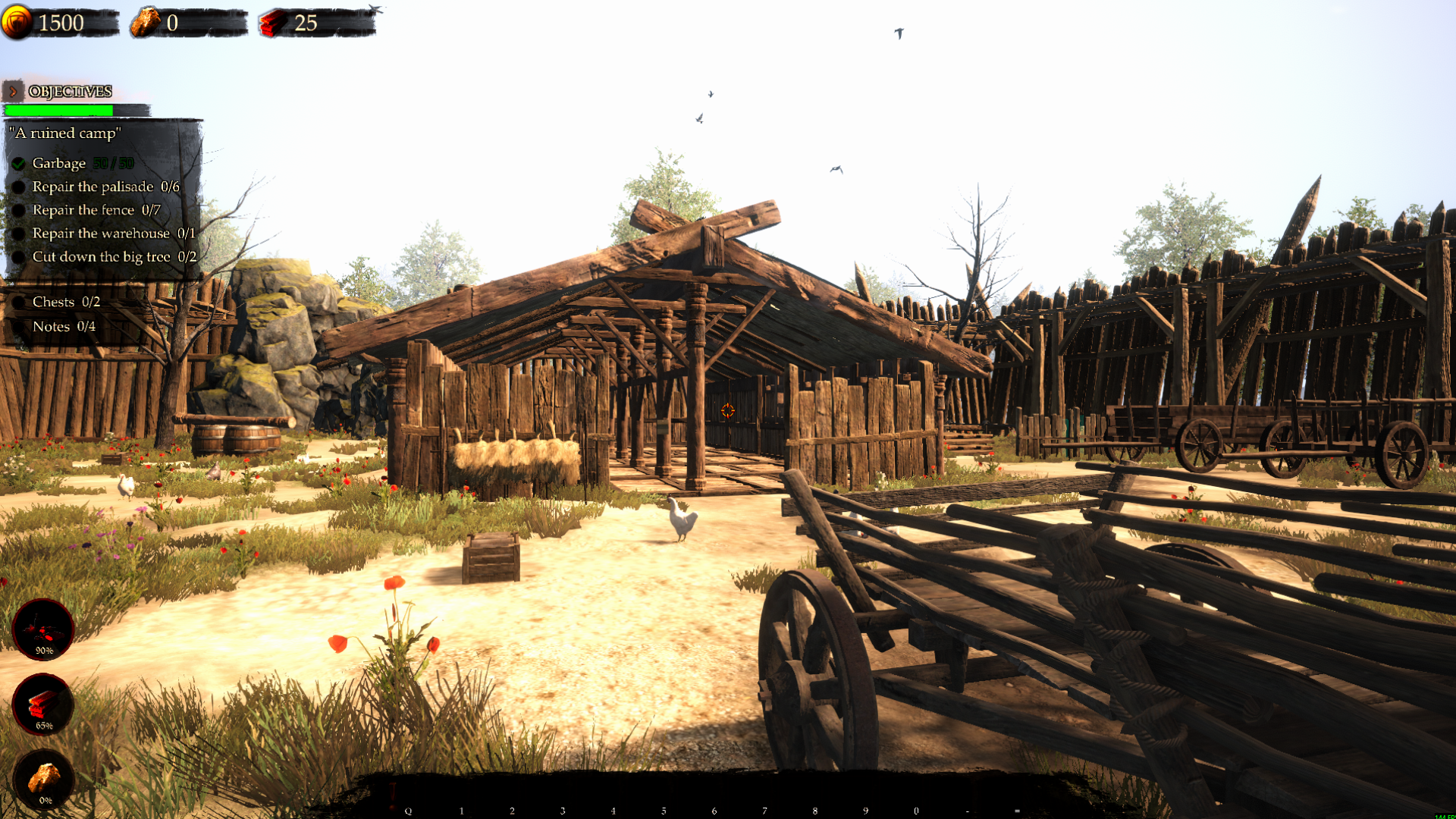
Clear the camp's garbage in one action
Pickup Garbage cleared all 50 pieces in A ruined camp. The remaining repair and tree-cutting tasks are still yours to finish.
Skip TutorialFree
Dismiss tutorial prompts and their blurred backdrop to return to gameplay in your current area.
Load your kingdom and choose Skip Tutorial.
Before you use it: Quest objectives stay in place. This does not permanently complete the tutorial, and new areas may introduce more prompts.
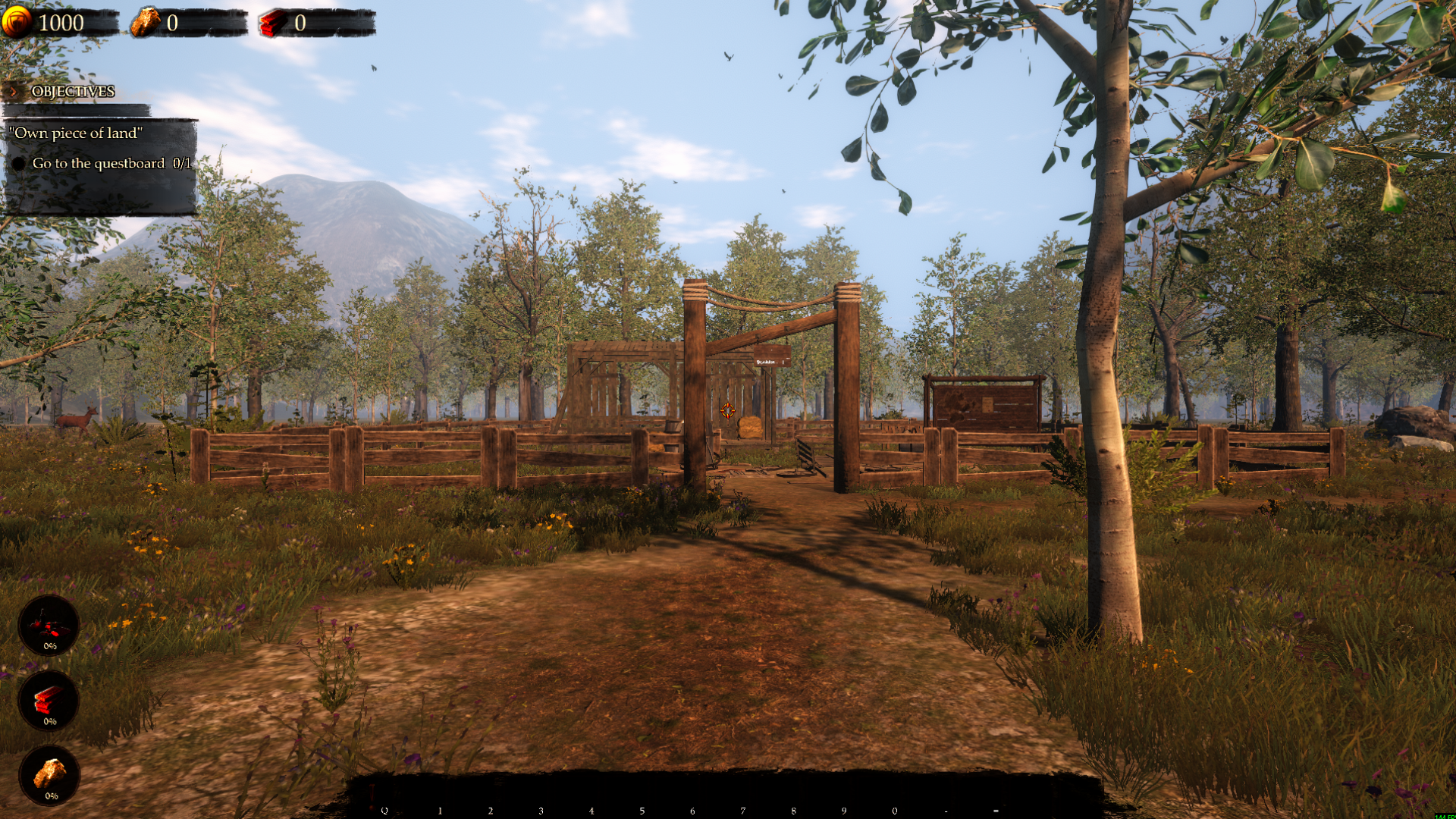
Get back to your kingdom
Skip the tutorial prompts in your current area and clear their blurred backdrop. Your current quest objective stays in place.
More ways to customise Castle Flipper
- Castle Flipper resources
Free Rock and Premium Gold or Wood balance controls.
- Castle Flipper ability modifiers
Adjustable flight for exploring your renovation site.
Using these features
Choose the feature in the Windows app after connecting your game. Check its requirements before making a change.
Setup for Castle Flipper →