


Set your renovation resource balances
Choose Gold, Rock or Wood separately to give your next project the budget and materials you want. Raise a balance for more building freedom or reduce it to keep resources limited.

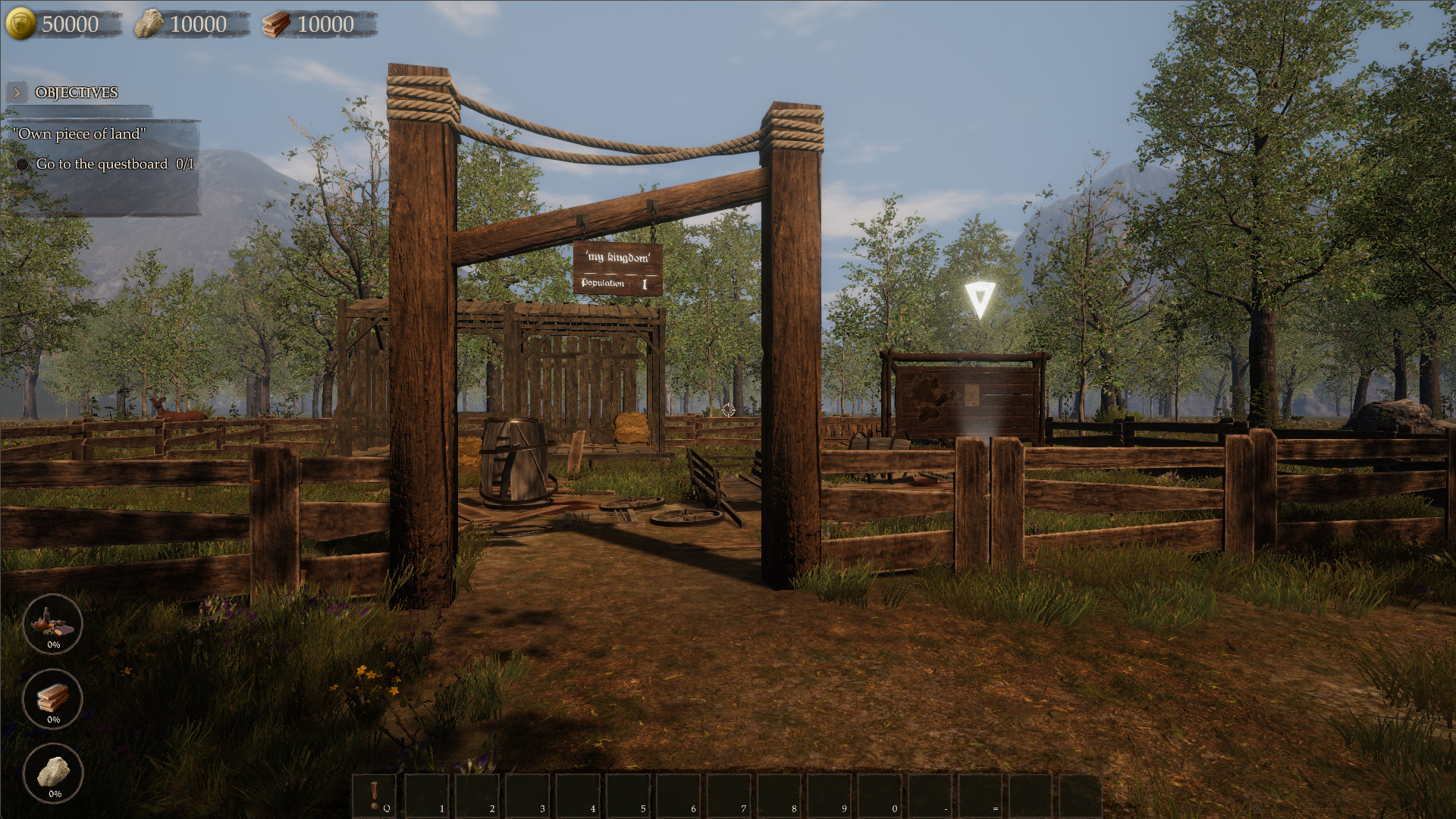
Building supplies for your kingdom
Choose your building budget and materials. This example shows 50,000 gold, 10,000 stone and 10,000 wood.
Match the balance to your plans
Check the resource needed for a purchase or building task, then use its matching control. These options change available amounts; they do not choose designs or remove other requirements.
Available resources

GoldPremium
Set your Gold balance for a different purchasing budget.
Before you use it: Changes funds rather than prices or building requirements.

RockFree
Adjust Rock separately to suit the materials budget for your project.
Before you use it: Does not alter your Gold or Wood balances.

WoodPremium
Set the Wood you have available for your renovation plans.
Before you use it: Changes the resource balance rather than completing construction.
More ways to customise Castle Flipper
- Castle Flipper ability modifiers
Adjustable flight for exploring your renovation site.
- Castle Flipper utilities
Free garbage pickup and tutorial prompt dismissal in the loaded area.
Using these features
Choose the feature in the Windows app after connecting your game. Check its requirements before making a change.
Setup for Castle Flipper →