

Resources
3 optionsFree Rock and Premium Gold or Wood balance controls.
View resources →Give your medieval renovation a different budget or clear away the rubbish before building. Castle Flipper's Windows options cover three resource balances, garbage pickup, tutorial prompts and flight for looking around the site.

Your first plot in Castle Flipper
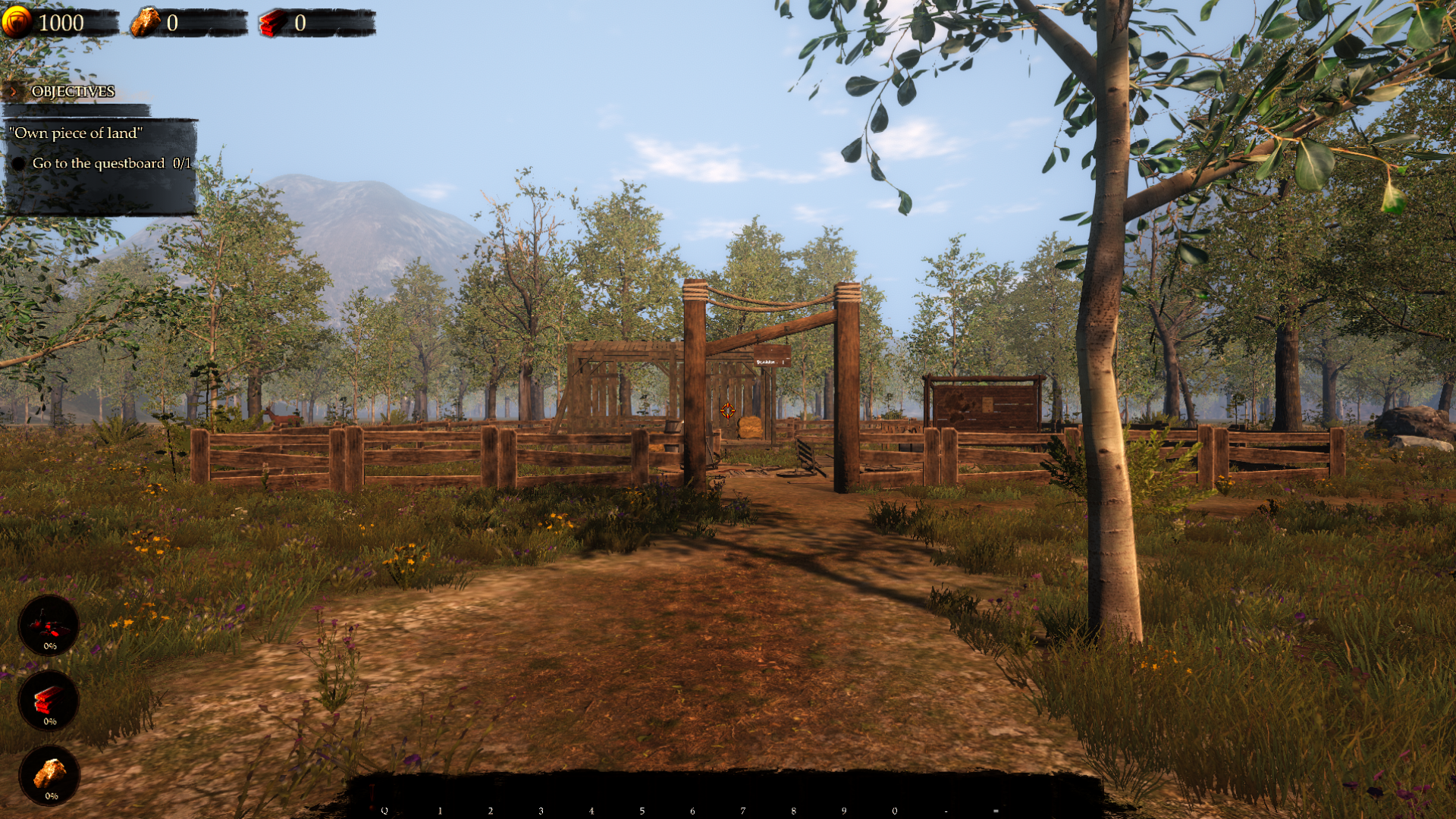
A medieval plot ready for renovation, with the questboard just inside the entrance.
Resources contains Gold, Rock and Wood. Utilities offers free Pickup Garbage and Skip Tutorial, while Ability Modifiers contains Premium Fly. Rock is free; Gold and Wood are Premium.
Install Bytonian Mods, open Castle Flipper and select it in the Windows app. Follow the connection prompts, load an area and choose the control you need.
Free Rock and Premium Gold or Wood balance controls.
View resources →Adjustable flight for exploring your renovation site.
View ability modifiers →Free garbage pickup and tutorial prompt dismissal in the loaded area.
View utilities →Browse the Steam achievement names and descriptions for Castle Flipper. Choose and unlock achievements for free with Bytonian Mods in the Windows app.
View all achievements →Download the Windows app and follow the setup prompts.
Open Castle Flipper and select it in Bytonian Mods. Follow the app’s connection prompts.
Review the available options in the app and choose the ones that suit how you play.