


Open the mission choices in the accidents folder
Choose which case to investigate with Unlock all missions. This free option opens mission access while enabled, giving you more control over the order in which you visit the game's cases.

Refresh the mission list
Enable the option, close the accidents folder and open it again. Access to a mission does not perform its rescue steps, gather its evidence or establish that you have completed it.
Available unlocks
Unlock all missionsFree
Open mission choices so you can choose which case to investigate.
Enable Unlock all missions, then close and reopen the accidents folder.
Before you use it: Changes mission access while enabled; it does not perform the case's tasks.
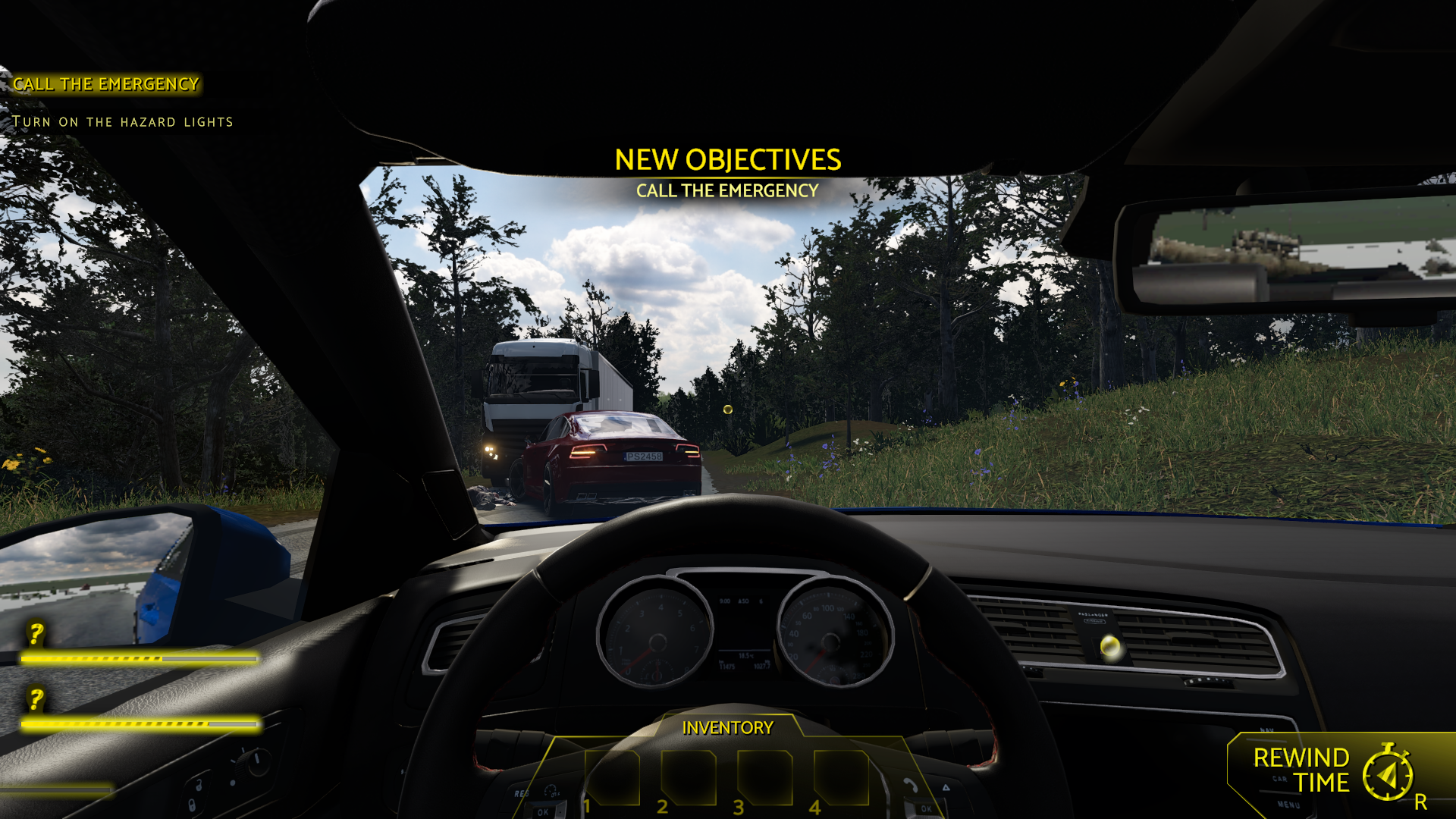
Choose another case to investigate
Visit the Sweden case with Unlock all missions enabled. Opening a case leaves its rescue and investigation tasks for you to complete.
More ways to customise Accident
- Accident ability modifiers
Configurable flight changes your movement around a scene.
Using these features
Choose the feature in the Windows app after connecting your game. Check its requirements before making a change.
Setup for Accident →