


Unlocks
1 optionEnable mission access and reopen the accidents folder.
View unlocks →Accident combines helping crash victims with gathering evidence to reconstruct what happened. These Windows options let you open mission choices or move around a scene from positions beyond the normal walking route.

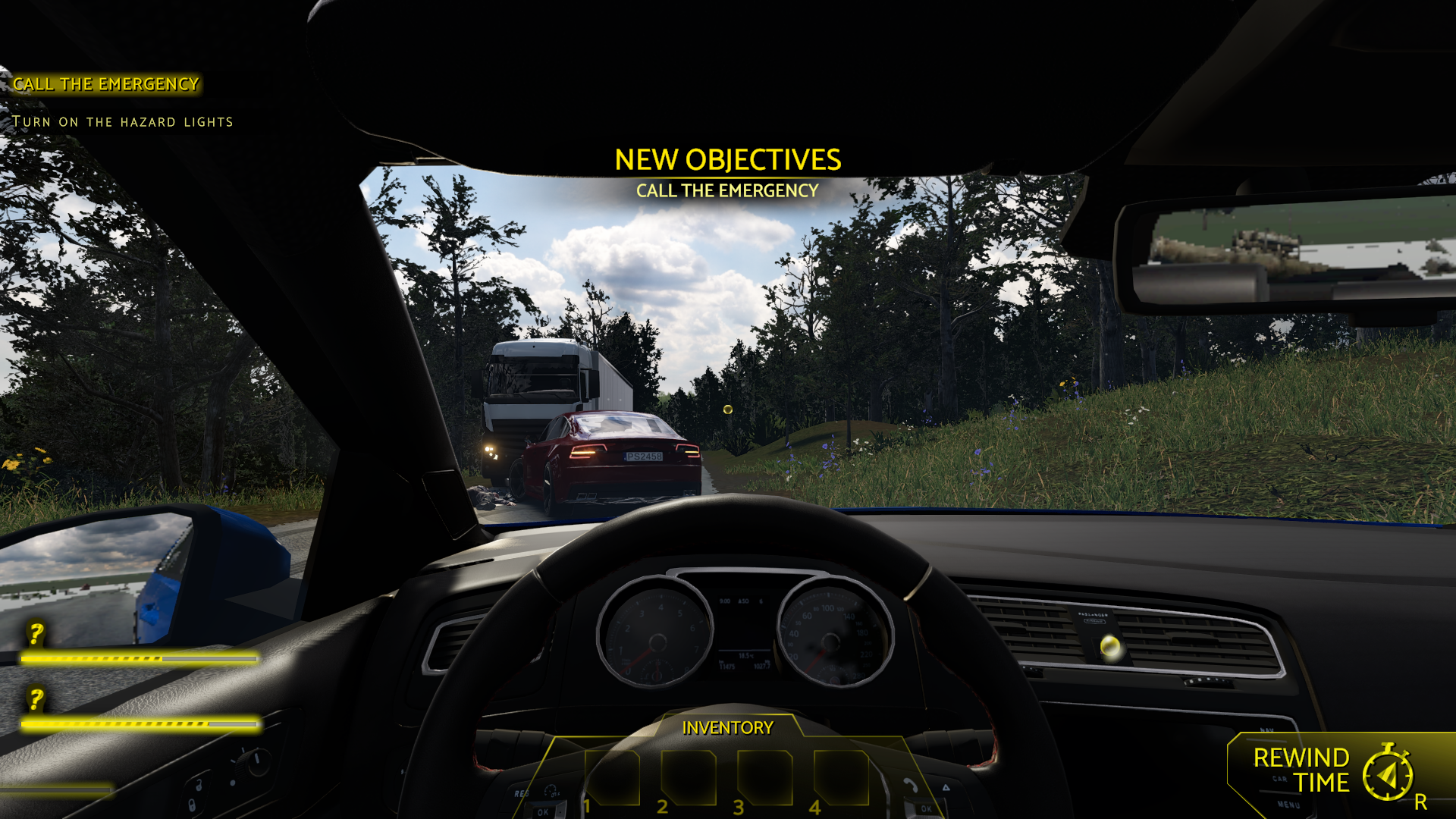
Arrive at an accident scene
Assess the road ahead and begin the case by securing the area and calling for help.
Unlocks contains Unlock all missions for case selection. Ability Modifiers contains Fly for moving through the scene; neither option carries out the rescue or investigation for you.
Install Bytonian Mods, launch Accident and select it in the app. Follow the connection prompts, then choose a control. For mission unlocking, close the accidents folder and reopen it after enabling the option.
Enable mission access and reopen the accidents folder.
View unlocks →Configurable flight changes your movement around a scene.
View ability modifiers →Download the Windows app and follow the setup prompts.
Open Accident and select it in Bytonian Mods. Follow the app’s connection prompts.
Review the available options in the app and choose the ones that suit how you play.