

Inspect crash scenes from different positions
Fly lets you move above normal paths and through scenery when looking around an accident scene. The Premium control uses the direction you are looking, with separate normal and faster movement speeds.

Check the flight controls
Review the movement, up, down and faster-flight keys in the app before enabling Fly. Choose a manageable speed and return to a clear, walkable spot before disabling it.
Keep mission steps in mind
Flight changes where you can move. It does not automatically treat victims, collect evidence or finish objectives; use the ordinary interactions when continuing the case.
Available ability modifiers
FlyPremium
Fly around the accident scene and through scenery to inspect it from different positions.
Check the configured keys and speed settings, then enable Fly.
Before you use it: Does not complete case objectives. Return to a clear, walkable position before disabling.
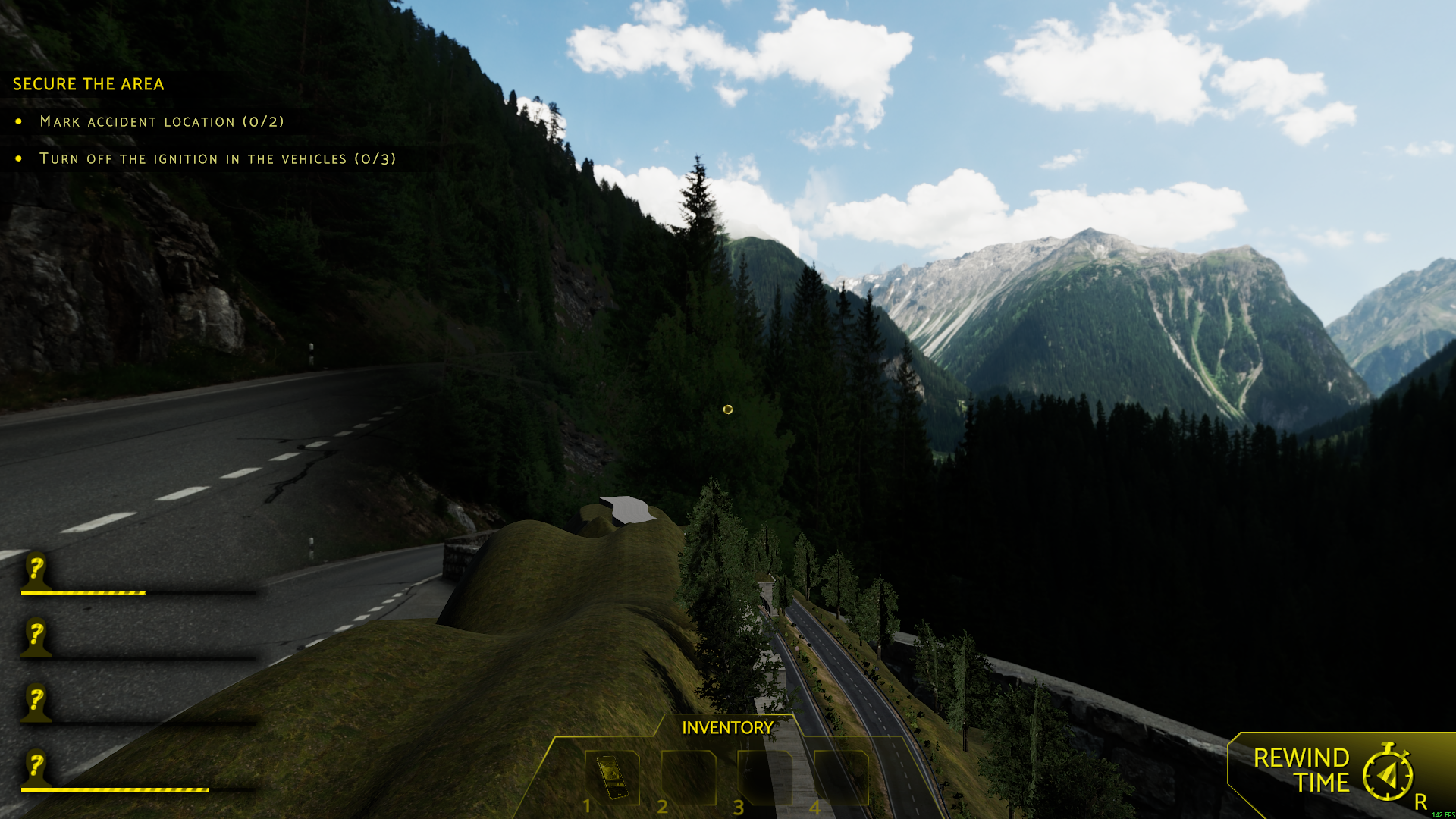
Fly above the mountain road
Rise above the accident scene and explore the mountain roads from the air with Fly.
More ways to customise Accident
- Accident unlocks
Enable mission access and reopen the accidents folder.
Using these features
Choose the feature in the Windows app after connecting your game. Check its requirements before making a change.
Setup for Accident →