

Set Stars in the Mad Hatter Shop
The Premium Stars control lets you choose your shop currency balance. Add room for equipment purchases or lower the balance when you want a stricter budget.
Open the shop first
Stars needs the Mad Hatter Shop open to read and change your balance. More Stars do not themselves unlock blocked cards; use the separate card-unlock control for availability.
Available resources

StarsPremium
Set your Stars balance for Mad Hatter Shop purchases.
Open the Mad Hatter Shop before choosing the desired Stars amount.
Before you use it: Shop required; currency does not automatically unlock blocked cards.
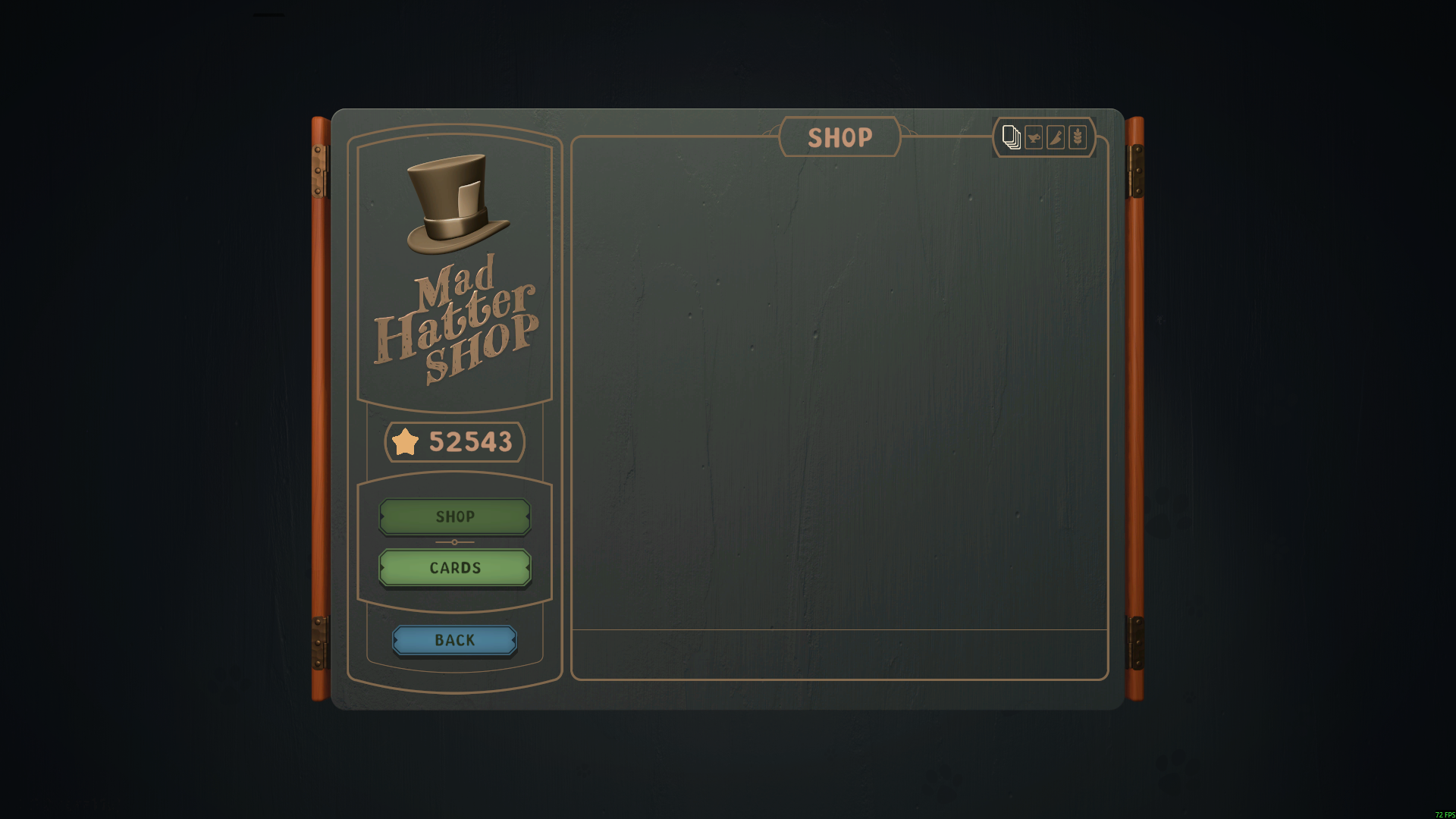
52,543 Stars in the Mad Hatter Shop
Choose your Stars balance while browsing the Mad Hatter Shop. This run shows 52,543 Stars.
More ways to customise Abra-Cooking-Dabra
- Abra-Cooking-Dabra unlocks
Unlock card availability without making purchases free.
- Abra-Cooking-Dabra game actions
Complete active card tasks while order timers remain separate.
Using these features
Choose the feature in the Windows app after connecting your game. Check its requirements before making a change.
Setup for Abra-Cooking-Dabra →